Brw

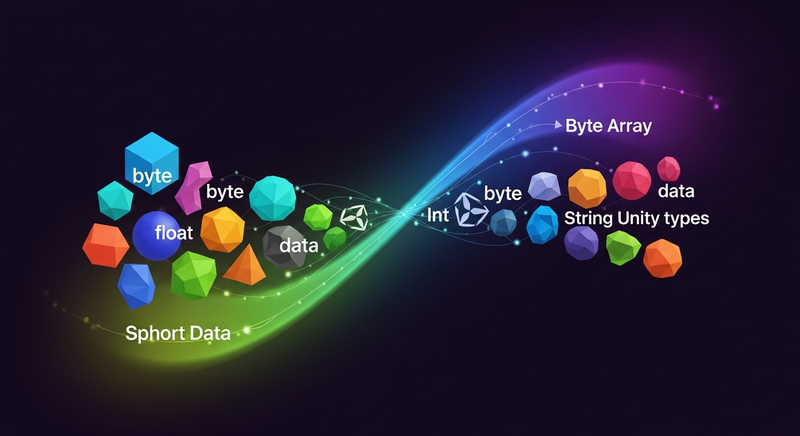
Serialize and deserialize C# built-in and Unity types to byte arrays with a fluent, chainable API. BRW provides lightweight BytesReader and BytesWriter classes for efficient binary data handling, ideal for networking, file I/O, and data persistence in Unity projects.
Unity Project
Built with Unity 2020.3.49f1 · download the source from GitHub
Dependencies (37)
Timeline 1.4.8JetBrains Rider Editor 3.0.21VS Code Editor 1.2.5AI 1.0.0UI 1.0.0VR 1.0.0XR 1.0.0TextMeshPro 3.0.6Wind 1.0.0Audio 1.0.0Cloth 1.0.0IMGUI 1.0.0Umbra 1.0.0Video 1.0.0Test Framework 1.1.33Physics 1.0.0Terrain 1.0.0Tilemap 1.0.0Visual Studio Editor 2.0.18Director 1.0.0Vehicles 1.0.0Animation 1.0.0Physics 2D 1.0.0com.unity.modules.androidjni 1.0.0UI Elements 1.0.0Asset Bundle 1.0.0JSON Serialize 1.0.0Screen Capture 1.0.0Particle System 1.0.0Terrain Physics 1.0.0Unity Analytics 1.0.0Image Conversion 1.0.0Unity Web Request 1.0.0Unity Web Request WWW 1.0.0Unity Web Request Audio 1.0.0Unity Web Request Texture 1.0.0Unity Web Request Asset Bundle 1.0.0
README
BRW
Binary Reader and Writer.
A tiny library to write C# in-built types and some Unity types into a byte array. BRW is used in UniVoice, the open source VoIP/voice chat plugin for Unity.
Allows for a fluent interface for writing like:
BytesWriter writer = new BytesWriter();
writer.WriteByte(10)
    .WriteShort(20)
    .WriteInt(30)
    .WriteFloat(40.5f)
    .WriteString("Test");
var writtenBytes = writer.Bytes;
While reading, readin the same order you wrote in:
BytesReader reader = new BytesReader(writtenBytes);
var myByte = reader.ReadByte();
var myShort = reader.ReadShort();
var myInt = reader.ReadInt();
var myFloat = reader.ReadFloat();
var myString = reader.ReadString();
Installation
Install using NPM, ensure the following is present in your manifest.json
"scopedRegistries": [
    {
        "name": "npmjs",
        "url": "https://registry.npmjs.org",
        "scopes": [
            "com.npmjs",
            "com.adrenak.brw"
        ]
    }
]
Contact
Comments
No comments yet. Be the first!
Sign in to join the conversation
Sign In