Camera Viewport Rect
Automatically bind Camera viewports to RectTransforms, enabling seamless 3D model rendering directly into responsive UI elements without RenderTextures. Supports both Screen Space - Camera and Screen Space - Overlay canvas modes, with automatic camera enable/disable synchronization.
com.gilzoide.camera-viewport-rect 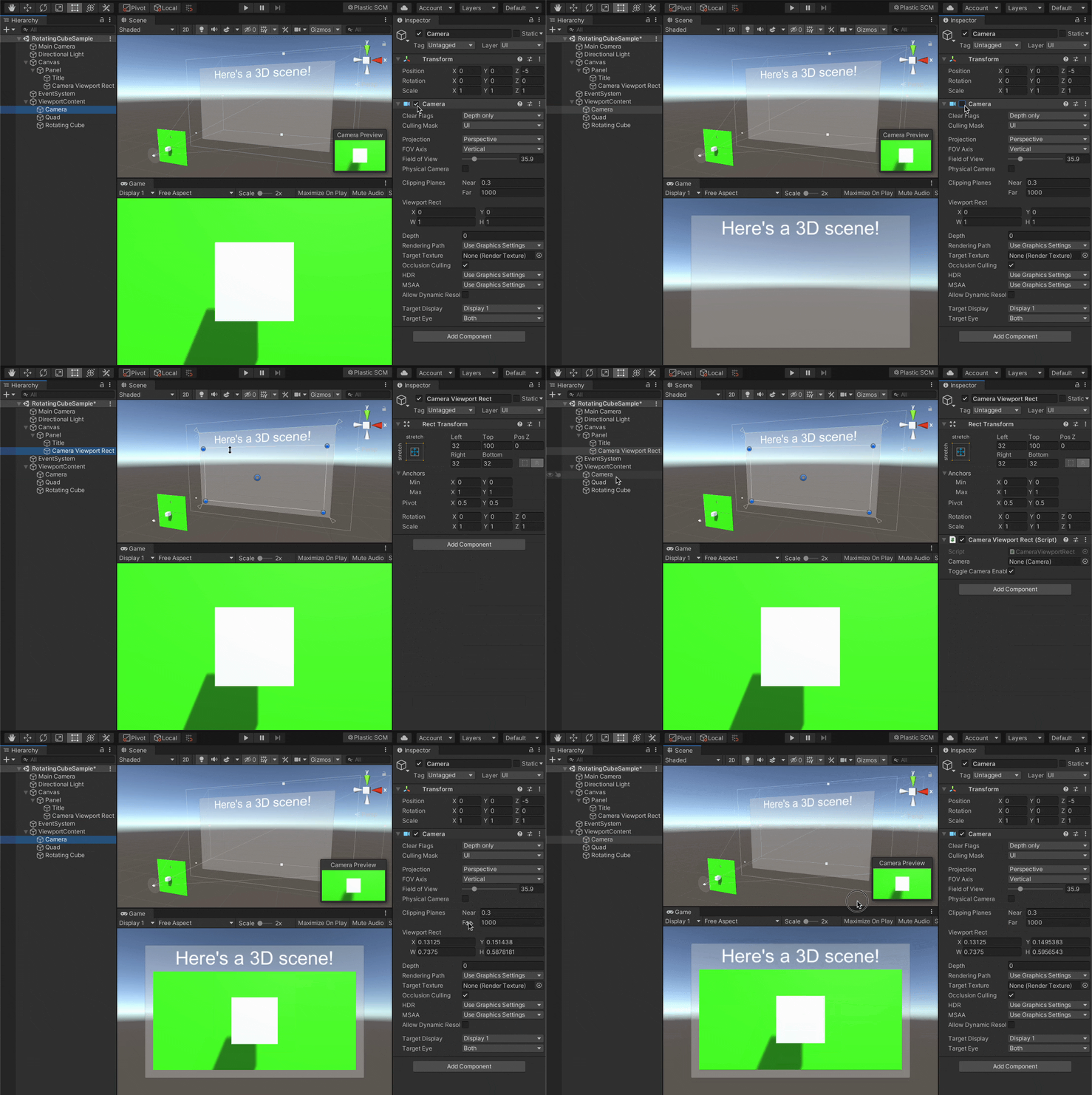
Install via UPM
Add to Unity Package Manager using this URL
https://www.pkglnk.dev/camera-viewport-rect.git README Markdown
Copy this to your project's README.md

## Installation
Add **Camera Viewport Rect** to your Unity project via Package Manager:
1. Open **Window > Package Manager**
2. Click **+** > **Add package from git URL**
3. Enter:
```
https://www.pkglnk.dev/camera-viewport-rect.git
```
[](https://www.pkglnk.dev/pkg/camera-viewport-rect)README
Camera Viewport Rect

Automatically setup Camera viewports from RectTransforms.
This way one can easily show 3D models directly into responsive UI without the need of setting up RenderTextures.
Features
- Supports canvases in both
Screen Space - CameraandScreen Space - Overlaymodes. UsingScreen Space - Cameramode is recommended to make sure the camera renders above the UI. - Supports enabling/disabling the target Camera when the script itself gets enabled/disabled
How to install
Either:
Install using openupm:
openupm add com.gilzoide.camera-viewport-rectInstall via Unity Package Manager using the following URL:
https://github.com/gilzoide/unity-camera-viewport-rect.git#1.0.1Copy the script CameraViewportRect.cs directly into your project
How to use
- Add a CameraViewportRect component to any
object with a
RectTransform - Set the
Cameraproperty to the camera that should render inside it - Enjoy 🍾
Samples
This UPM package has the following sample scene:
- RotatingCube: Simple sample with a rotating cube that appears on a responsive UI
Comments
No comments yet. Be the first!
Sign in to join the conversation
Sign In