Danbaidong RP

The Danbaidong Render Pipeline is a prebuilt Scriptable Render Pipeline, made by Unity.For PCs
com.unity.render-pipelines.danbaidong Unity Compatibility
Unity 6 Supported
2023.2 Unsupported
2023.1 Unsupported
2022.3 LTS Unsupported
2021.3 LTS Unsupported
2020.3 LTS Unsupported
2019.4 LTS Unsupported
Install via UPM
Add to Unity Package Manager using this URL
https://www.pkglnk.dev/danbaidong.git 
README Markdown
Copy this to your project's README.md
Style
Preview 
## Installation
Add **Danbaidong RP** to your Unity project via Package Manager:
1. Open **Window > Package Manager**
2. Click **+** > **Add package from git URL**
3. Enter:
```
https://www.pkglnk.dev/danbaidong.git
```
[](https://www.pkglnk.dev/pkg/danbaidong)Dependencies (1)
README





Danbaidong Render Pipeline
Announcement
Just add something I need.
DanbaidongRP is a custom render pipeline built based on Universal RP 17.0.3, Unity 6 (6000.0.30f1). This pipeline is optimized for both PBR and NPR Toon Rendering, offering enhanced flexibility for various rendering needs. Future updates will include additional features tailored to my specific requirements.
Subscribe:
Roadmap & Features:
- PBR Toon Shader
- Cel shading
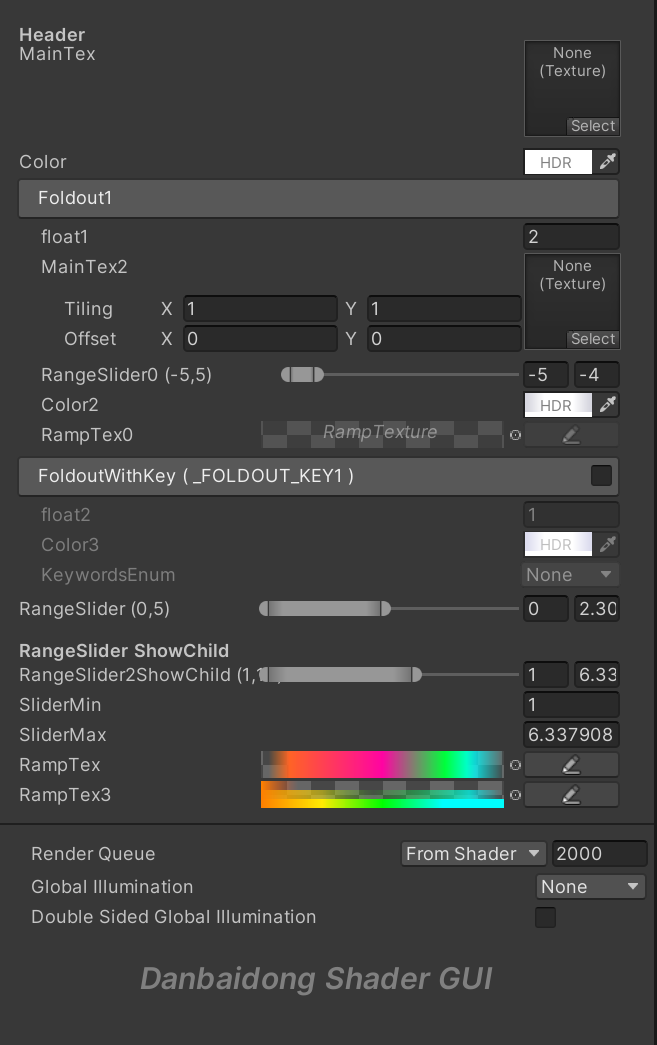
- Danbaidong Shader GUI
- PerObjectShadow
- PCSS/PCF Soft Shadows
- Shadow Scattering
- Ray Tracing Shadow
- Transparent Shadows
- Toon Toonmapping
- Toon Bloom
- Visual Sky
- High Quality SSR (Ray Tracing)
- High Quality SSAO
- High Quality SSGI
- Cluster Deferred lighting
- Character Forward lighting
- Atmosphere Fog
- Idol Live アイドル!!!!!
Usage
- Create a new Unity 6 URP project (6000.0.30f1).
- Window -> Package Manager, remove Universal RP and delete the contents of the Assets/Settings folder.
- Add DanbaidongRP through the Package Manager. It is recommended to use the "Install package from disk..." option to individually add the Core, Config, and DanbaidongRP packages (select the
package.jsonfile for each). - In the Settings directory, recreate the DanbaidongRP Asset by right-clicking and selecting Create -> Rendering -> Danbaidong RP Asset and Renderer. Then, in Edit -> Project Settings -> Graphics, set the Default Renderer Pipeline to the pipeline Asset you just created. The scene should now render correctly.
- Next, restart the project. A Wizard window will pop up, which contains the necessary configurations for the pipeline to use correctly.
Documents
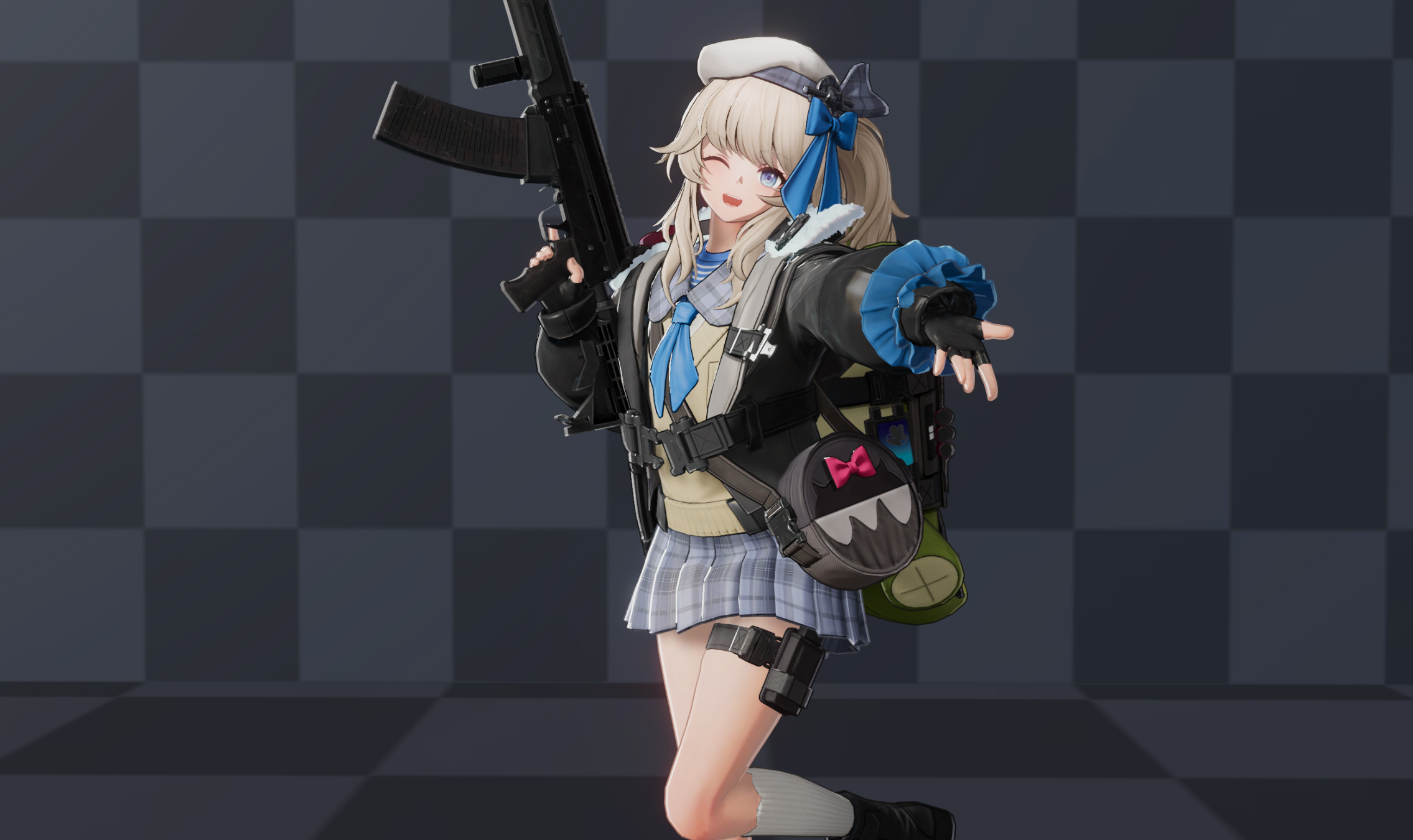
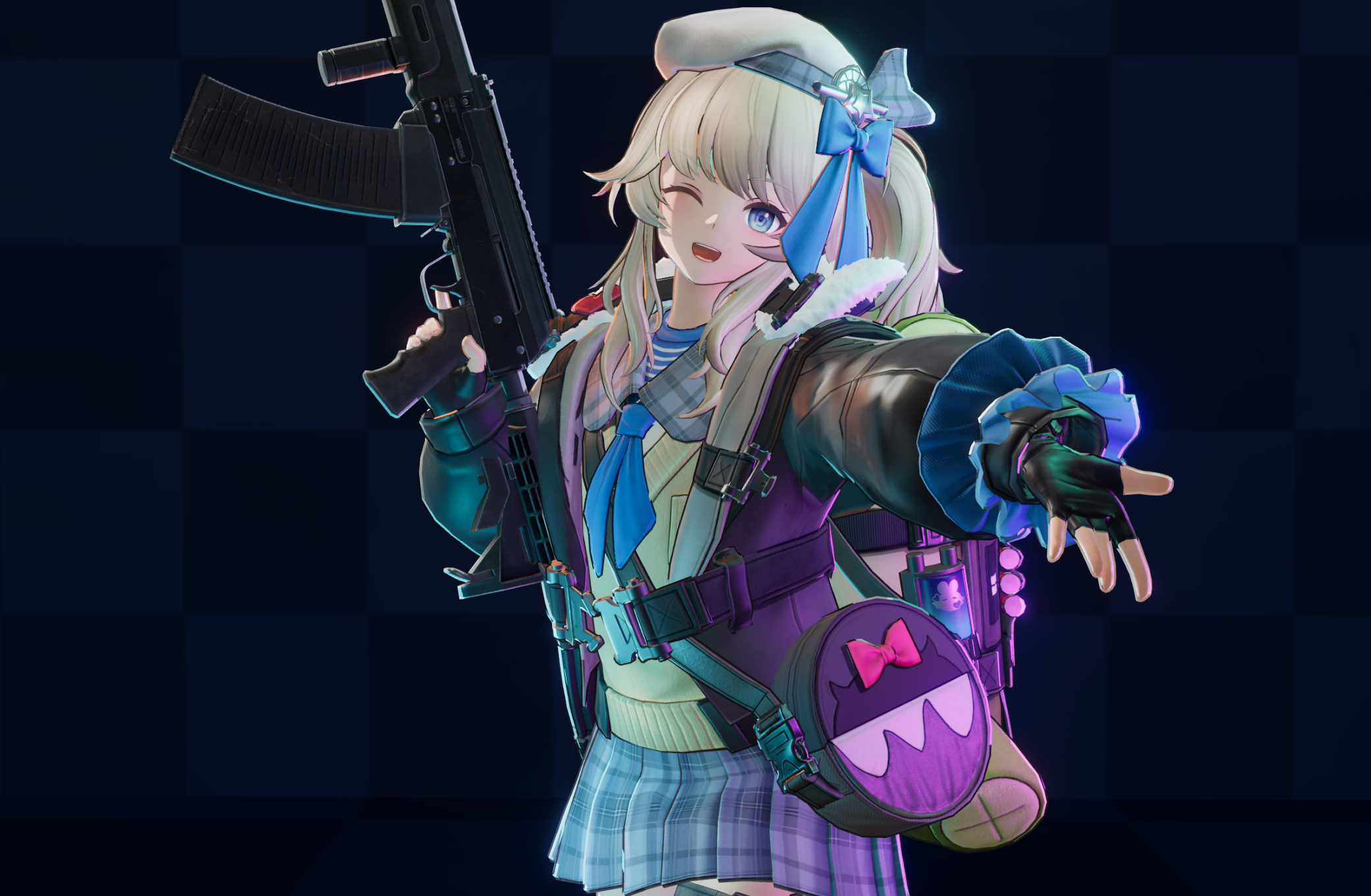
Character Rendering
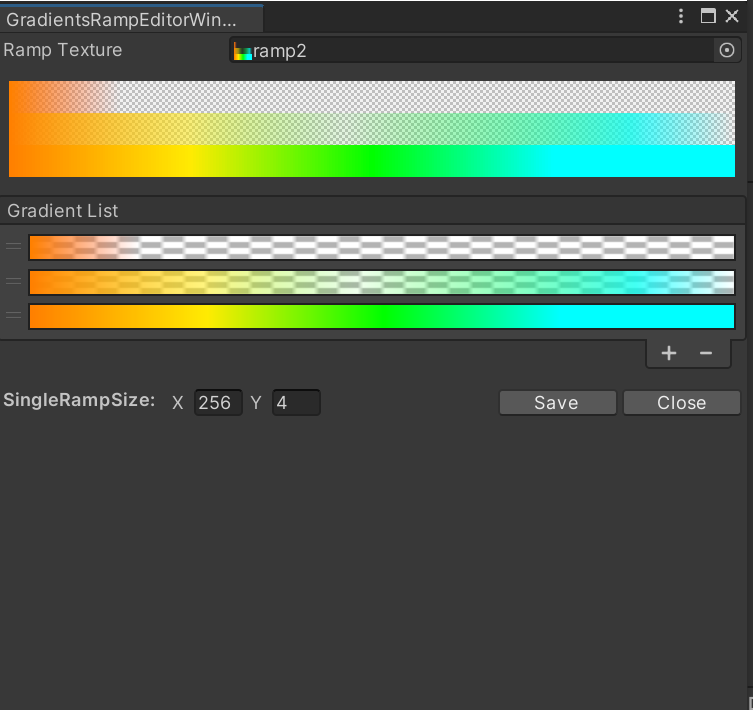
Danbaidong Shader GUI
CustomEditor "UnityEditor.DanbaidongGUI.DanbaidongGUI"`
Shadows
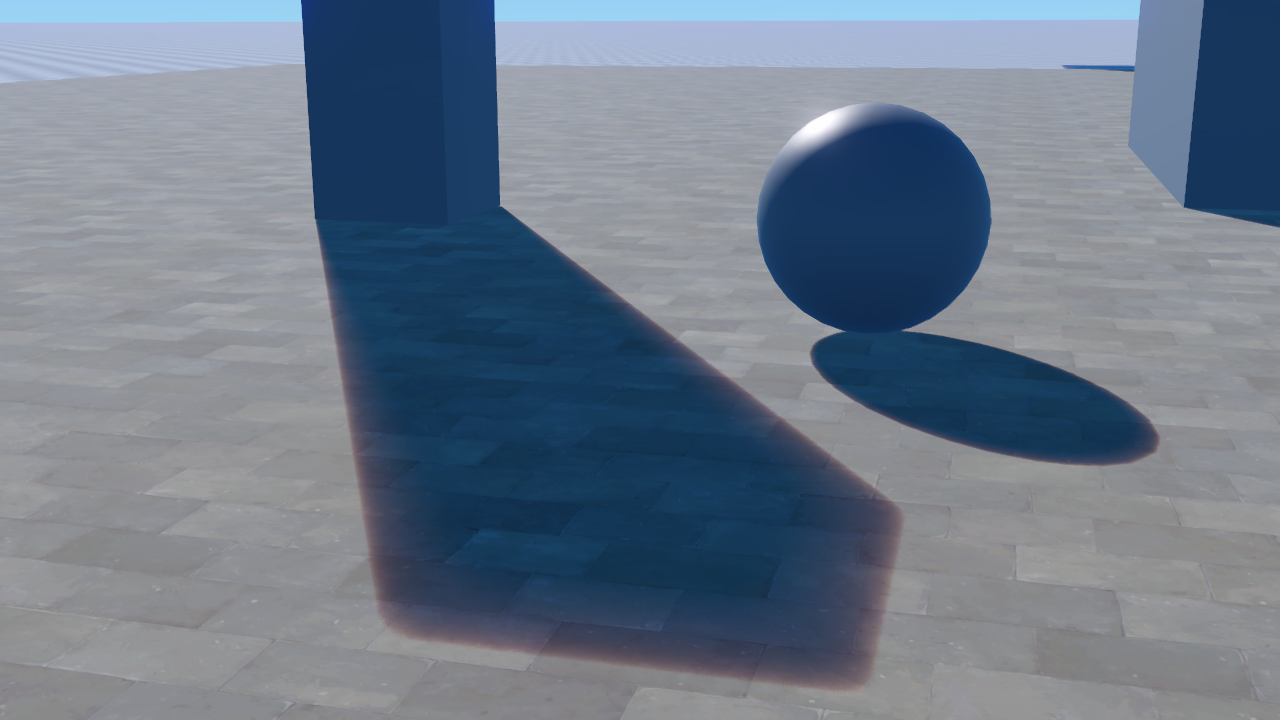
Shadow Scattering
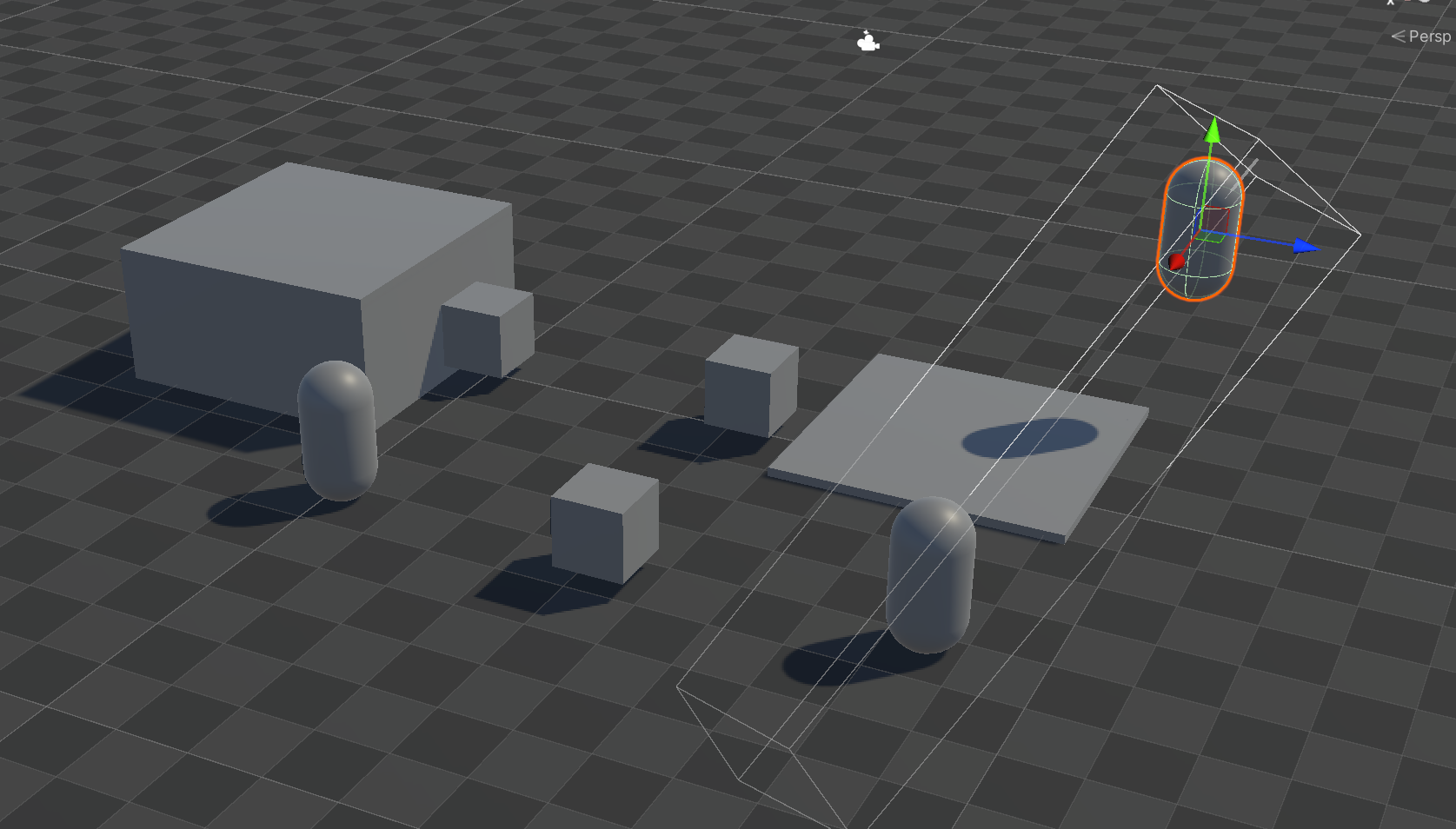
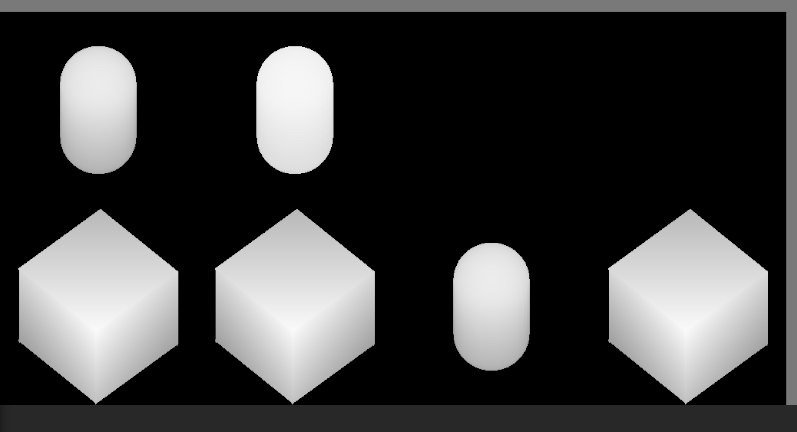
Per Object Shadow
Reflections (RayTracing)
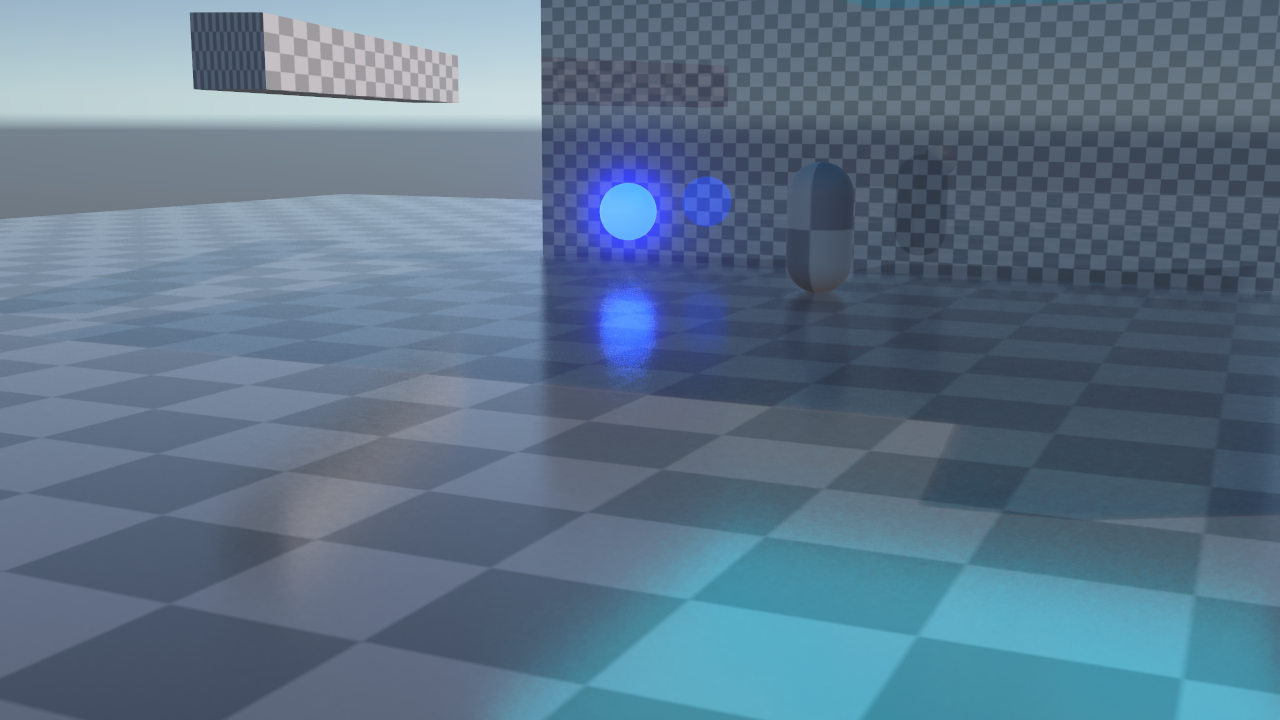
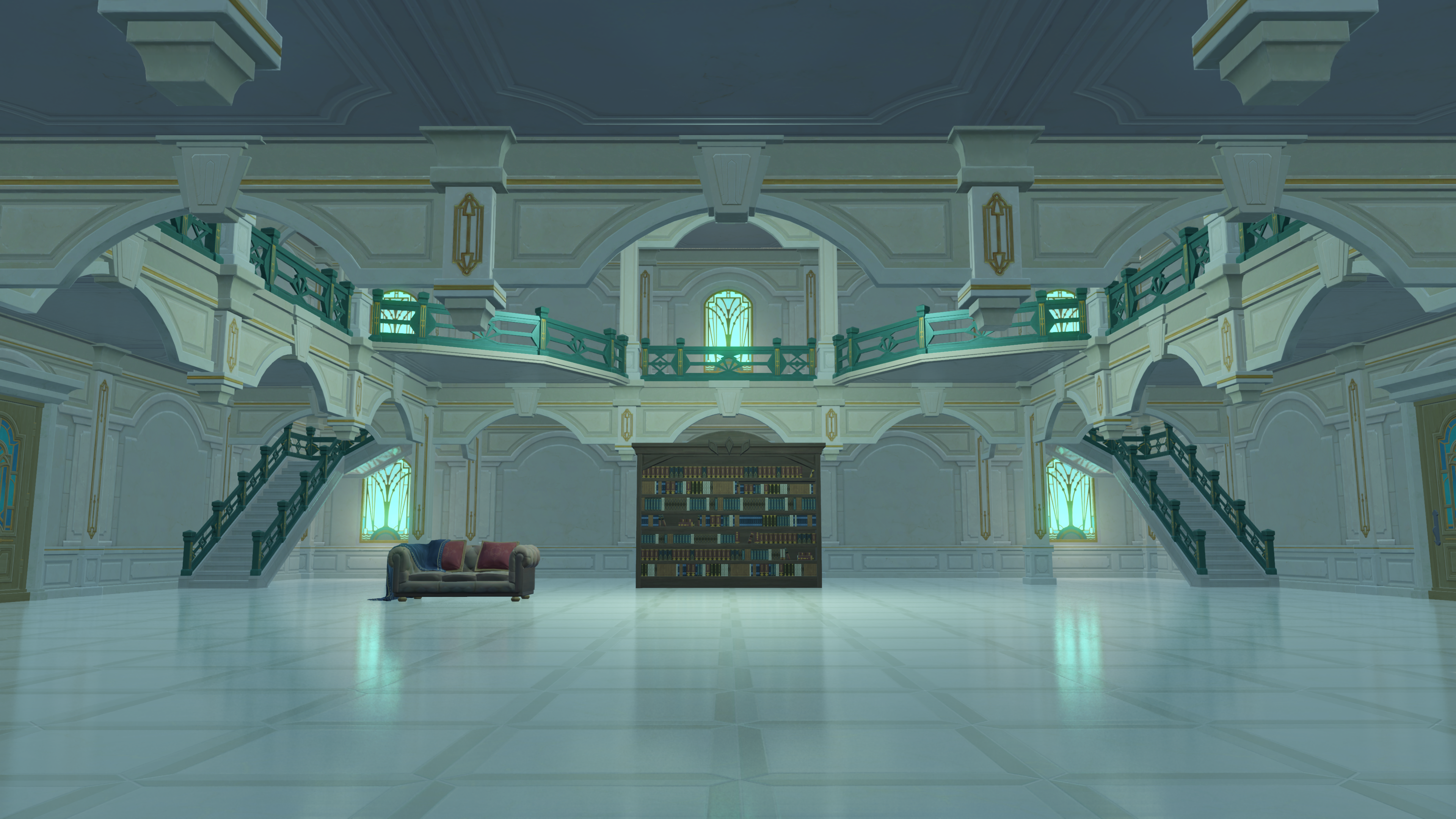
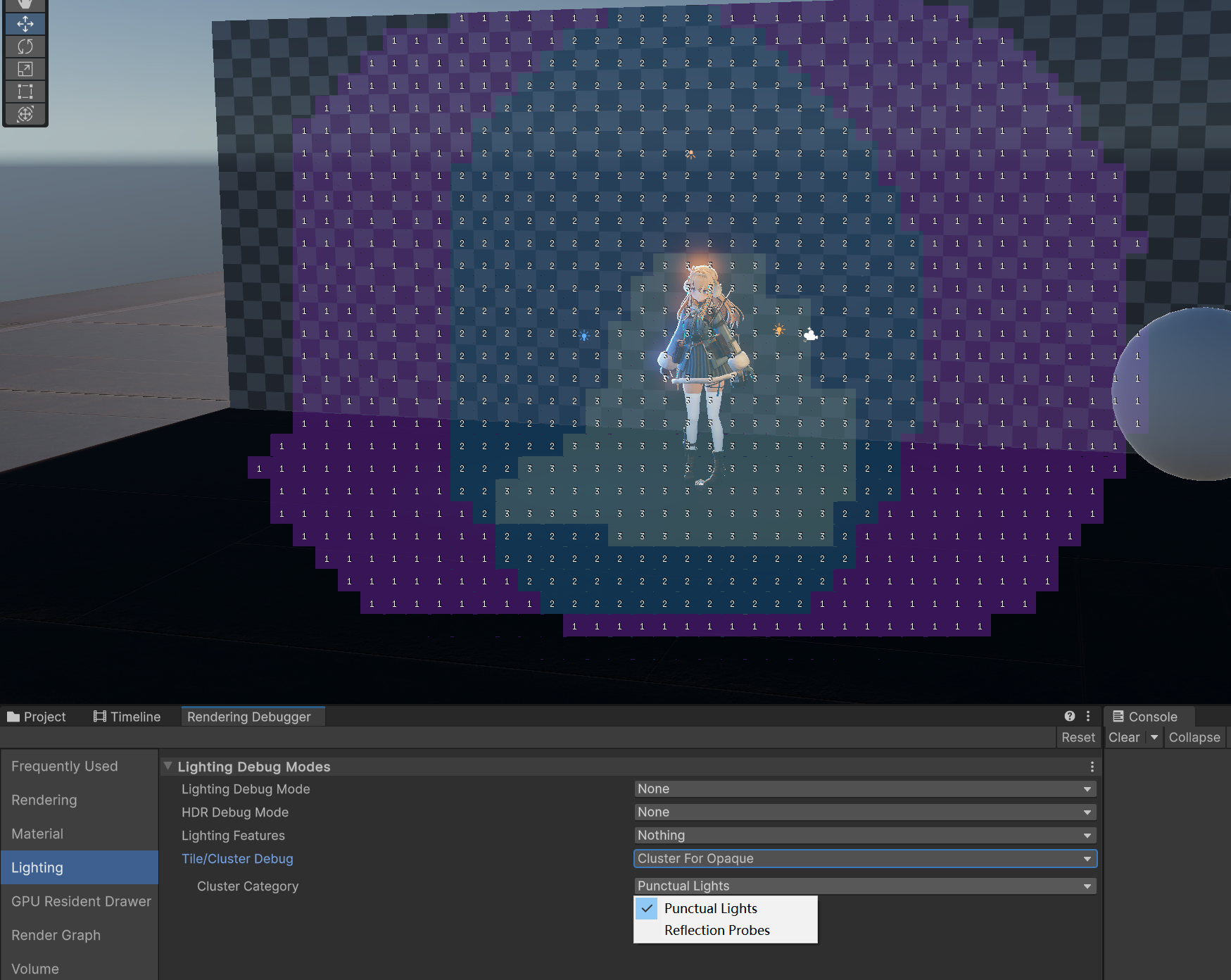
GPU Lights (Cluster)
Others
CommentsNo comments yet. Be the first! |
Sign in to join the conversation
Sign In