DynamicAtlas
Unity Dynamic Atlas Solution with Texture Compression Support.
com.mabinogi-cichol.dynamicatlas 
Install via UPM
Add to Unity Package Manager using this URL
https://www.pkglnk.dev/dynamicatlas.git README Markdown
Copy this to your project's README.md

## Installation
Add **DynamicAtlas** to your Unity project via Package Manager:
1. Open **Window > Package Manager**
2. Click **+** > **Add package from git URL**
3. Enter:
```
https://www.pkglnk.dev/dynamicatlas.git
```
[](https://www.pkglnk.dev/pkg/dynamicatlas)Dependencies (1)
README
Unity-DynamicAtlas
A dynamic atlas solution for Unity.
The rectangle packing algorithm is based on GitHub - villekoskelaorg/RectanglePacking: Super fast AS3 implementation of rectangle packing algorithm with some extensions. Special thanks to @villekoskelaorg (Ville Koskela) · GitHub.
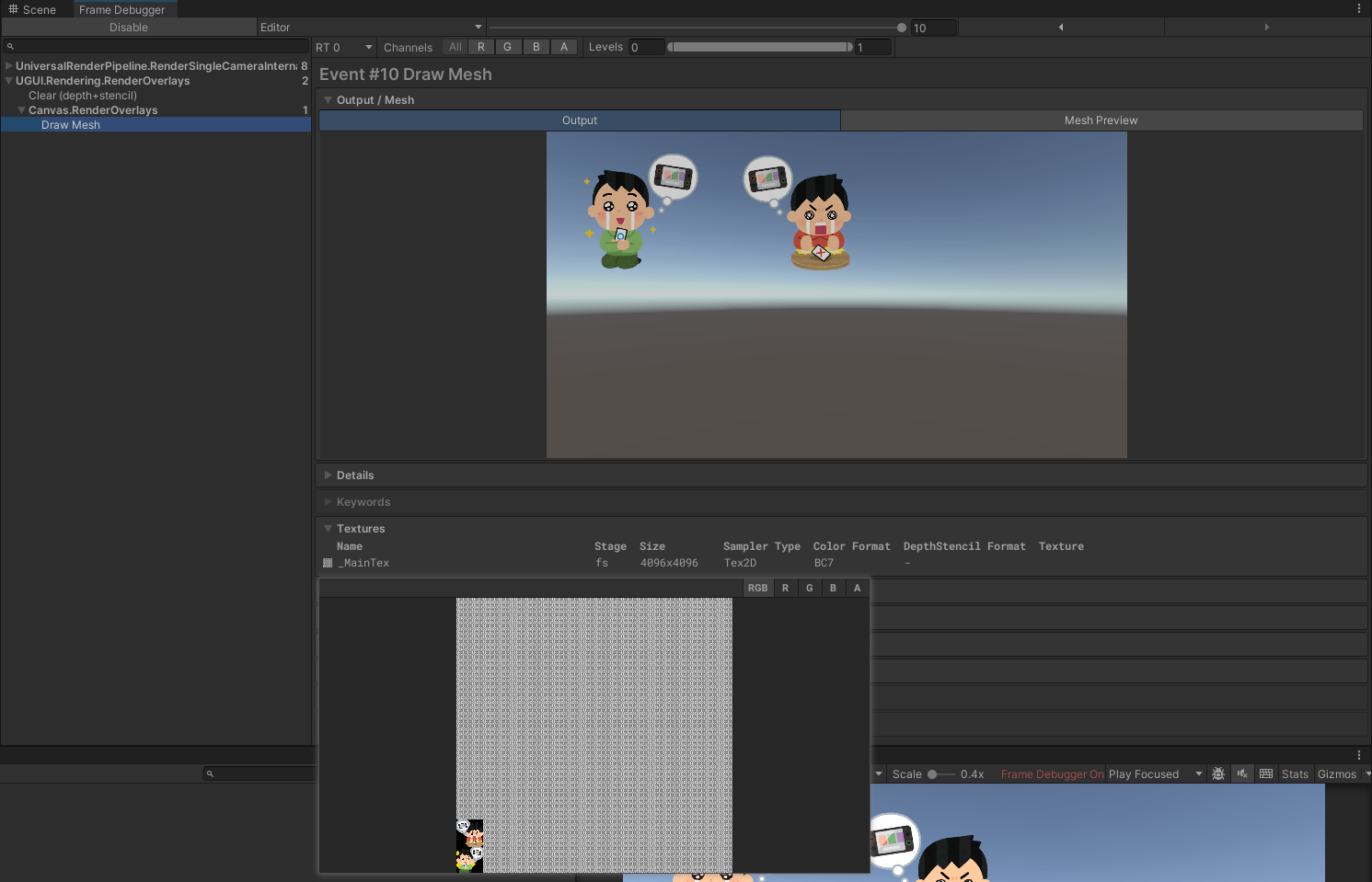
Features
- Atlas texture compression
- Asynchronous resource loading
- Internal reference counting for atlas, automatically releases regions with zero references
- Large images automatically fallback to loose texture reference, with customizable threshold
- Supports custom resource loading methods
Limitations
- OpenGL ES2.0 is not supported
- The texture compression format of loose textures and atlases must be consistent
- Loose textures cannot be static atlas members
Usage Example
You can quickly get a reference from the Init.cs script in the Demo scene.
Call the initialization method DynamicAtlasManager.Init in your external code to initialize various parameters required for the dynamic atlas. It is recommended to call it in your initialization logic, such as Awake().
Use the
DynamicImagecomponent instead of theUnityEngine.UI.Imagecomponent. You can directly mount images statically, or dynamically load images through theDynamicImage.SetDynamicSprite(string spriteName)method.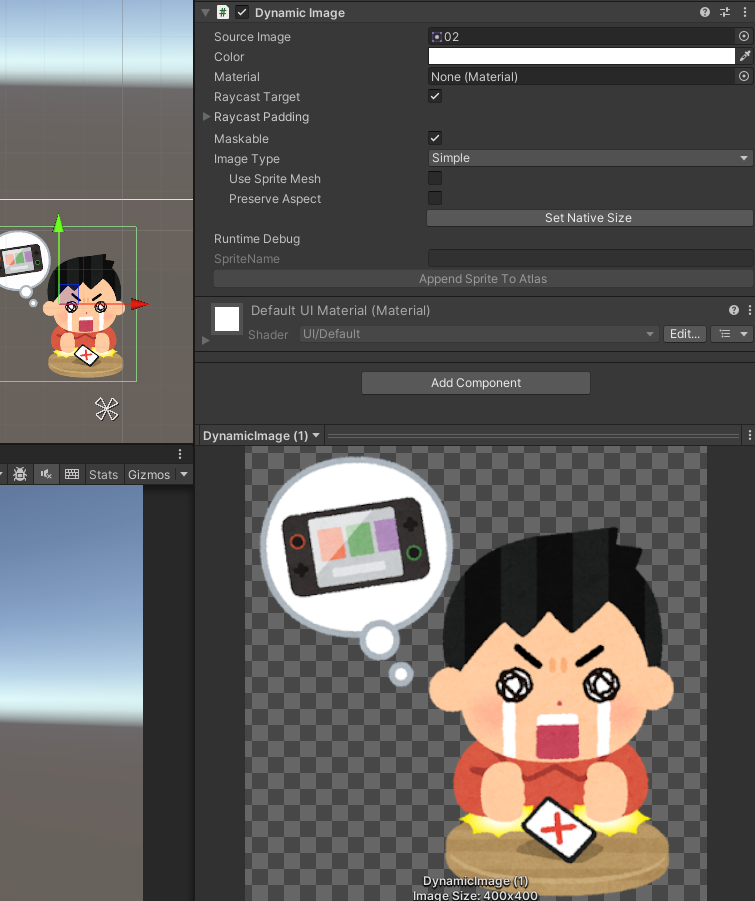
Enjoy!
No comments yet. Be the first!