Dynamic Lighting
Modernized Lighting System of Unreal Gold / Tournament (1996-1999) for Unity. This lighting technique precomputes unique shadows for each light source, allowing dynamic adjustments such as color changes, flickering, or even water refraction. If you found this package useful, please consider making a donation or supporting me on Patreon or giving my repository a star on GitHub. Your donations are a tremendous encouragement for the continued development and support of this package. Patreon: https://patreon.com/henrydejongh Ko-fi: https://ko-fi.com/henry00 PayPal: https://paypal.me/henrydejongh Discord: https://discord.gg/sKEvrBwHtq Get in touch, I would love to see what you are working on! -Henry
de.alpacait.dynamiclighting 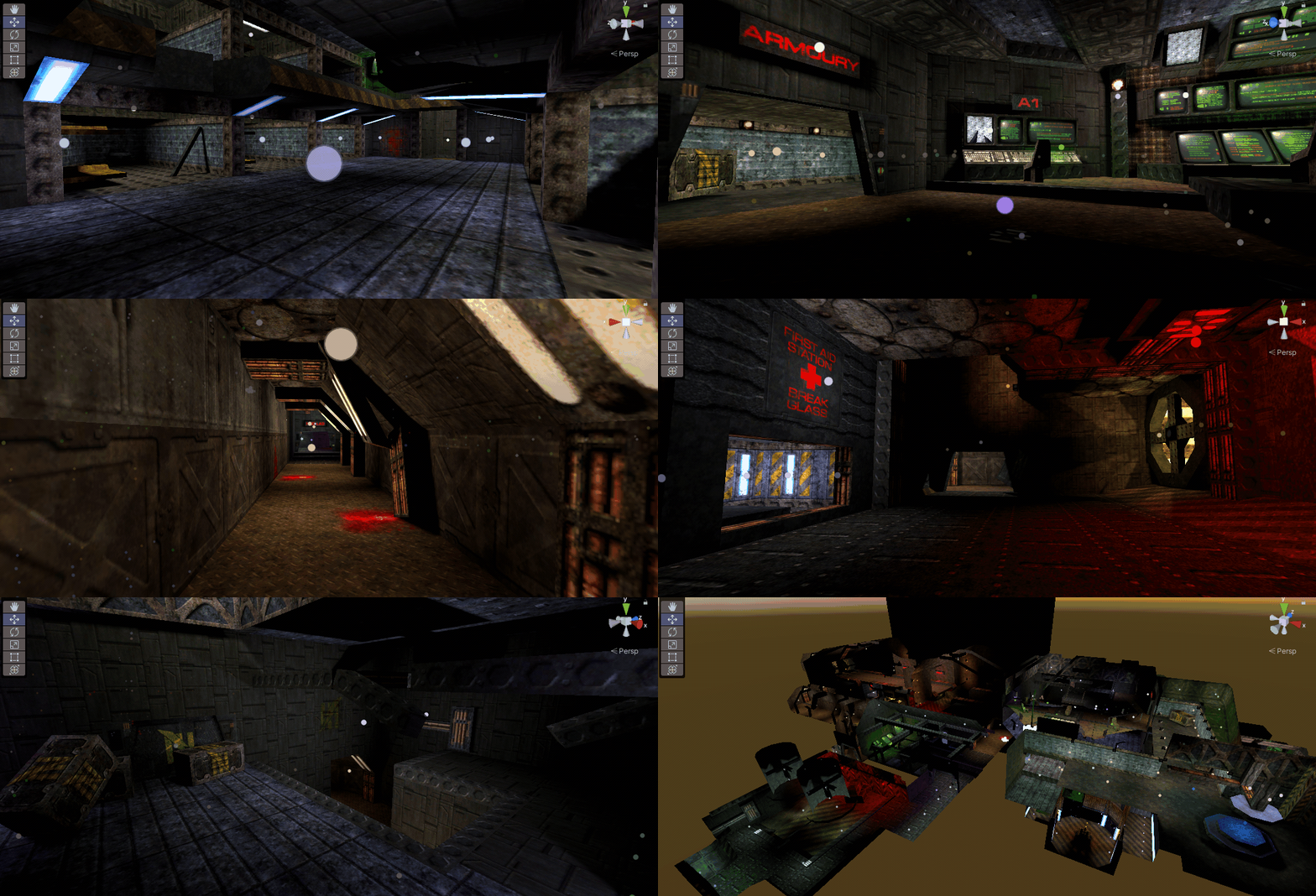
Install via UPM
Add to Unity Package Manager using this URL
https://www.pkglnk.dev/dynamiclighting.git README Markdown
Copy this to your project's README.md

## Installation
Add **Dynamic Lighting** to your Unity project via Package Manager:
1. Open **Window > Package Manager**
2. Click **+** > **Add package from git URL**
3. Enter:
```
https://www.pkglnk.dev/dynamiclighting.git
```
[](https://www.pkglnk.dev/pkg/dynamiclighting)Dependencies (1)
README
Dynamic Lighting for Unity.
This package brings an old school lighting technique to Unity.
It is inspired by Tim Sweeney's lighting system in Unreal Gold and Unreal Tournament (1996-1999).
This lighting technique precomputes unique shadows for each light source, allowing dynamic adjustments such as color changes, flickering, volumetric effects, rotating spot lights, animated cookies, or even water refraction; all after baking the scene has already finished. This level of realtime customization is not possible with Unity's baked lighting alone (mixing the Progressive Lightmapper and this technique is supported). It utilizes straightforward custom shaders similar to Unity's Standard shader and is compatible with the built-in render pipeline (URP is supported with some limitations). The minimum Unity Editor requirement is 2021.2.18f1 up to and including Unity 6.2.
To raytrace the scene, game objects must be marked as static.
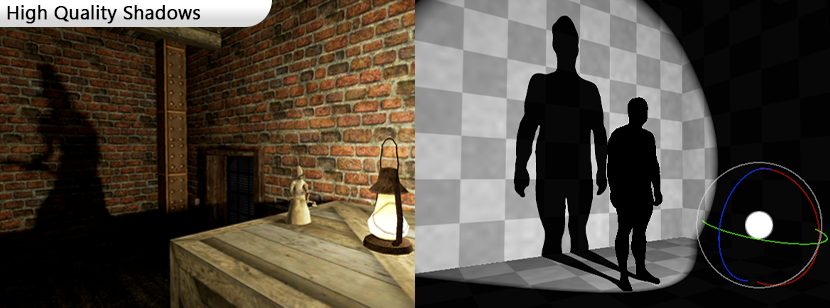
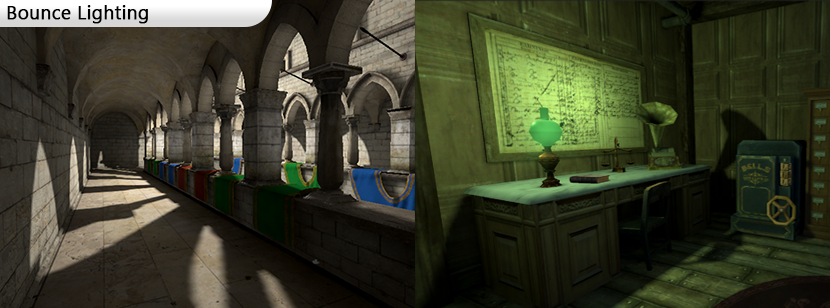
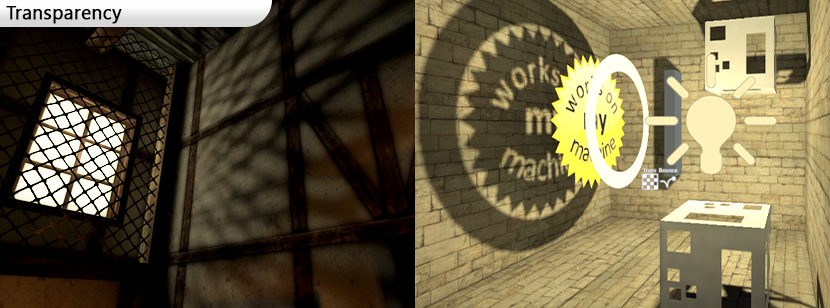

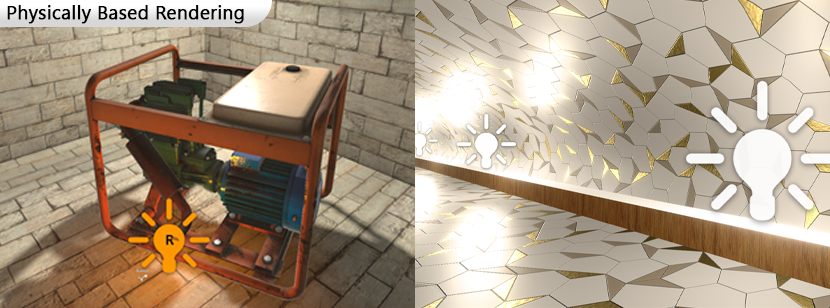
Cons
The main limitation of this technique is that lights with shadows cannot change their position. If they have to move, they become real-time lights that cast no shadows and can potentially shine through walls, if their radius allows for it. Depending on the use case and level design, this may never be a problem at all.
However, real-time shadows and standard Unity lights with real-time shadows are supported and can be used sparingly to overcome this limitation.
Installation Instructions:
Add the following line to your Unity Package Manager:

https://github.com/Henry00IS/DynamicLighting.git
Support:
Feel free to join my Discord server and let's talk about it.
If you found this package useful, please consider making a donation or supporting me on Patreon. Your donations are a tremendous encouragement for the continued development and support of this package. 😁



Partners:
The Dynamic Lighting system enhances Gloomwood, a professional game by New Blood Interactive.
New Blood Interactive generously funded the development of custom features, including bounce lighting, to elevate Gloomwood's visuals. They permitted all features created for the game to be shared in this open-source project, empowering the Unity community and showcasing the system's capabilities in a commercial production.
No comments yet. Be the first!