Gradient Rect
Gradient Rect provides Unity UI components that render gradients directly into mesh vertices, enabling rich color transitions without material manipulation. Supports color tints, textures, sprites, custom materials, masking, and mesh modifiers like Outline and Shadow, all while leveraging Unity's built-in Gradient class for seamless integration.
com.gilzoide.gradient-rect Unity Compatibility
Unity 6 Supported
2023.2 Supported
2023.1 Supported
2022.3 LTS Supported
2021.3 LTS Supported
2020.3 LTS Unsupported
2019.4 LTS Unsupported
Install via UPM
Add to Unity Package Manager using this URL
https://www.pkglnk.dev/gradient-rect.git README Markdown
Copy this to your project's README.md
Style
Preview 
## Installation
Add **Gradient Rect** to your Unity project via Package Manager:
1. Open **Window > Package Manager**
2. Click **+** > **Add package from git URL**
3. Enter:
```
https://www.pkglnk.dev/gradient-rect.git
```
[](https://www.pkglnk.dev/pkg/gradient-rect)README
Gradient Rect

Unity UI components with color Gradients embedded in their meshes.
Features
- Uses Unity's built-in Gradient class.
- Supports additional color tint, 2D textures and sprites.
- Supports custom materials and masking. Gradient colors are embedded in the generated meshes, the components will never mess with your materials.
- Supports mesh modifiers, like Outline and Shadow.
How to install
Either:
Install using openupm:
openupm add com.gilzoide.gradient-rectInstall via Unity Package Manager using the following URL:
https://github.com/gilzoide/unity-gradient-rect.git#1.1.0
Components:
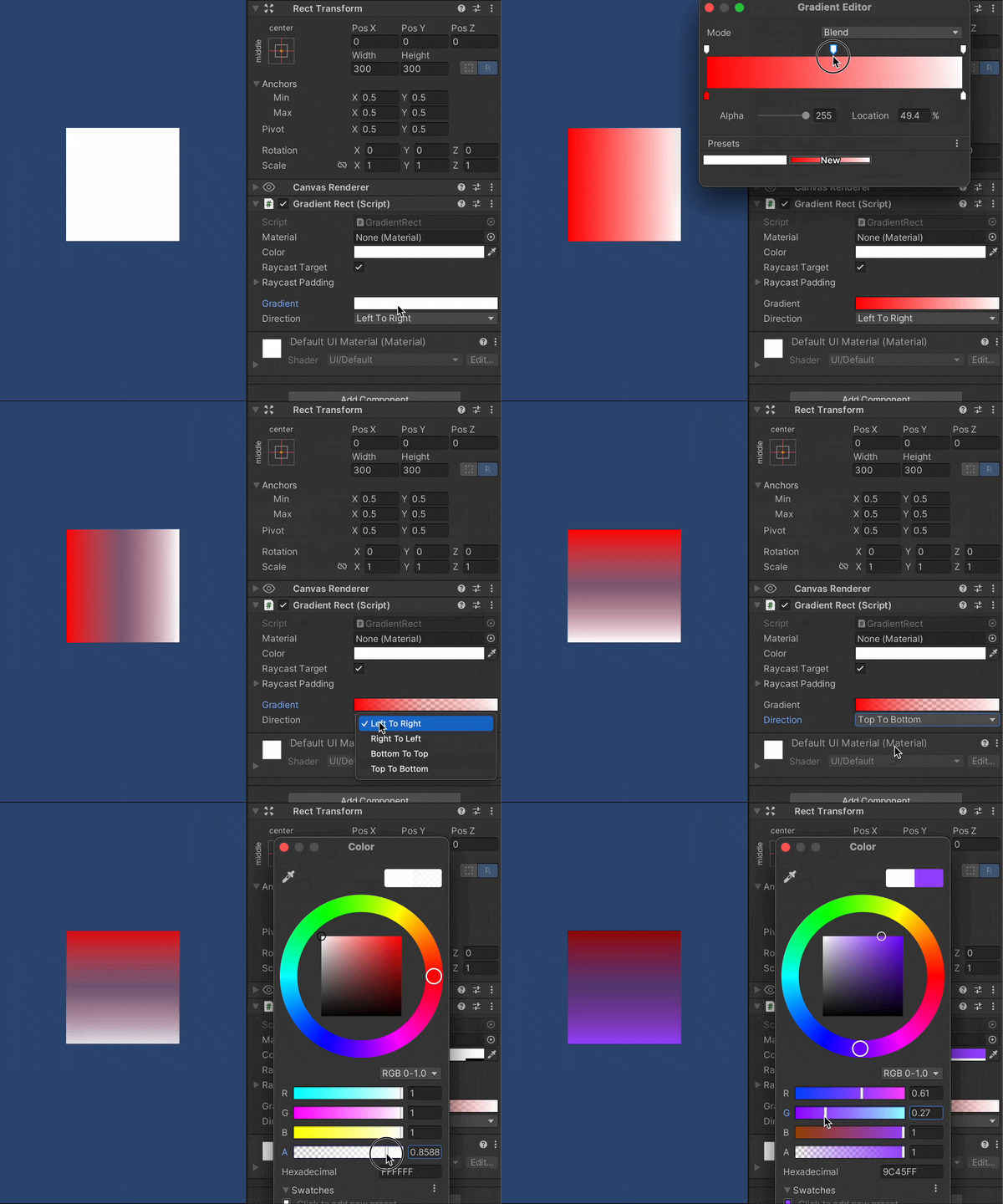
- GradientRect: rectangle colored with Gradient colors.
- GradientTexture: texture with configurable UV, tinted with Gradient colors.
- GradientImage: sprite tinted with Gradient colors. UVs are automatically fetched from sprite data. Only simple filling is supported, no slicing nor tiling.
Comments
No comments yet. Be the first!
Sign in to join the conversation
Sign In