
Unity Project
Built with Unity 2021.3.16f1 · download the source from GitHub
README
Rendered from GitHubInworld-AI-Island
The app contains two characters. To move in the world you need to use buttons on the keyboard: 1, 2, 3 and Escape button for quit.
Feature: realtime weather in any city in US
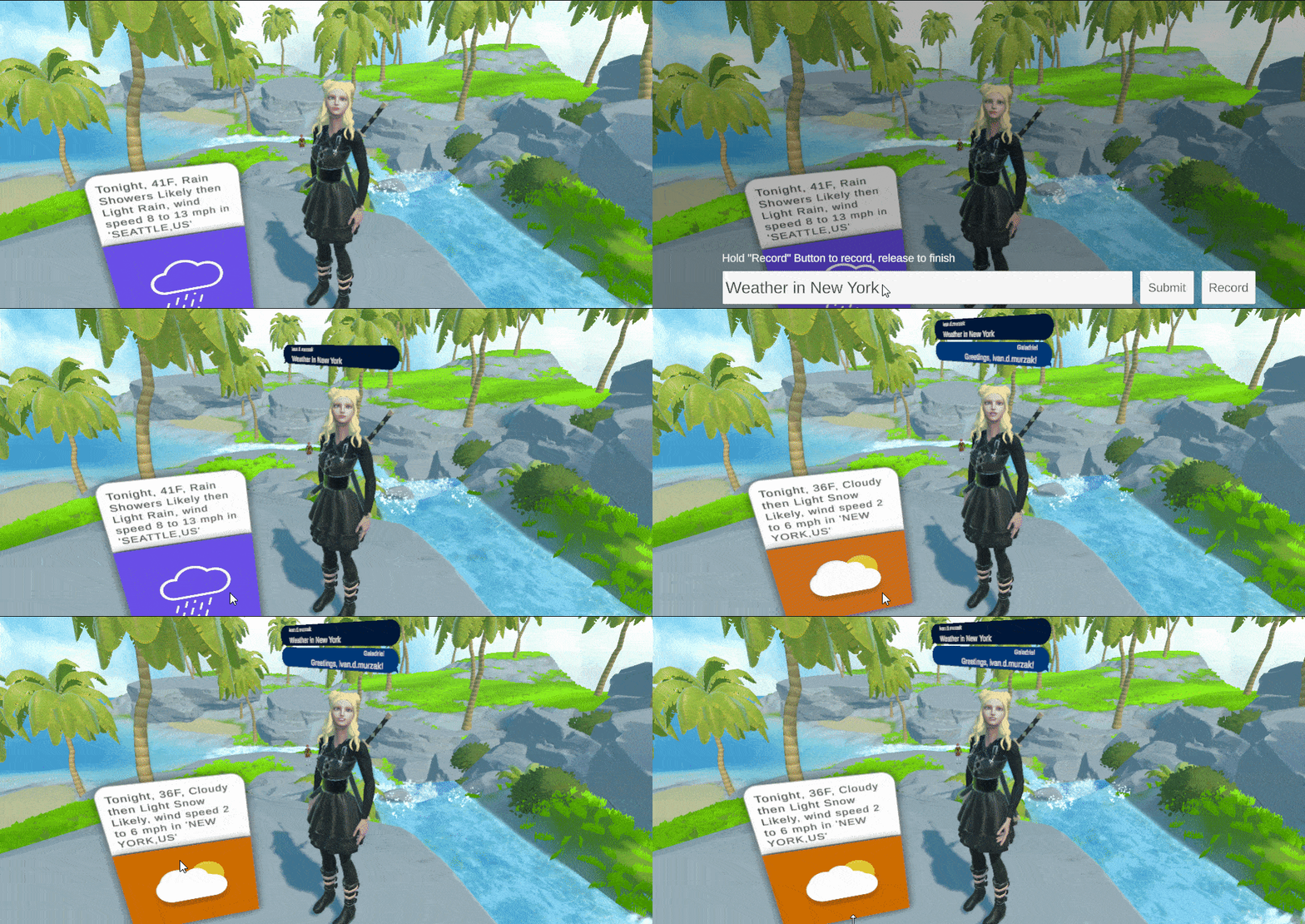
Say keyword 'weather' and any city in US to see current weather in it. Some cities such as "Los Angeles" could not be recognized as US city, that is why you may have 404/500 error for that city, just try another one, such as Seattle, New York, San Diego. Only one of the characters is ready to interact with "Weather feature", you will see which one. Because there is a weather panel close to the character which shows current weather in Seattle, WA, USA.
Inworld.AI SDK changes
Also I made some changes to the Inworld.AI SDK. There is summary of changes:
New events in InworldCharacter
- added onStartListening event
- added onEndListening event
- added onStartPlayerTalking event
- added onEndPlayerTalking event
New events in InworldPlayer
- added onTextSend event
Fixes
- fixed exception in InworldPlayer.cs (34 line)
- fixed exception in InworldPlayer.cs (90 line)
Changes
- added autofocus on InputText field on opening text panel
- added dark overlay to chat panel for better visibility on bright backgrounds
Versions 0
No versions tracked yet.
Dependencies 0
No dependencies.
Changelog 0 releases
No changelog entries yet. Run the admin Changelog & Version Scanner to pull from the repository's CHANGELOG.md.
Comments
No comments yet. Be the first!
Sign in to join the conversation
Sign In