
Install via UPM
Add to Unity Package Manager using this URL
https://www.pkglnk.dev/lumberlogs.git README Markdown
Copy this to your project's README.md
Style
Preview 
## Installation
Add **Lumberlogs** to your Unity project via Package Manager:
1. Open **Window > Package Manager**
2. Click **+** > **Add package from git URL**
3. Enter:
```
https://www.pkglnk.dev/lumberlogs.git
```
[](https://www.pkglnk.dev/pkg/lumberlogs)README
LumberLogs
📝 A simple log aggregation tool.

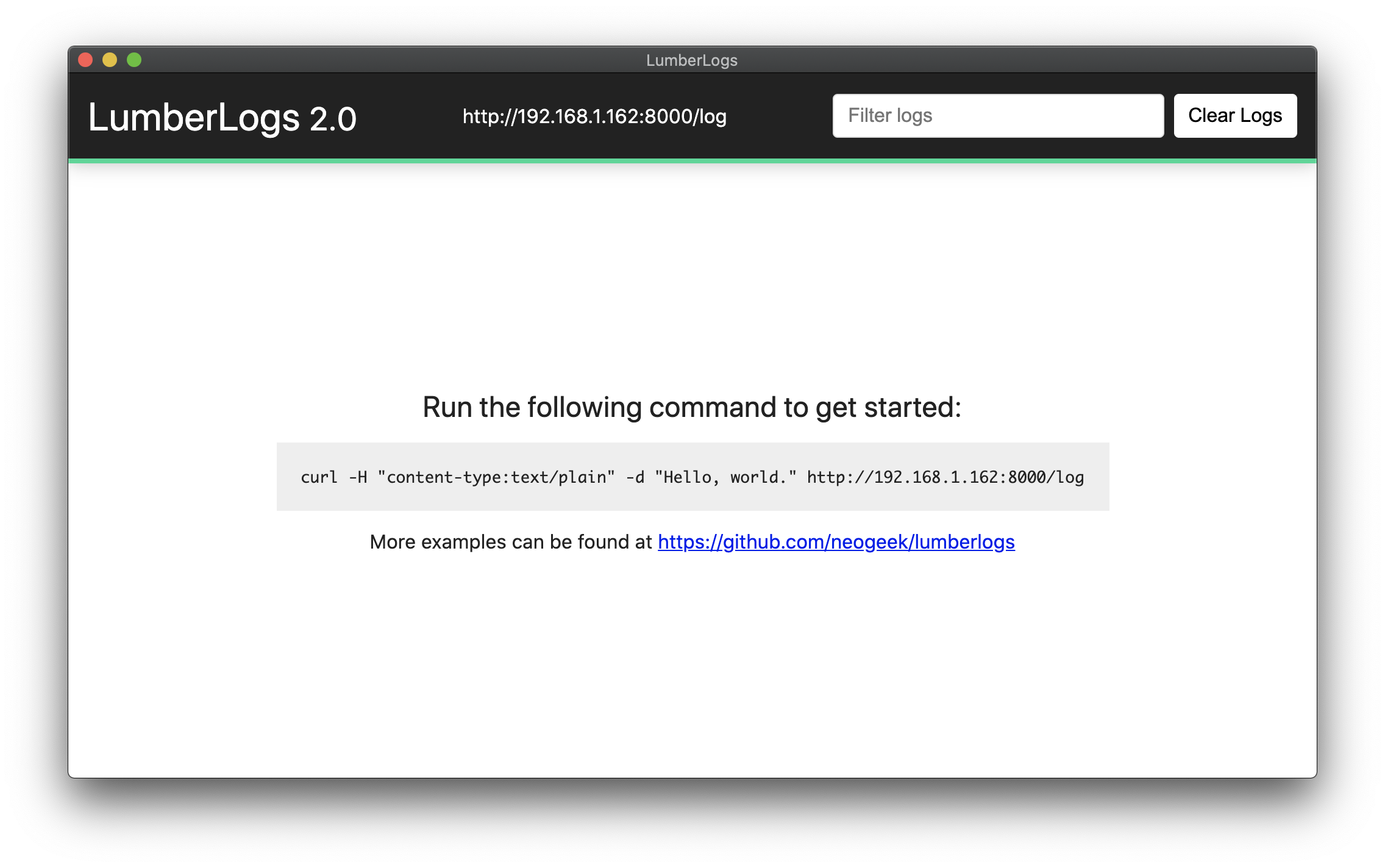
Install
Download the latest from https://github.com/neogeek/lumberlogs/releases
Usage
Bash
$ curl -H "content-type:text/plain" -d "Hello, world." http://localhost:1234/log
$ curl -H "content-type:application/json" -d "{\"message\":\"Hello, world.\"}" http://localhost:1234/log
JavaScript
fetch('http://localhost:1234/log', {
    method: 'POST',
    body: 'Hello, world.'
});
fetch('http://localhost:1234/log', {
    method: 'POST',
    body: JSON.stringify({ message: 'Hello, world.' }),
    headers: {
        'Content-Type': 'application/json'
    }
});
Unity
Install package via UPM https://gist.github.com/46e7896edaf8a59089b19fb07577555f.git
Build
Install required packages via node.
$ npm install
Test the application.
$ npm start
Build the application.
$ npm run build
Comments
No comments yet. Be the first!
Sign in to join the conversation
Sign In