MeshSync
unity3d-jp/MeshSync 1,666
Working together with MeshSyncDCCPlugin, MeshSync provides features to reflect changes to models made in DCC tools into Unity in real time
com.unity.meshsync 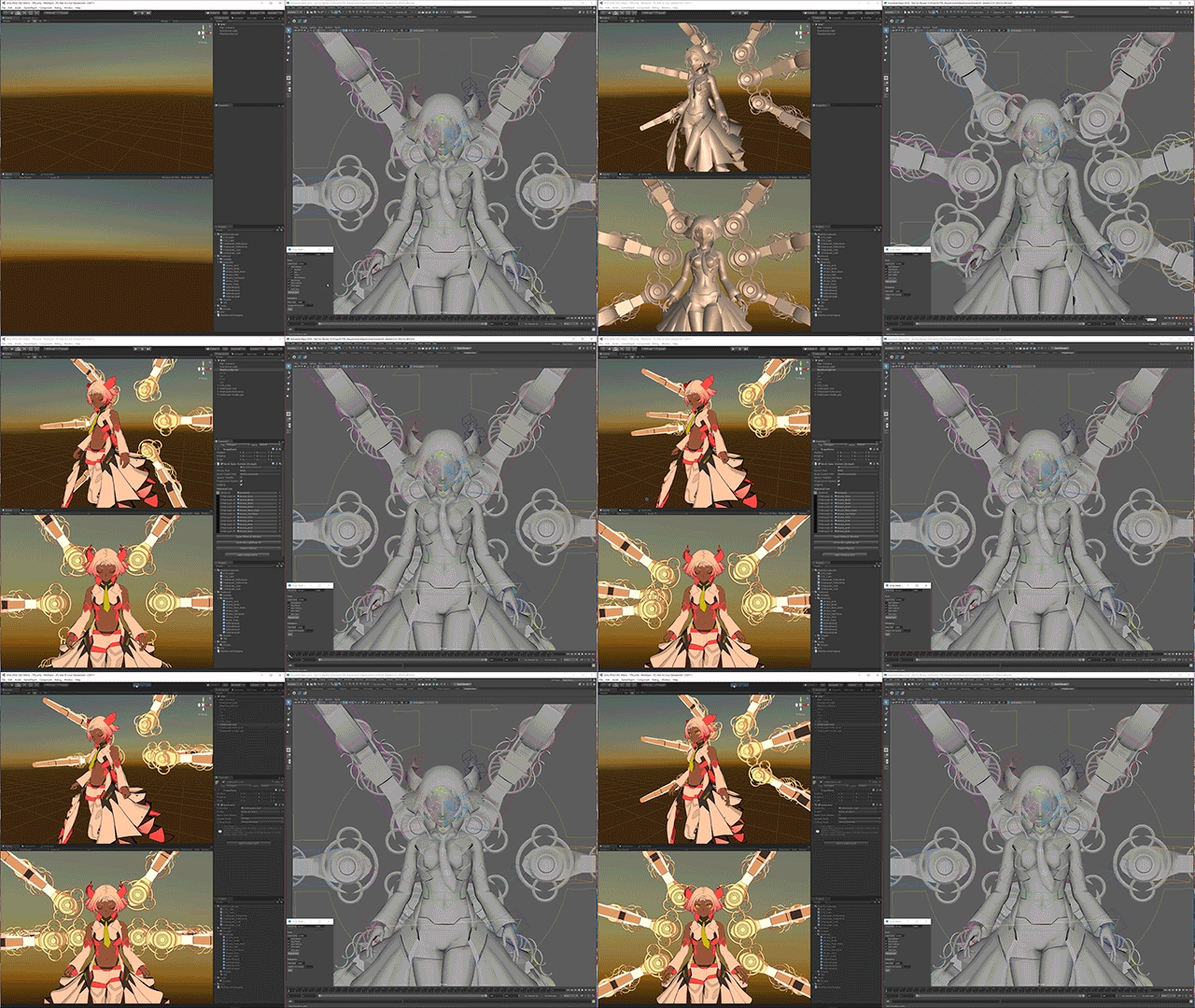
Install via UPM
Add to Unity Package Manager using this URL
https://www.pkglnk.dev/meshsync.git README Markdown
Copy this to your project's README.md
Style
Preview 
## Installation
Add **MeshSync** to your Unity project via Package Manager:
1. Open **Window > Package Manager**
2. Click **+** > **Add package from git URL**
3. Enter:
```
https://www.pkglnk.dev/meshsync.git
```
[](https://www.pkglnk.dev/pkg/meshsync)Dependencies (10)
README
Latest official docs
MeshSync
Working together with MeshSyncDCCPlugins, MeshSync is a package for synchronizing meshes/models editing in DCC tools into Unity in real time. This allows developers to immediately see how things will look in-game while modelling.
Supported Platforms
- Windows 64 bit
- Mac (Intel/Silicon)
- Linux
Please refer to the installation page to install MeshSync package.
Basic usage
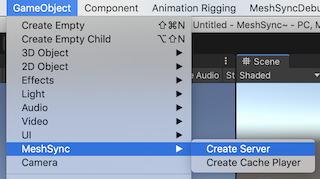
From the GameObject menu, choose MeshSync > Create Server to create a server object.
This object has MeshSyncServer component that handles the sync process.
Features
- Components:
- MeshSyncServer: to sync meshes/models editing in DCC tools into Unity in real time.
- SceneCache: to playback all frames of an .sc file exported using MeshSyncDCCPlugins
- Project Settings: to configure default settings for MeshSync components.
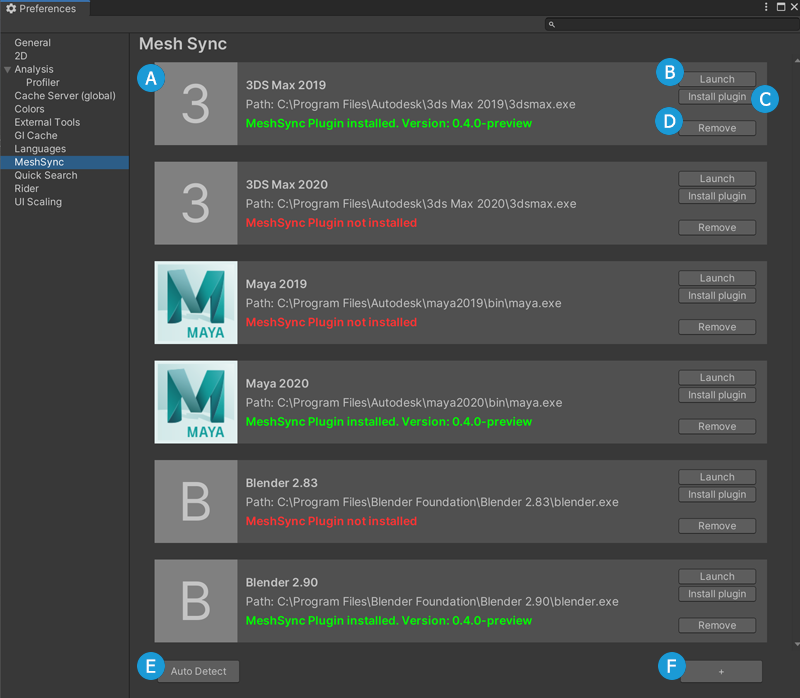
- Preferences: to configure DCC Tools integration.
- Geometry Nodes : to sync geometry nodes from Blender to Unity in real time.
Internal Plugins
License
Related Tools
- NormalPainter: Tool for editing vectors in Unity
- BlendShapeBuilder: Tool for building BlendShapes in Unity
No comments yet. Be the first!