ML-Agents Configuration
Automated generation of YAML config files for training Unity ML-Agents
com.alexiush.ml-agents-config 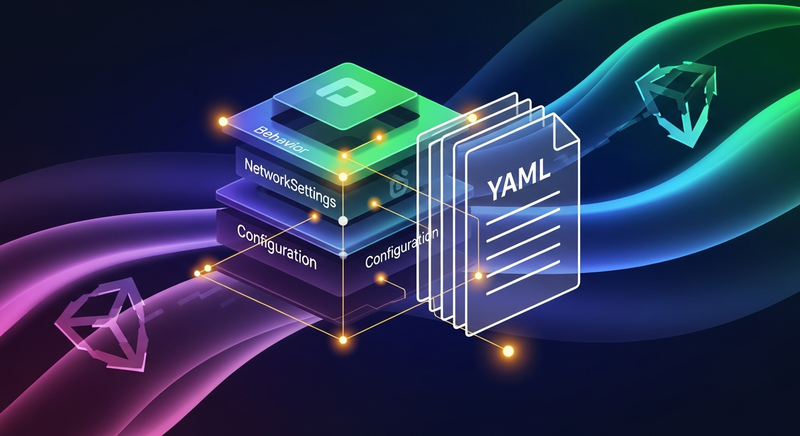
Install via UPM
Add to Unity Package Manager using this URL
https://www.pkglnk.dev/ml-agents-config.git README Markdown
Copy this to your project's README.md

## Installation
Add **ML-Agents Configuration** to your Unity project via Package Manager:
1. Open **Window > Package Manager**
2. Click **+** > **Add package from git URL**
3. Enter:
```
https://www.pkglnk.dev/ml-agents-config.git
```
[](https://www.pkglnk.dev/pkg/ml-agents-config)Dependencies (3)
README
ML-Agents Configuration
This tool generates and manages configurations for ML-Agents training scenarios. It provides models for entities like Behavior, NetworkSettings, etc and composes a Configuration with them.
To preserve the settings components that contain settings for behaviors and configuration can be added to scene. Settings here work explicitly - file is created without defaults omitted.
Usage
Installation
The package can be installed through the UPM by the link https://github.com/Alexiush/ML-Agents-Configuration.git.
It also requires SerializeReferenceExtensions and VYaml packages.
Settings
Default path for generated config can be changed in the project settings under ML Agents Config tab.
Config generation
To generate config open Window/ML Agents Configuration/Configuration Generator where all the found behaviors will be present as well as environment-level settings.
Notice, that settings are not preserved unless there are BehaviorConfig and EnvironmentConfig components in the scene.
Samples
Roller - RollerBall agent environment ready for generation.
TODO:
- Behavioral Cloning and Self-Play support
- Optimization
No comments yet. Be the first!