OpenGET
OpenGET provides essential development tools to accelerate game creation in Unity. It includes AutoBehaviour for automated reference validation and hookup, a localization system with CSV tooling, a modular settings menu generator, UI components, and helper classes for coroutines and fading. Designed to reduce boilerplate and streamline common development tasks.
com.spectralcascade.openget 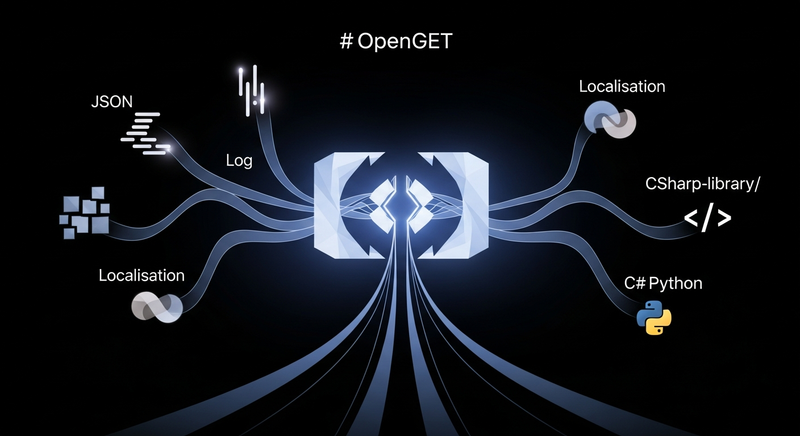
Install via UPM
Add to Unity Package Manager using this URL
https://www.pkglnk.dev/openget.git README Markdown
Copy this to your project's README.md
Style
Preview 
## Installation
Add **OpenGET** to your Unity project via Package Manager:
1. Open **Window > Package Manager**
2. Click **+** > **Add package from git URL**
3. Enter:
```
https://www.pkglnk.dev/openget.git
```
[](https://www.pkglnk.dev/pkg/openget)Dependencies (2)
README
OpenGET
Open Game Engine Tools is a collection of handy scripts to speed up game development, primarily for Unity.
Features
- AutoBehaviour, a drop in replacement for MonoBehaviour that allows you to add attributes such as
[Auto.NullCheck]and[Auto.Hookup]to automate runtime validation & hook up references in Unity automatically. - [wip] A bare bones localisation system that automates string retrieval & translation, where identifiers are just the raw strings for simplicity. Tooling parses your code & any text gameobjects with a LocaliseText component attached to update a CSV file.
- Settings system that allows you to write settings variables in code & automatically generate settings menus using modular prefabs.
- Coroutines, a helper class for utilising coroutines from anywhere in your Unity project
- Fader, a helper class for showing or hiding things such as canvas groups.
- Various extendable UI components for speeding up menu creation.
- Python script for adding copyright comments to the top of your code.
TODO
- Serializable conditions, use reflection (poss dynamic objects or generate code?) - don't store more data than necessary.
- Dependency attribute - graph editor tool for linking scriptable object dependencies, e.g. scriptable object representing a quest depends on 3 specific quests to be completed
No comments yet. Be the first!