Quick Screen Capture
quick screen capture for unity editor
com.ms.quickcapture Install via UPM
Add to Unity Package Manager using this URL
https://www.pkglnk.dev/quickcapture.git README Markdown
Copy this to your project's README.md
Style
Preview 
## Installation
Add **Quick Screen Capture** to your Unity project via Package Manager:
1. Open **Window > Package Manager**
2. Click **+** > **Add package from git URL**
3. Enter:
```
https://www.pkglnk.dev/quickcapture.git
```
[](https://www.pkglnk.dev/pkg/quickcapture)README
QuickScreenCapture
This unity package is used for capture screenshot and store it as file in Editor.
It is helpful when you need make some screenshots for google play or app store.
Import to Unity
for Unity 2018.3+:
copy below into Packages/manifest.json
"com.ms.quickcapture:https://github.com/wlgys8/QuicScreenCapture.git"
for other untiy version:
Download and drag into project
How To Use
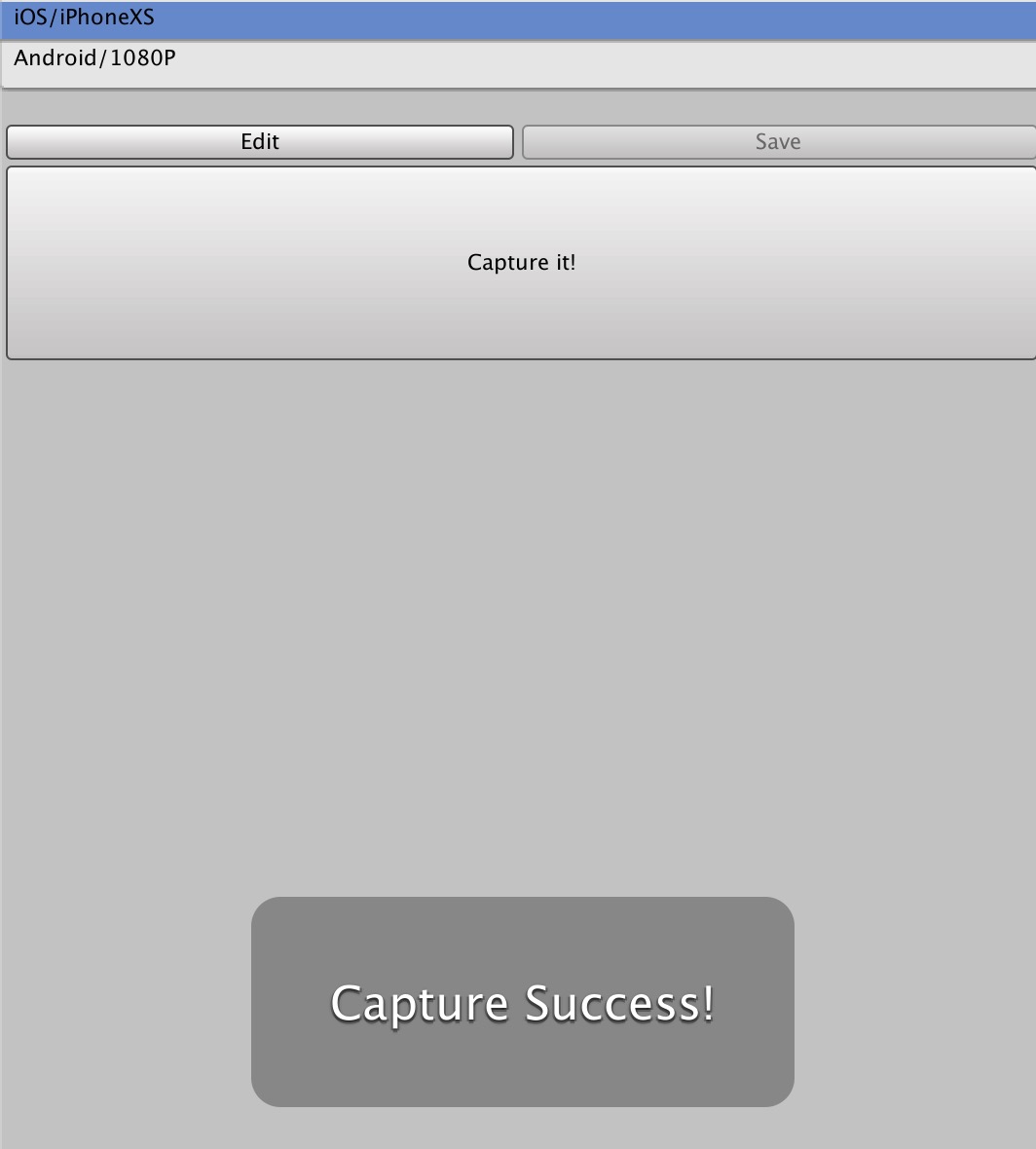
Click Window->QuickScreenCapture to open the window.
You can config multiple output dirs and select anyone to store the captured screen pics.
Hot Key
Windows: Alt + Shift + S Mac: Option + Shift + S
No comments yet. Be the first!