UI Rounded Corners
This package provides components and shaders that allow you to add rounded corners to UI elements!
com.nobi.roundedcorners 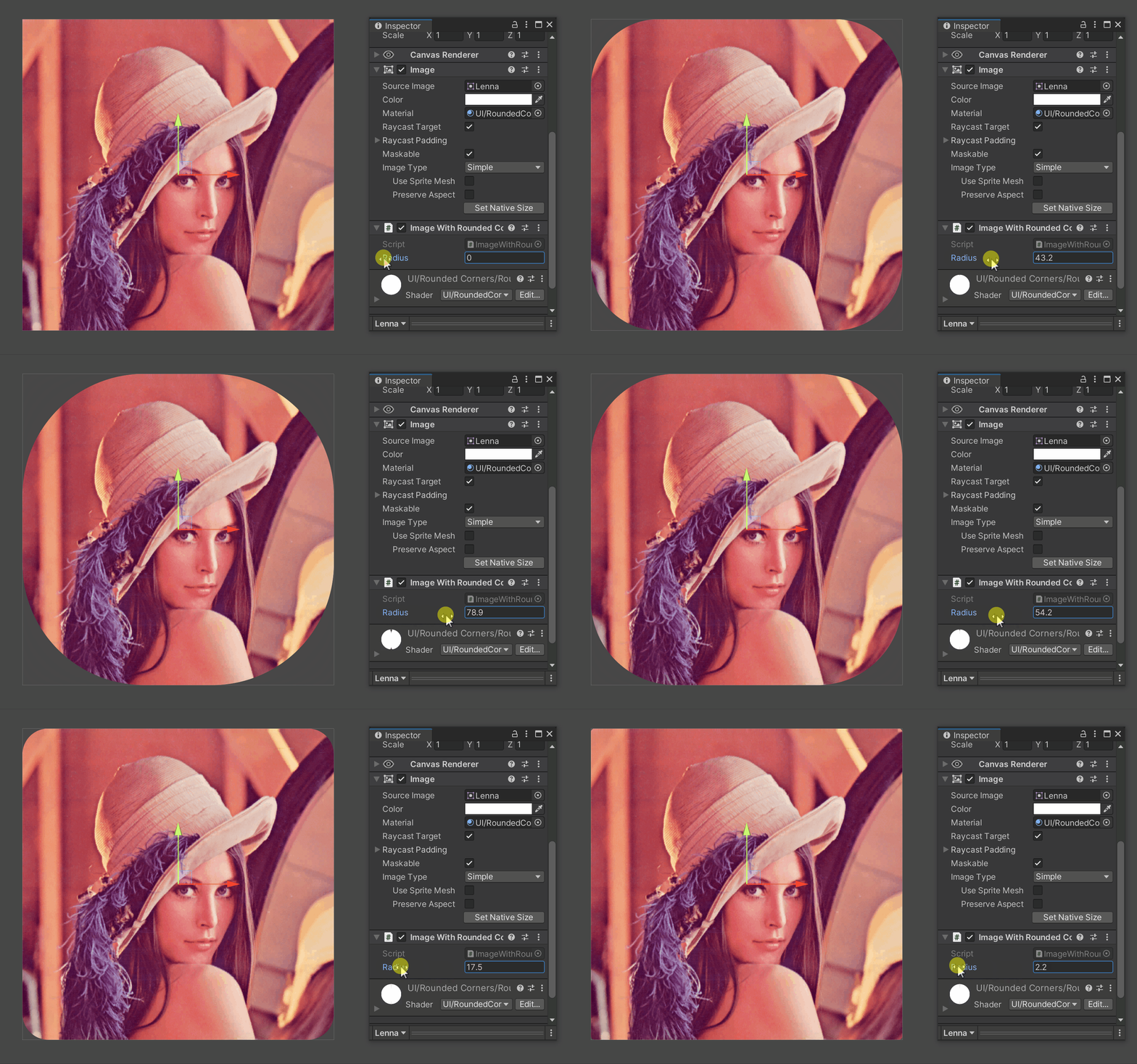
Install via UPM
Add to Unity Package Manager using this URL
https://www.pkglnk.dev/roundedcorners.git README Markdown
Copy this to your project's README.md
Style
Preview 
## Installation
Add **UI Rounded Corners** to your Unity project via Package Manager:
1. Open **Window > Package Manager**
2. Click **+** > **Add package from git URL**
3. Enter:
```
https://www.pkglnk.dev/roundedcorners.git
```
[](https://www.pkglnk.dev/pkg/roundedcorners)README
Unity-UI-Rounded-Corners
These components and shaders allow you to add rounded corners to UI elements!
How to install
Option 1: Package Manager (Unity 2019.3 and higher)
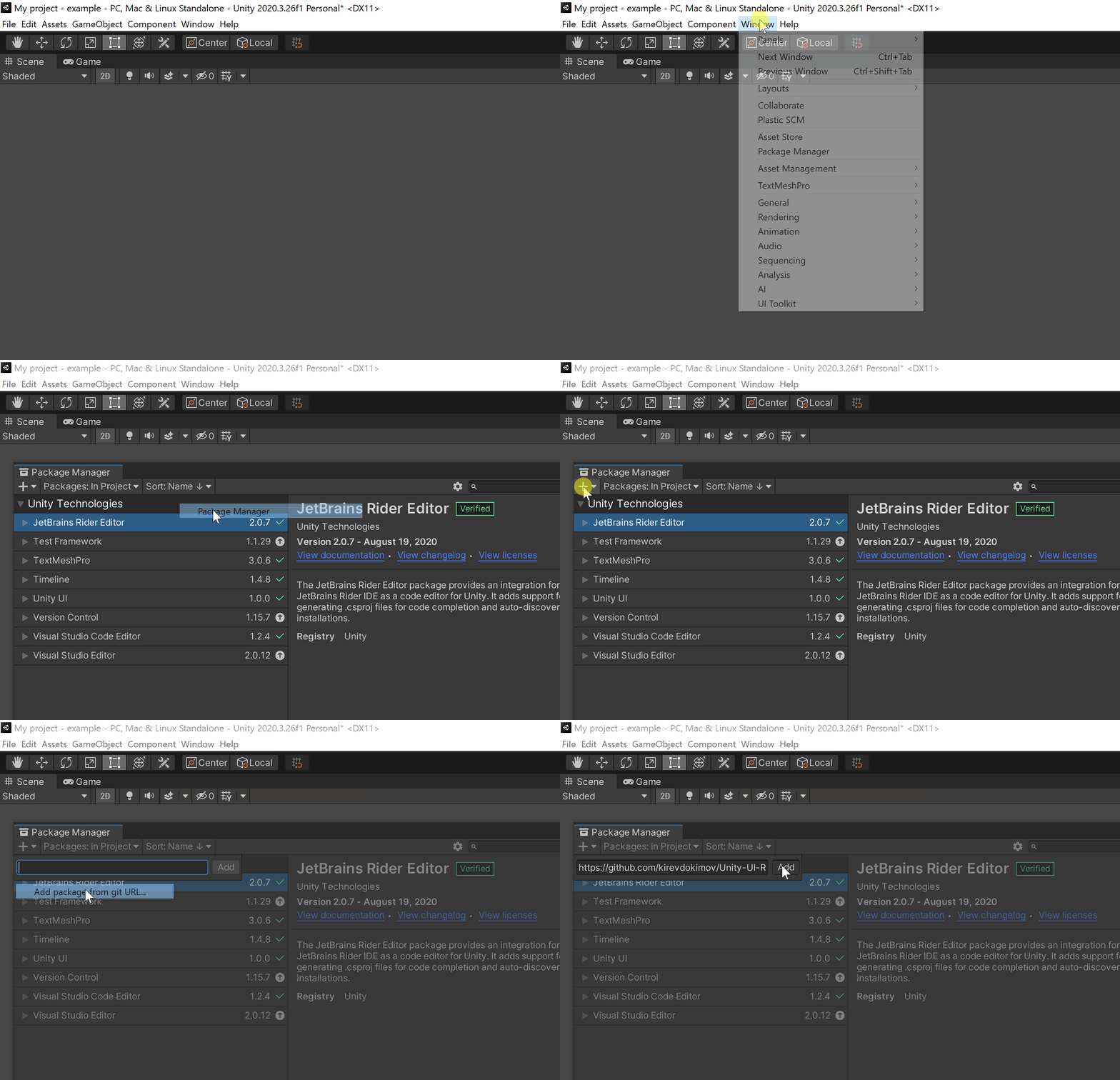 URL to copypaste:
https://github.com/kirevdokimov/Unity-UI-Rounded-Corners.git
Option 2: Package Manager (Manual)
- Open
%projectname%/Packages/manifest.json - Add the following to the dependencies section:
"com.nobi.roundedcorners": "https://github.com/kirevdokimov/Unity-UI-Rounded-Corners.git"
How to use
Symmetrical roundness
- Add
ImageWithRoundedCornerscomponent to a GameObject with anImage - Adjust
Radiusproperty
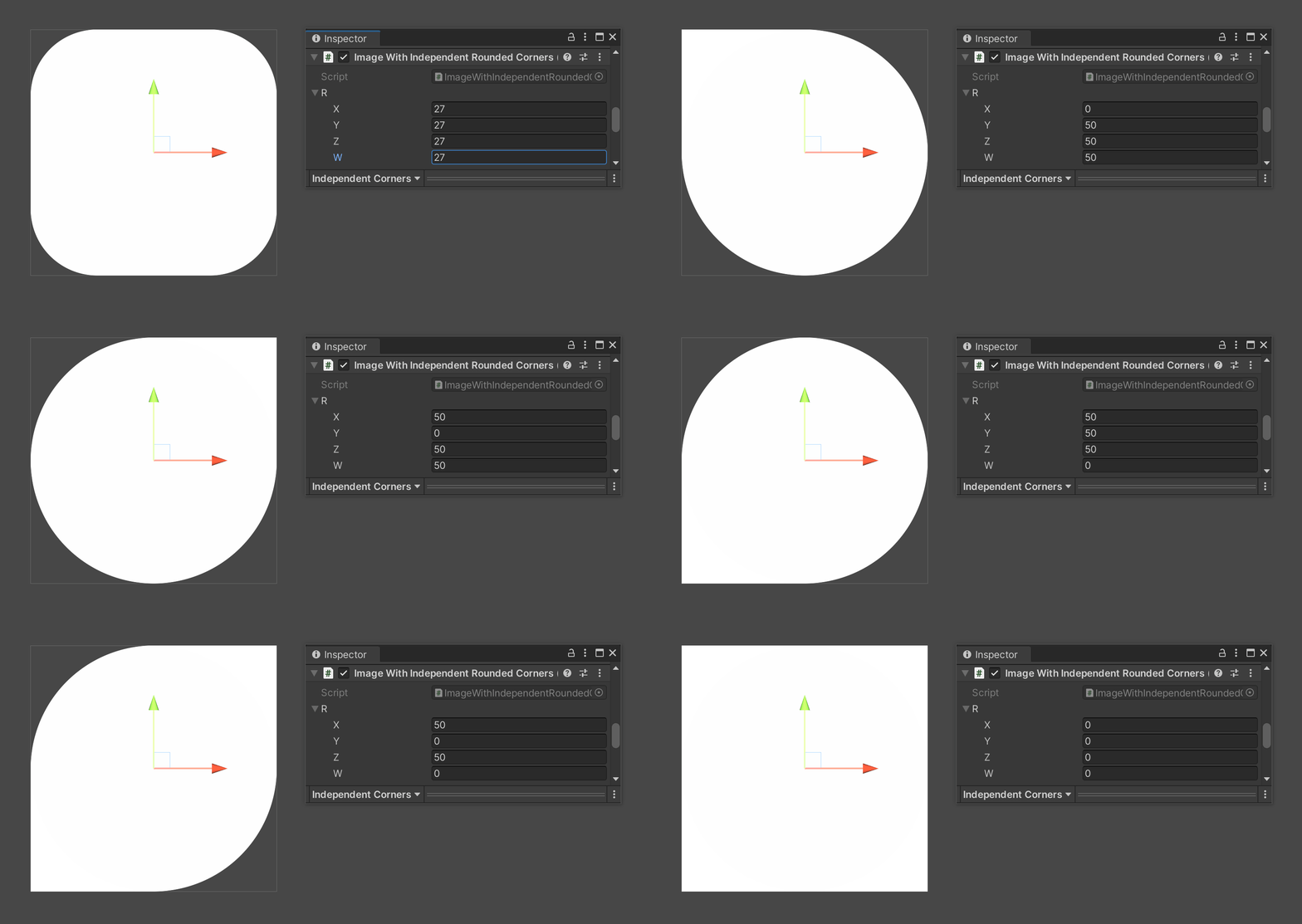
Certain roundness value for each corner
- Add
ImageWithIndependentRoundedCornersto a GameObject with anImage - Adjust
rVector4 property. Each vector component represent radius, clockwise, starting with top-left corner
Important thing
If you need to add or change the image at runtime, call Validate() and then Refresh() to update the materials.
Features
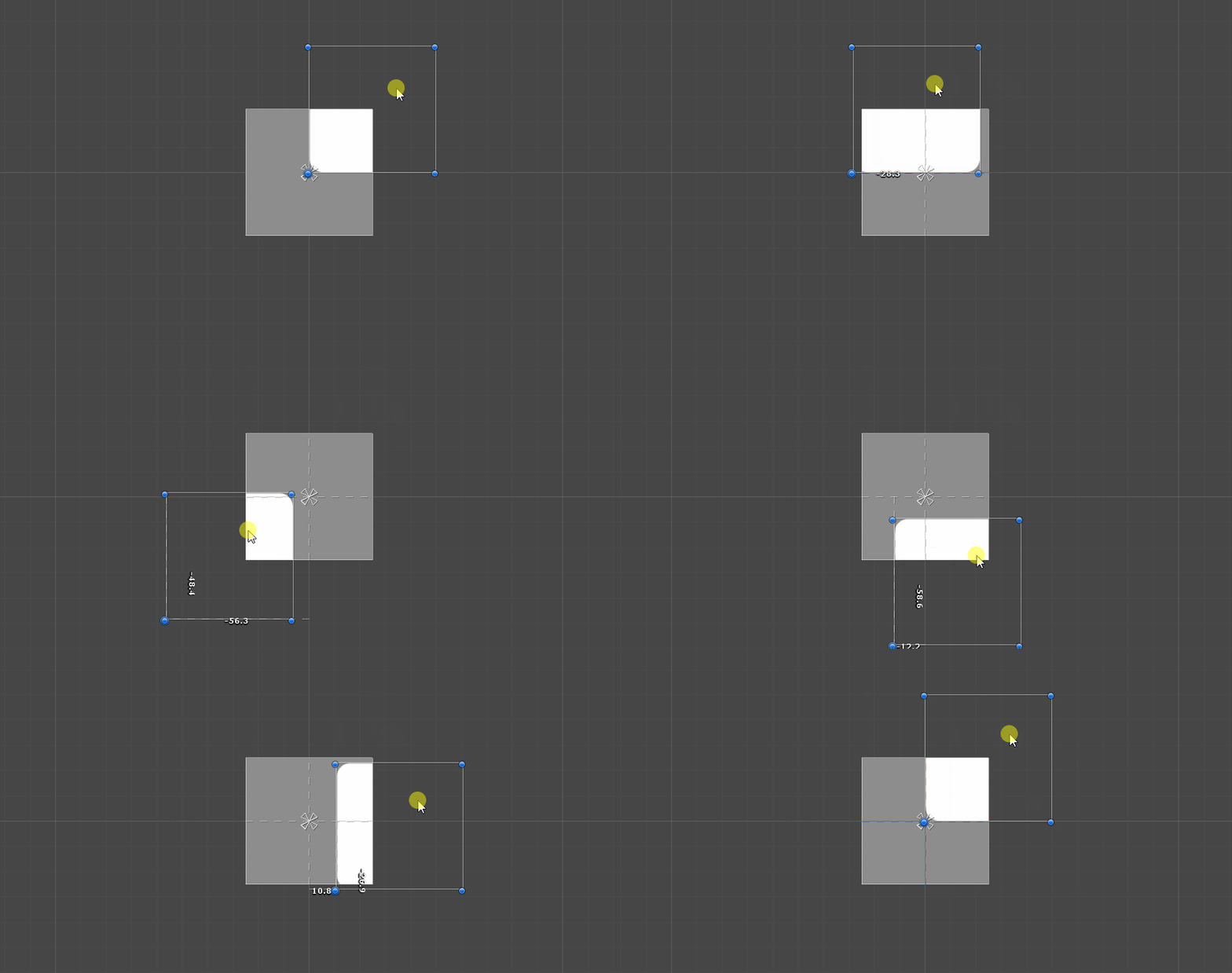
Changing roundness separately or all at once
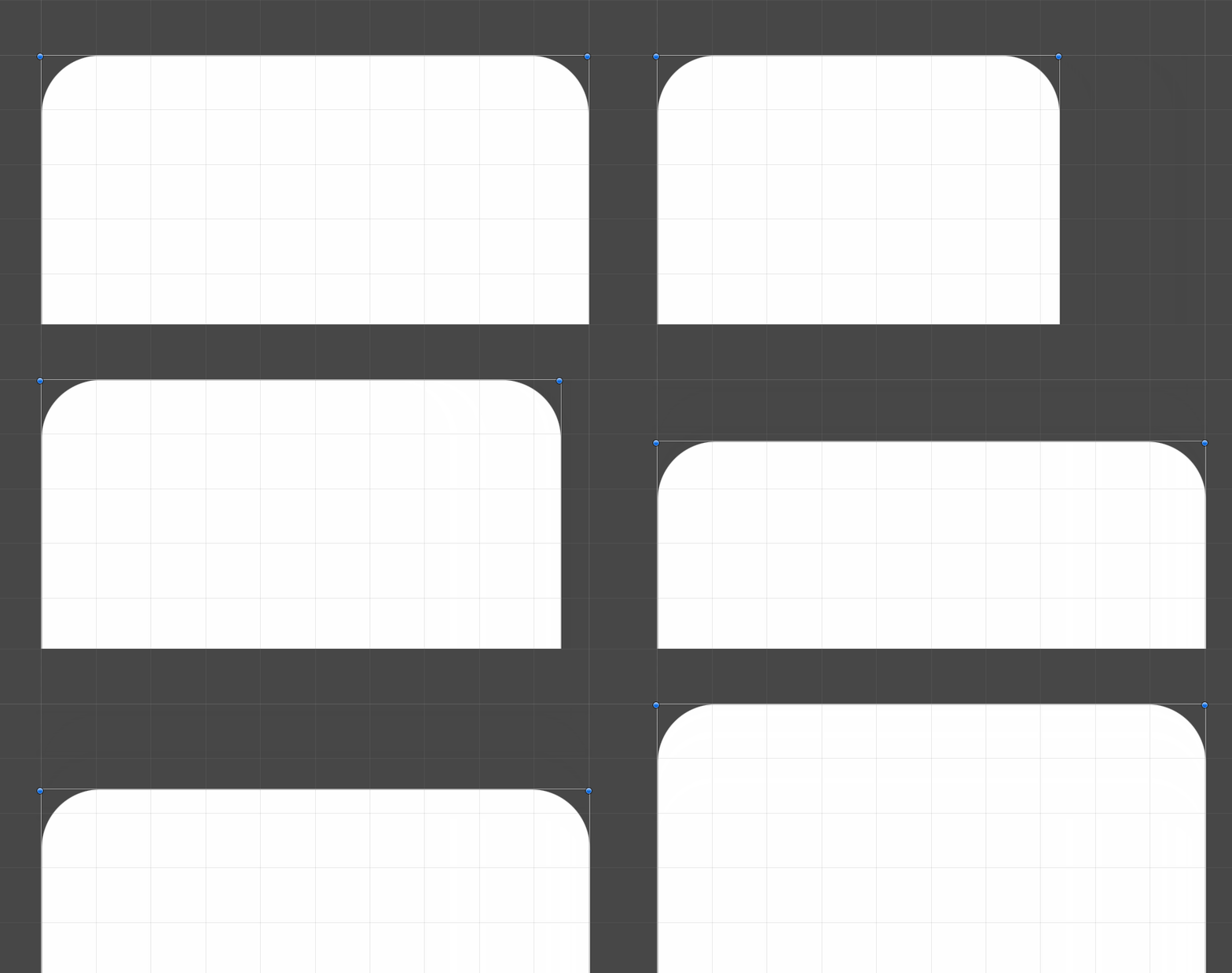
Keeps round while resizing
Better quality than sprites
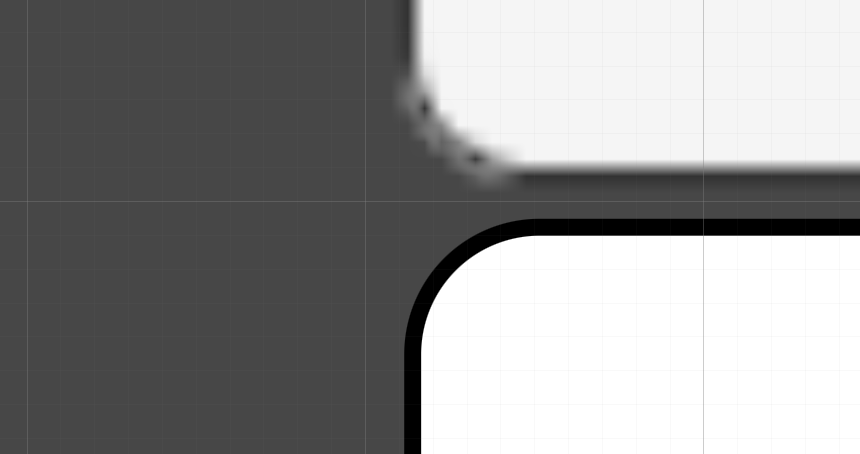
Supports Unity Mask
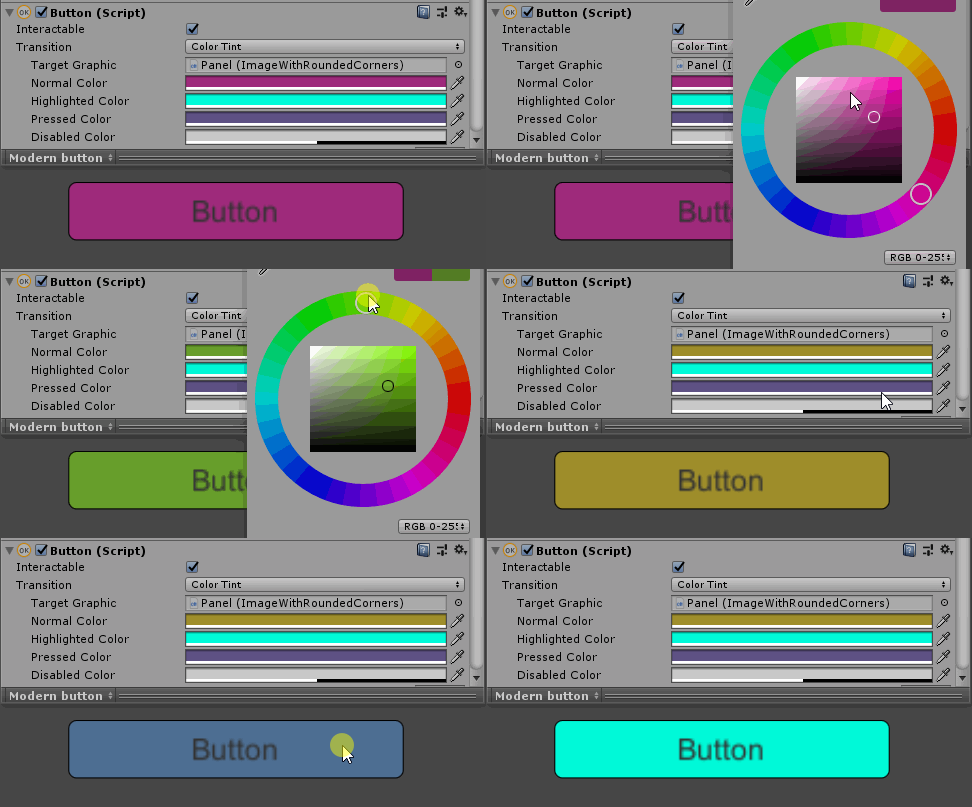
Supports Tint
No comments yet. Be the first!