SimpleScroll
SimpleScroll provides lightweight, virtualized scroll view components for Unity uGUI with support for fixed lists, variable-sized lists, grids, and carousels. Choose the right scroll class for your use case—all implementations prioritize high performance through cell reuse and straightforward integration with your data sources.
com.github.kurobon.simple_scroll 
Install via UPM
Add to Unity Package Manager using this URL
https://www.pkglnk.dev/simple-scroll.git?path=Assets README Markdown
Copy this to your project's README.md

## Installation
Add **SimpleScroll** to your Unity project via Package Manager:
1. Open **Window > Package Manager**
2. Click **+** > **Add package from git URL**
3. Enter:
```
https://www.pkglnk.dev/simple-scroll.git?path=Assets
```
[](https://www.pkglnk.dev/pkg/simple-scroll)Used By (1)
README
🎯 Concept
SimpleScroll is a lightweight and simple uGUI scroll view component collection for Unity.
Guiding Principles
Pick the right class for your purpose
We provide scroll classes for various use cases: fixed size, variable size, auto layout, grid, and carousel.High Performance
Unused cells are not generated but reused (virtualization), ensuring smooth performance even with large numbers of items.Easy to Understand
The structure clearly shows what it can do and which class to use.
Intended Use Cases
- Menu lists, item lists, product galleries
- Carousel sliders, card UI
- Uniform-size lists that require fast scrolling
Installation
Git Path (Unity Package Manager)
🧩 Scroll Types
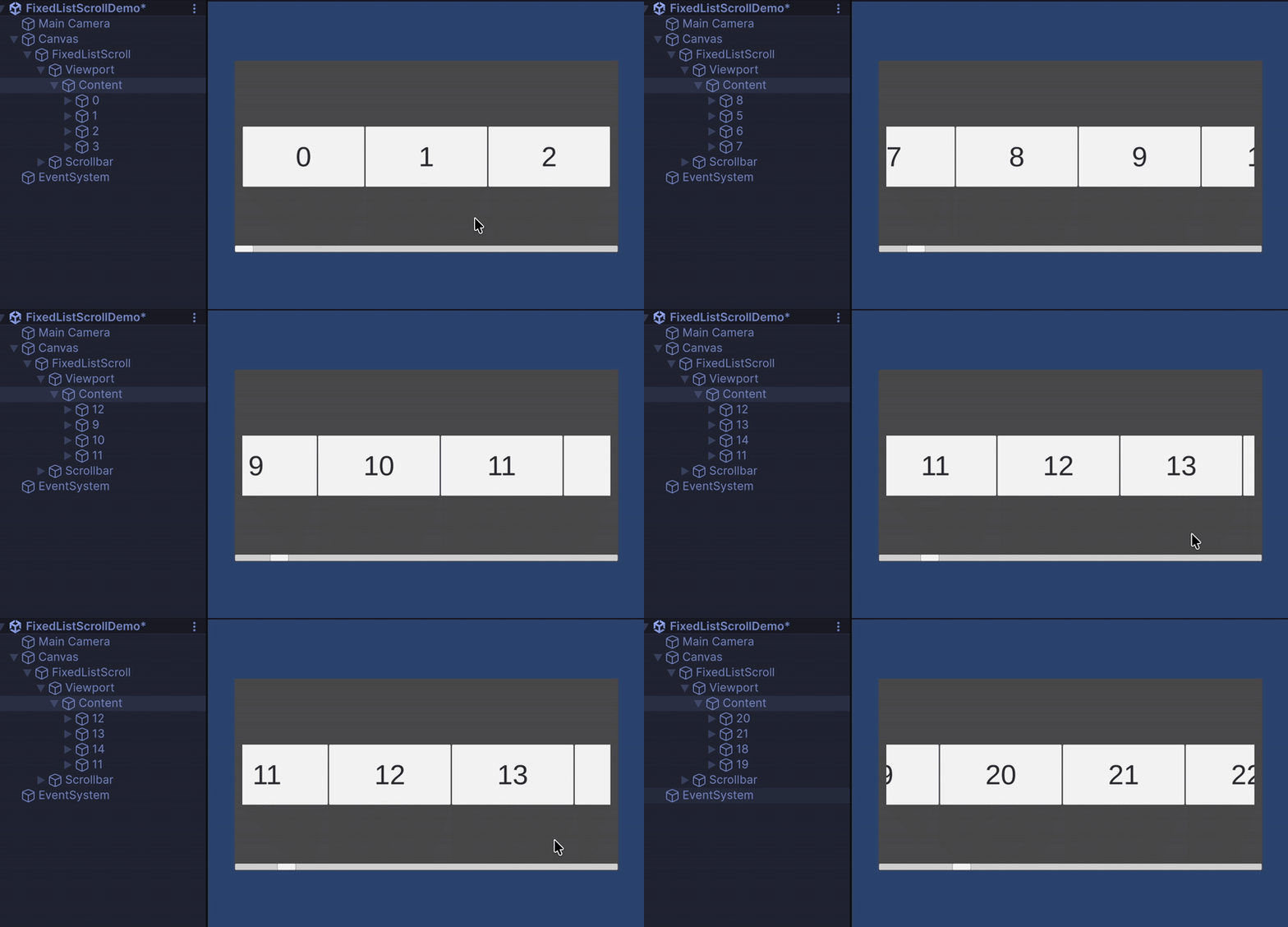
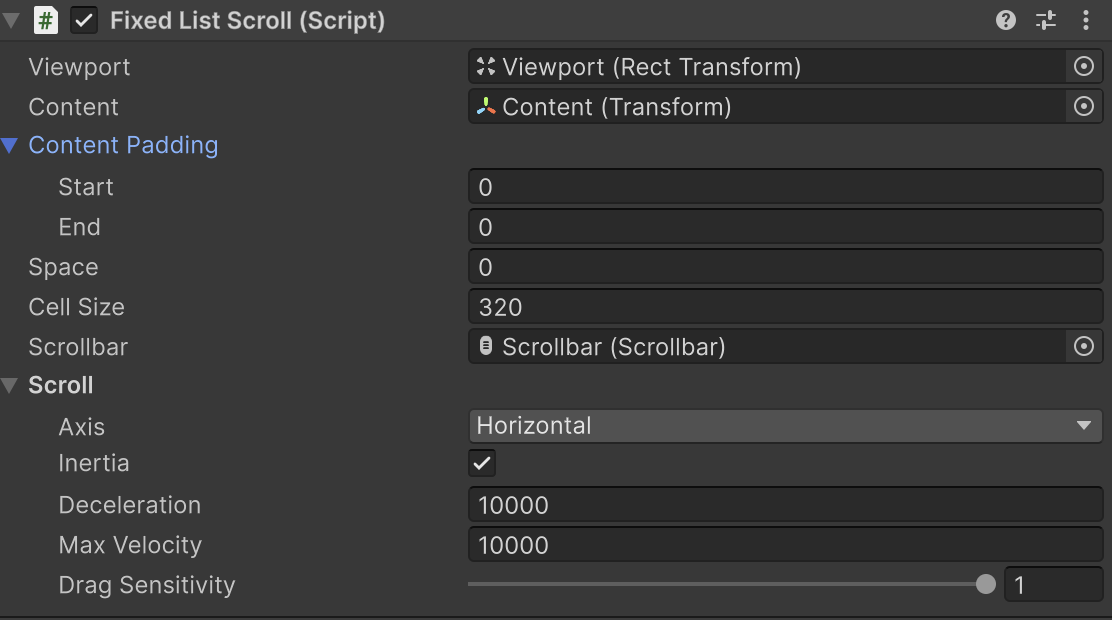
🎯 FixedListScroll
- Single-column, supports multiple cell types
- Fixed cell size (fastest performance)
- Ideal for uniform-size item lists or menus
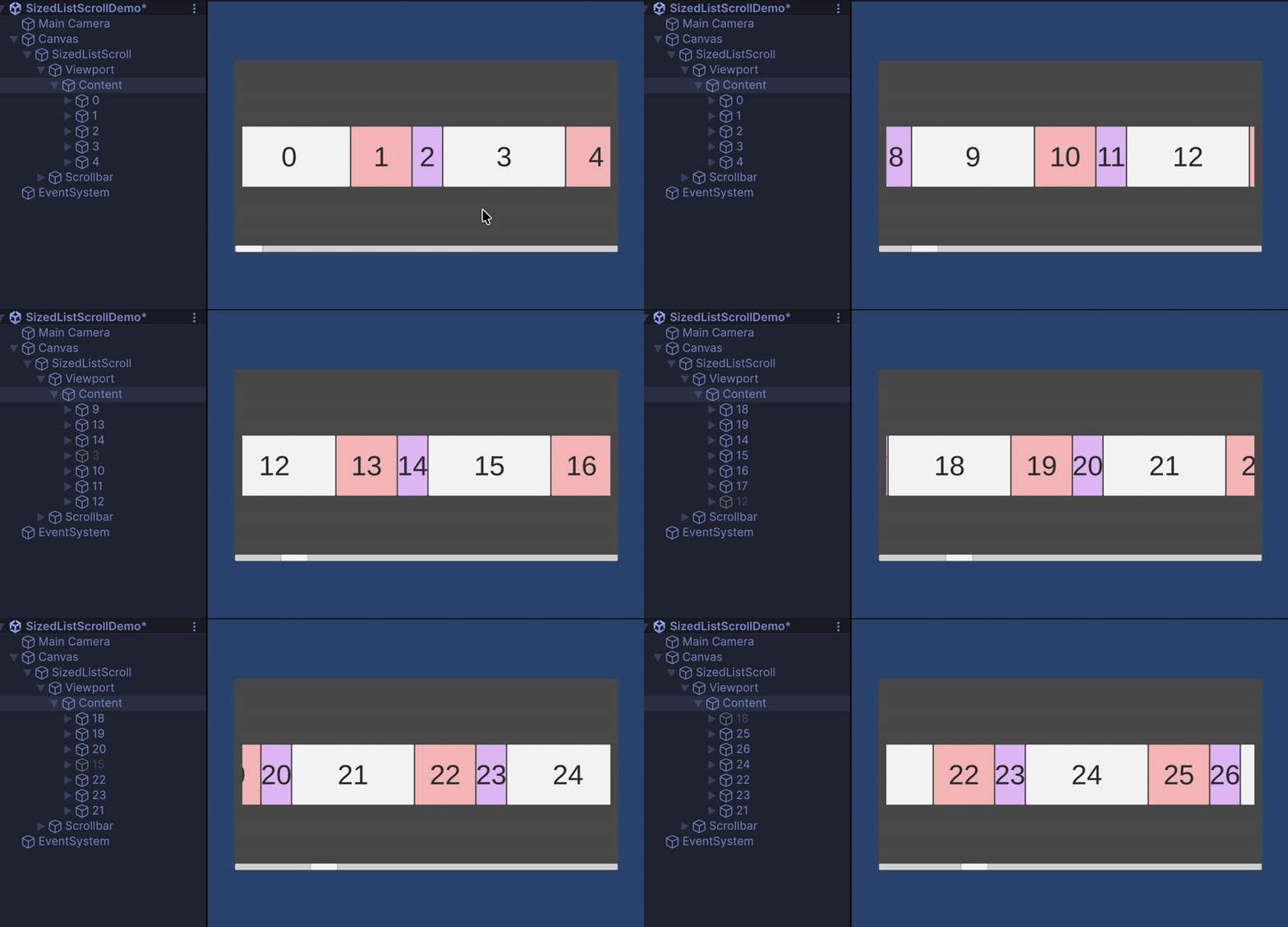
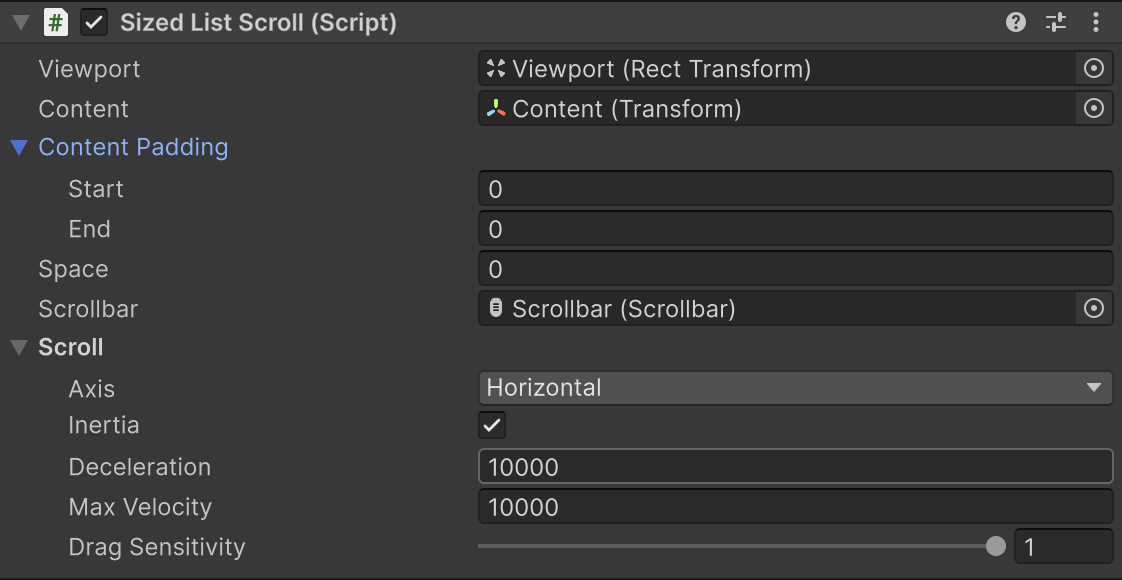
⚙️ SizedListScroll
- Single-column, supports custom cell sizes
- Most versatile list scroll
- Suitable for feeds or lists with variable item heights
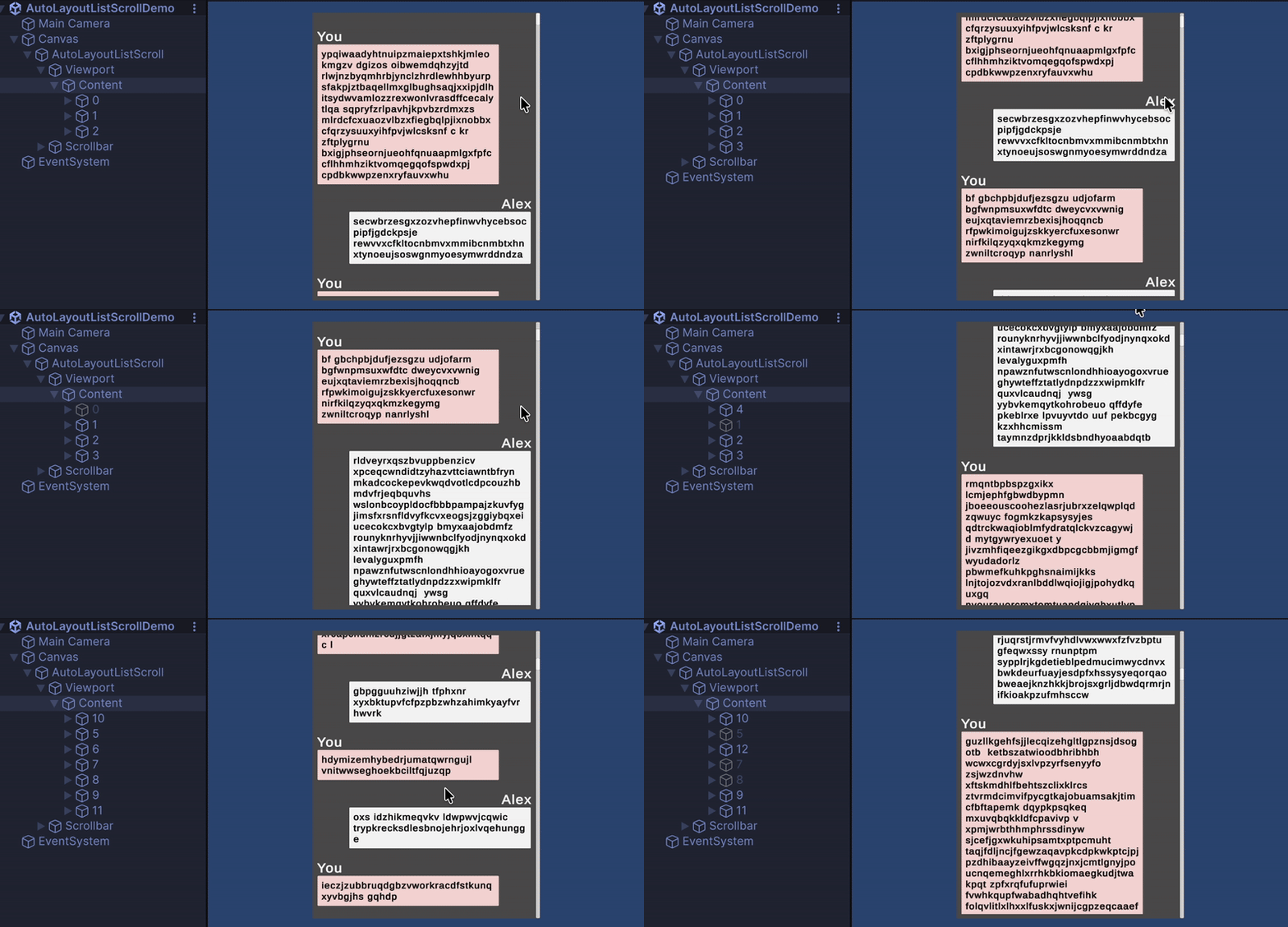
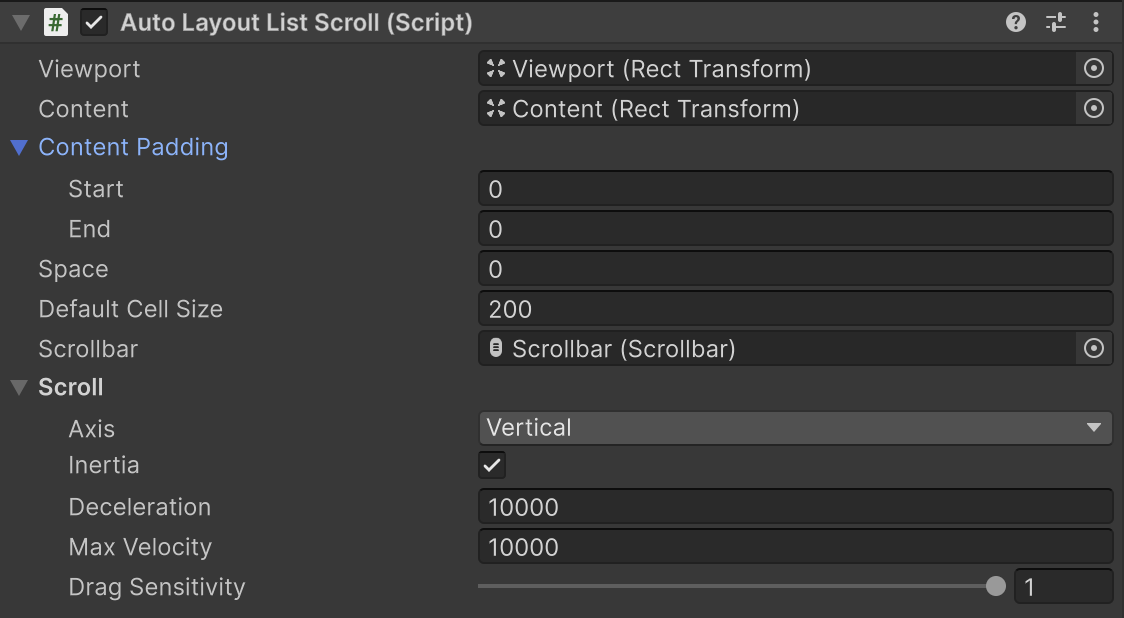
🪄 AutoLayoutListScroll
- Single-column, supports multiple cell types
- Automatically uses RectTransform sizes
- Easy to set up, but has some overhead
- Scrollbar may not display accurately in some cases
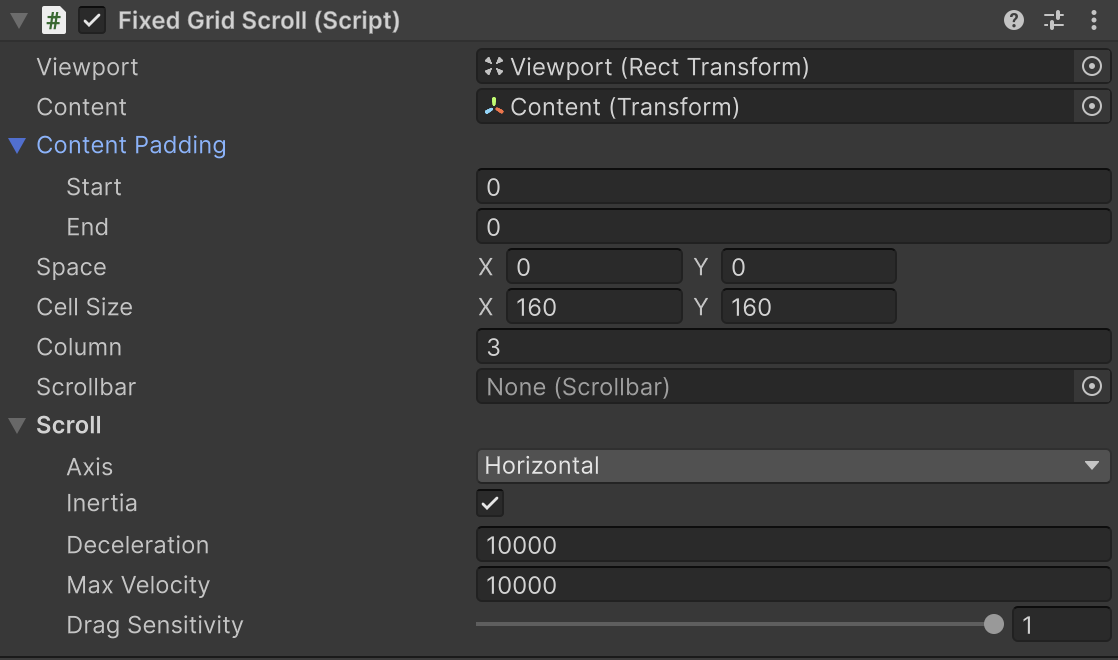
🧱 FixedGridScroll
- Multi-column, supports multiple cell types
- Fixed cell size (Vector2)
- Ideal for item grids, store UI, or gallery layouts
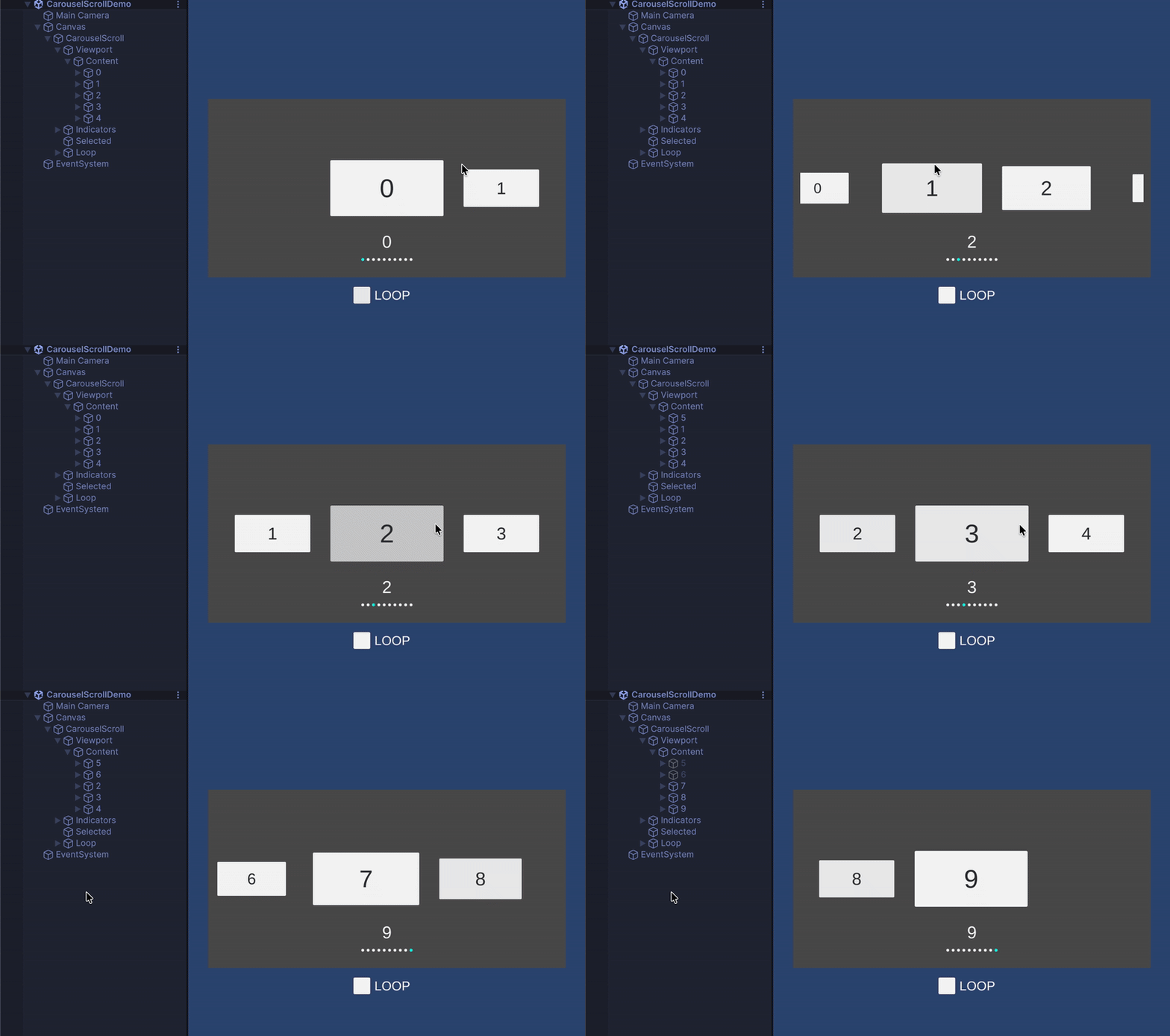
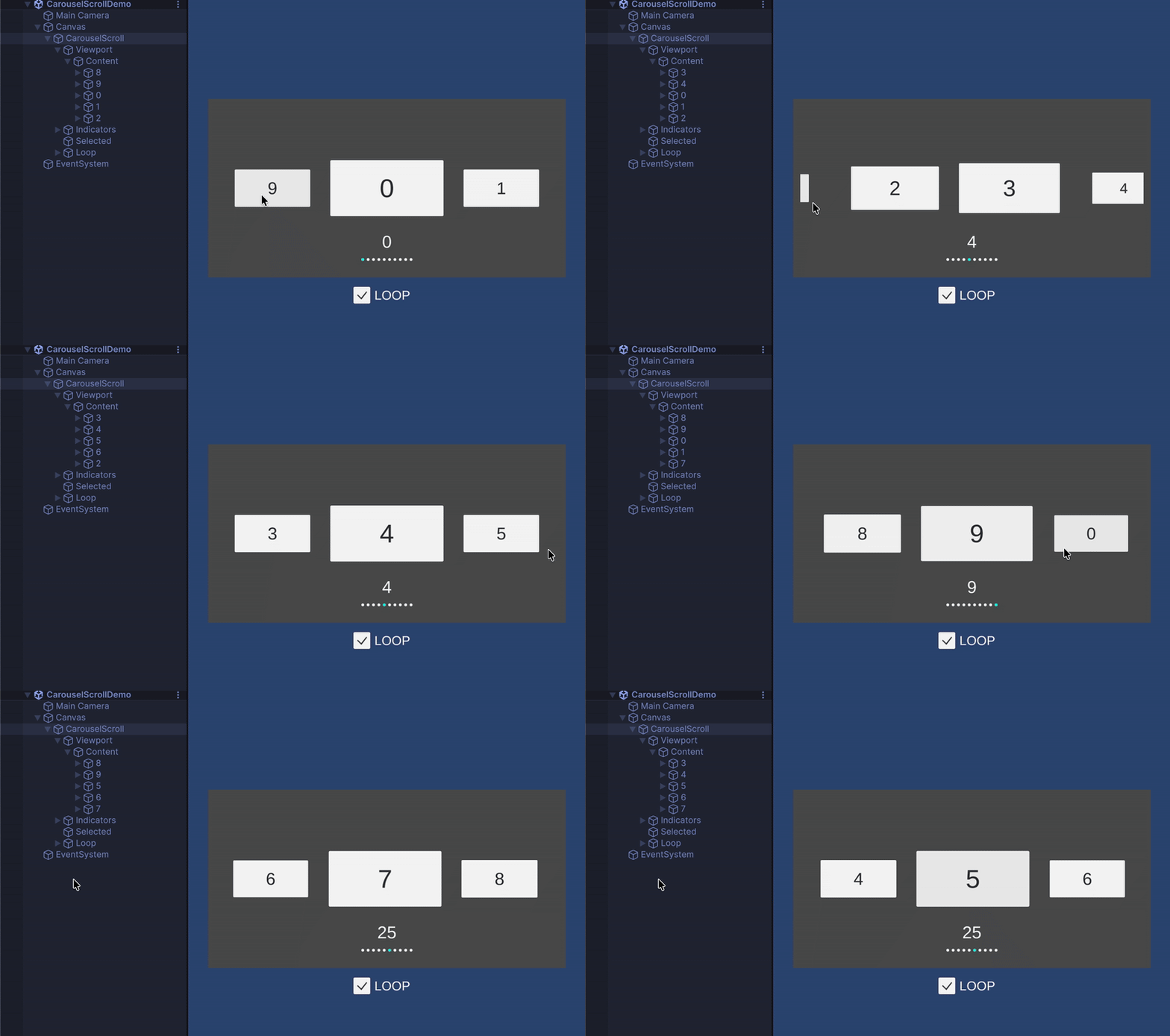
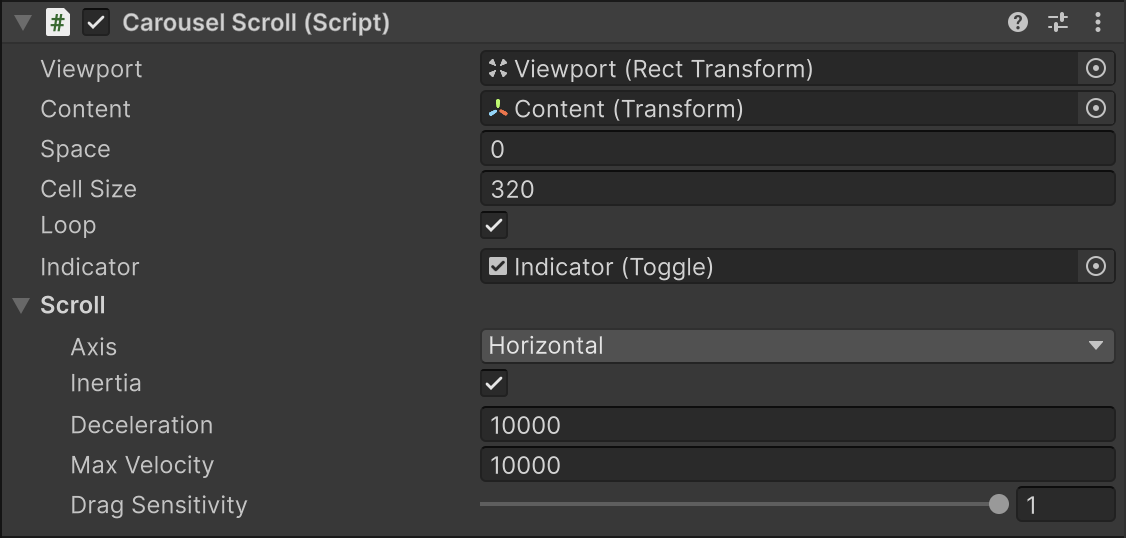
🎠 CarouselScroll
- Single-column, supports multiple cell types
- Fixed cell size
- Supports looped scrolling
- Perfect for carousel UI with snap-to-center functionality
🚀 Quick Start (Unity Example)
    /// <summary>
    /// Minimal example implementation
    /// </summary>
    public class ListScrollDemo : MonoBehaviour, IDataSource
    {
        [SerializeField] private FixedListScroll _listScroll;
        [SerializeField] private GameObject _cellView;
        [SerializeField] private int _dataCount = 10;

        void Start()
        {
            // Assign this class as the data source for the scroll view.
            _listScroll.SetDataSource(this);

            // Refresh the scroll content to display the data immediately.
            // Must be called after setting the data source.
            _listScroll.Refresh();
        }

        /// <summary>
        /// Returns the total number of data items to be displayed in the scroll view.
        /// </summary>
        /// <returns>The number of data elements.</returns>
        int IDataSource.GetDataCount()
        {
            return _dataCount;
        }

        /// <summary>
        /// Assigns data to a given cell GameObject based on its index.
        /// </summary>
        /// <param name="index">The index of the data item.</param>
        /// <param name="go">The GameObject representing the cell view.</param>
        void IDataSource.SetData(int index, GameObject go)
        {
            if (go.TryGetComponent<CellView>(out var cellView))
            {
                cellView.Setup(index);
            }
        }

        /// <summary>
        /// Returns the view type identifier for the cell at the given index.
        /// Useful when multiple cell prefabs are used.
        /// </summary>
        /// <param name="index">The index of the data item.</param>
        /// <returns>Type ID of the cell view.</returns>
        public int GetCellViewType(int index)
        {
            return 0;
        }

        /// <summary>
        /// Returns the prefab or GameObject that should be used as the cell view
        /// for the given data index.
        /// </summary>
        /// <param name="index">The index of the data item.</param>
        /// <returns>The cell view GameObject to display.</returns>
        GameObject IDataSource.GetCellView(int index)
        {
            // Return the prefab (GameObject) to be used for the specified cell index.
            // This method defines which cell view prefab should be instantiated.

            /*  If you have multiple cell types, choose the appropriate prefab here:
                switch (GetCellViewType(index))
                {
                    case 1:
                        return _cellView1;
                    case 2:
                        return _cellView2;
                    case 3:
                        return _cellView3;
                }
            */

            // For a single cell type, simply return the shared prefab.
            return _cellView;
        }
    }
No comments yet. Be the first!