Unity SocketIO
A Wrapper for [socket.io-client-csharp](https://github.com/doghappy/socket.io-client-csharp) to work with Unity.
com.itisnajim.socketiounity 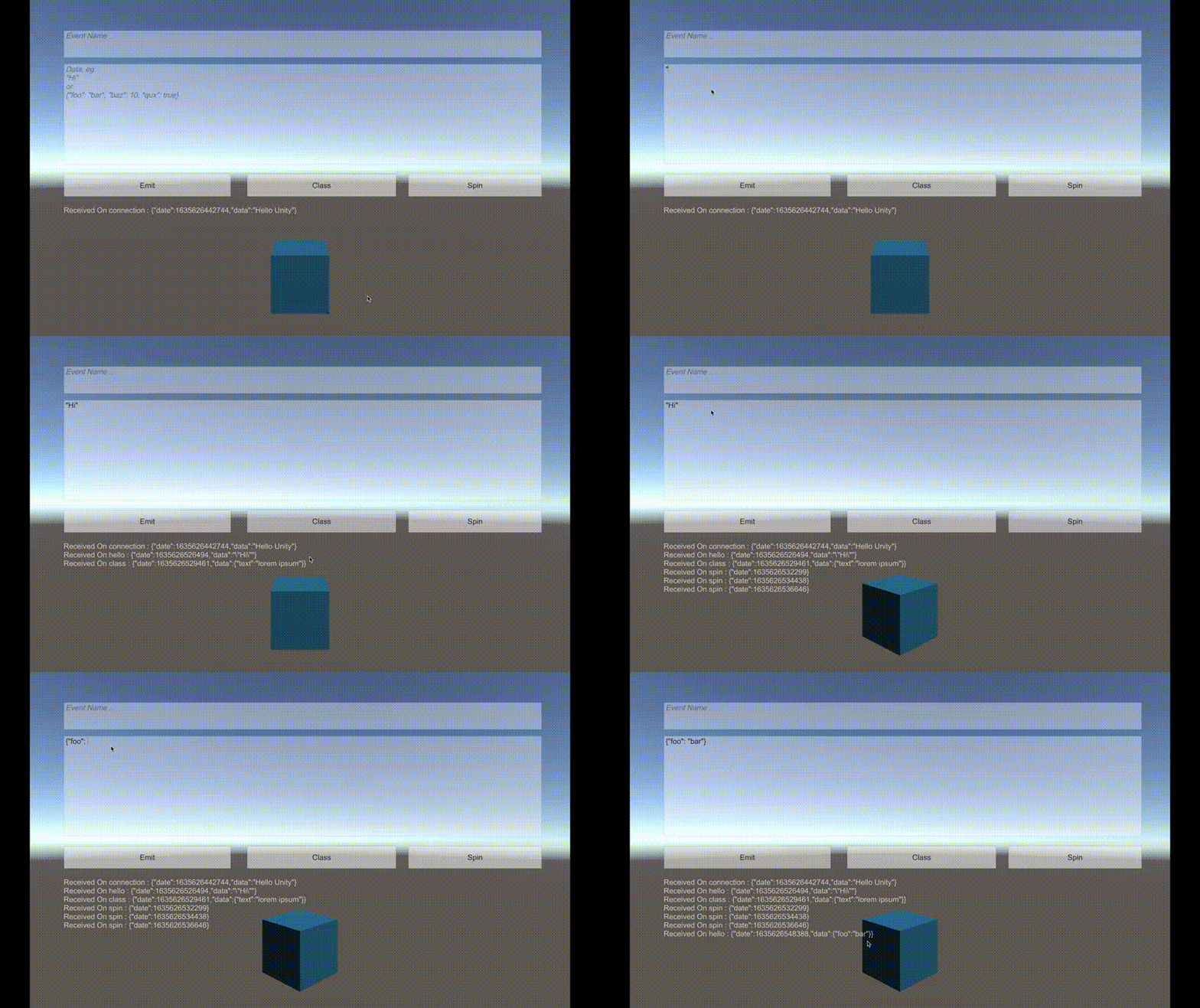
Install via UPM
Add to Unity Package Manager using this URL
https://www.pkglnk.dev/socketiounity.git README Markdown
Copy this to your project's README.md

## Installation
Add **Unity SocketIO** to your Unity project via Package Manager:
1. Open **Window > Package Manager**
2. Click **+** > **Add package from git URL**
3. Enter:
```
https://www.pkglnk.dev/socketiounity.git
```
[](https://www.pkglnk.dev/pkg/socketiounity)Dependencies (1)
Used By (3)
README
SocketIOUnity
Description
A Wrapper for socket.io-client-csharp to work with Unity, Supports socket.io server v2/v3/v4, and has implemented http polling and websocket.
Give a Star! ⭐
Feel free to request an issue on github if you find bugs or request a new feature. If you find this useful, please give it a star to show your support for this project.
Supported Platforms
💻 PC/Mac, 🍎 iOS, 🤖 Android
Other platforms (including the Editor) have not been tested and/or may not work!
Example
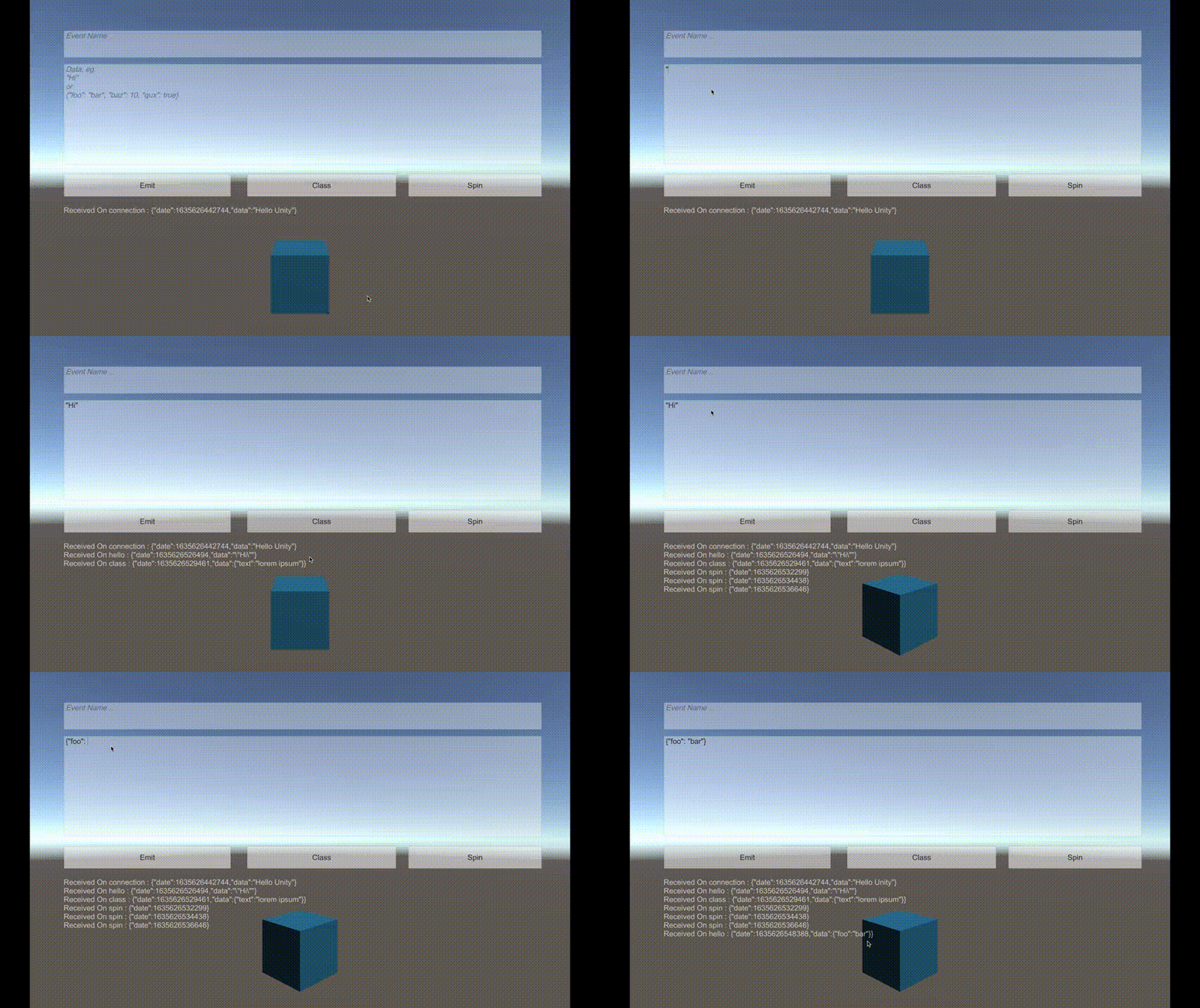
Installation
Copy this url:
https://github.com/itisnajim/SocketIOUnity.git
then in Unity open Window -> Package Manager -> and click (+) add package from git URL... and paste it there.
Usage
Check the 'Samples~' folder and socket.io-client-csharp repo for more usage info.
Initiation:
You may want to put the script on the Camera Object or using DontDestroyOnLoad to keep the socket alive between scenes!
var uri = new Uri("https://www.example.com");
socket = new SocketIOUnity(uri, new SocketIOOptions
{
    Query = new Dictionary<string, string>
        {
            {"token", "UNITY" }
        }
    ,
    Transport = SocketIOClient.Transport.TransportProtocol.WebSocket
});
JsonSerializer:
The library uses System.Text.Json to serialize and deserialize json by default, may won't work in the current il2cpp. You can use Newtonsoft Json.Net instead:
socket.JsonSerializer = new NewtonsoftJsonSerializer();
Emiting:
socket.Emit("eventName");
socket.Emit("eventName", "Hello World");
socket.Emit("eventName", someObject);

socket.Emit("eventName",(response)=>{
    string text = response.GetValue<string>();
    print(text);
}, someObject);

socket.EmitStringAsJSON("eventName", "{\"foo\": \"bar\"}");
await client.EmitAsync("hi", "socket.io"); // Here you should make the method async
Receiving:
socket.On("eventName", (response) =>
{
    /* Do Something with data! */
    var obj = response.GetValue<SomeClass>();
    ...
});
if you want to play with unity game objects (eg: rotating an object) or saving data using PlayerPrefs system use this instead:
// Set (unityThreadScope) the thread scope function where the code should run.
// Options are: .Update, .LateUpdate or .FixedUpdate, default: UnityThreadScope.Update
socket.unityThreadScope = UnityThreadScope.Update;
// "spin" is an example of an event name.
socket.OnUnityThread("spin", (response) =>
{
    objectToSpin.transform.Rotate(0, 45, 0);
});
or:
socket.On("spin", (response) =>
{
    UnityThread.executeInUpdate(() => {
        objectToSpin.transform.Rotate(0, 45, 0);
    });
    /*
    or
    UnityThread.executeInLateUpdate(() => { ... });
    or
    UnityThread.executeInFixedUpdate(() => { ... });
    */
});
Connecting/Disconnecting:
socket.Connect();
await socket.ConnectAsync();

socket.Disconnect();
await socket.DisconnectAsync();
Server Example
const port = 11100;
const io = require('socket.io')();
io.use((socket, next) => {
    if (socket.handshake.query.token === "UNITY") {
        next();
    } else {
        next(new Error("Authentication error"));
    }
});

io.on('connection', socket => {
  socket.emit('connection', {date: new Date().getTime(), data: "Hello Unity"})

  socket.on('hello', (data) => {
    socket.emit('hello', {date: new Date().getTime(), data: data});
  });

  socket.on('spin', (data) => {
    socket.emit('spin', {date: new Date().getTime()});
  });

  socket.on('class', (data) => {
    socket.emit('class', {date: new Date().getTime(), data: data});
  });
});

io.listen(port);
console.log('listening on *:' + port);
Acknowledgement
Author
itisnajim, itisnajim@gmail.com
License
SocketIOUnity is available under the MIT license. See the LICENSE file for more info.
No comments yet. Be the first!