Stochastic Screen Space Reflections
Compute high-quality screen space reflections using stochastic sampling and hierarchical Z-depth casting for deferred rendering pipelines. Features temporal reprojection, contact hardening, and optimized performance through compute shaders with shared memory, achieving 4.15ms at 1080p on modern GPUs. Integrates with Unity Post Processing v2 as a custom effect.
com.simeonradivoev.stochastic-reflections 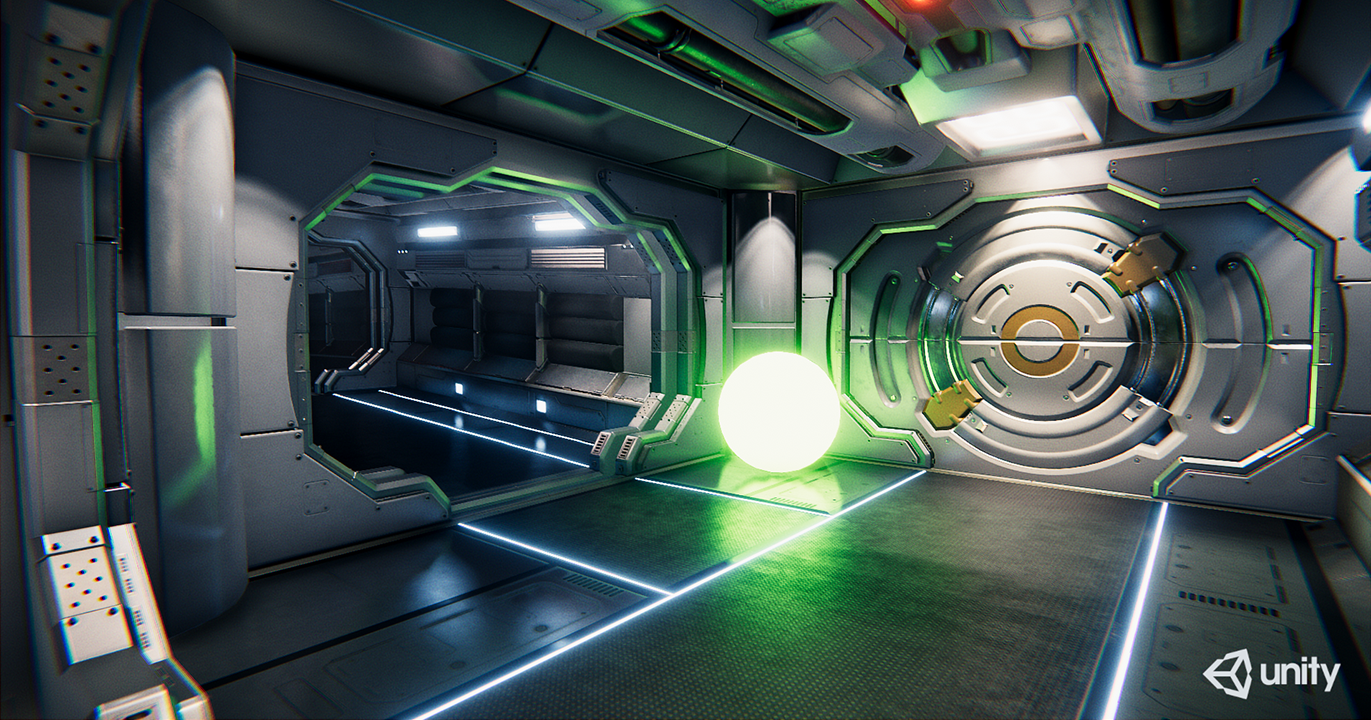
Install via UPM
Add to Unity Package Manager using this URL
https://www.pkglnk.dev/stochastic-reflections.git README Markdown
Copy this to your project's README.md

## Installation
Add **Stochastic Screen Space Reflections** to your Unity project via Package Manager:
1. Open **Window > Package Manager**
2. Click **+** > **Add package from git URL**
3. Enter:
```
https://www.pkglnk.dev/stochastic-reflections.git
```
[](https://www.pkglnk.dev/pkg/stochastic-reflections)Dependencies (1)
README
Compute Stochastic Screen Space Reflections
Compute Stochastic Screen Space Reflections for Unity post processing. Utilizing shared memory for performance. Should be mostly production ready, except for a few Hierarchical Z-depth casting artifacts.
Contents
- Features
- Requirements
- Installation
- Usage
- References
- Showcase
- Real life usage
- Screenshots
- Before and After
- Performance
Features
- Hierarchical Z-depth casting
- Temporal reflection depth reprojection
- Median Filtering for extra denoising
- Reflection Color Mipmap Pyramid
- Raycast and resolve pass downsampling
- Frame reprojection for faking multiple bounces
- Specular elongation
- Contact hardening
Requirements
- Works only with deferred rendering
- Compute shader capable video card
- Unity Post Processing v2
- Tested with Unity 2018.2
Installation
In a unity project go to your Packages folder. Open manifest.json and add into the dependencies the following line:
"com.simeonradivoev.stochastic-reflections": "https://github.com/simeonradivoev/ComputeStochasticReflections.git"
It should look something like this:
{
    "dependencies": {
        "com.unity.ugui": "1.0.0",
        "com.unity.modules.ui": "1.0.0",
        "com.simeonradivoev.stochastic-reflections": "https://github.com/simeonradivoev/ComputeStochasticReflections.git",
    }
}
Usage
Just add a new effect in a post processing profile under Custom/Stochastic Screen Space Reflections
For VR use the test branch called StereoRendering. It currently only supports multi pass rendering.
References
- Rewritten from Xerxes1138
- Based mainly on Tomasz Stachowiak and Yasin Uludag, Siggraph15
Showcase
Real life usage
Screenshots
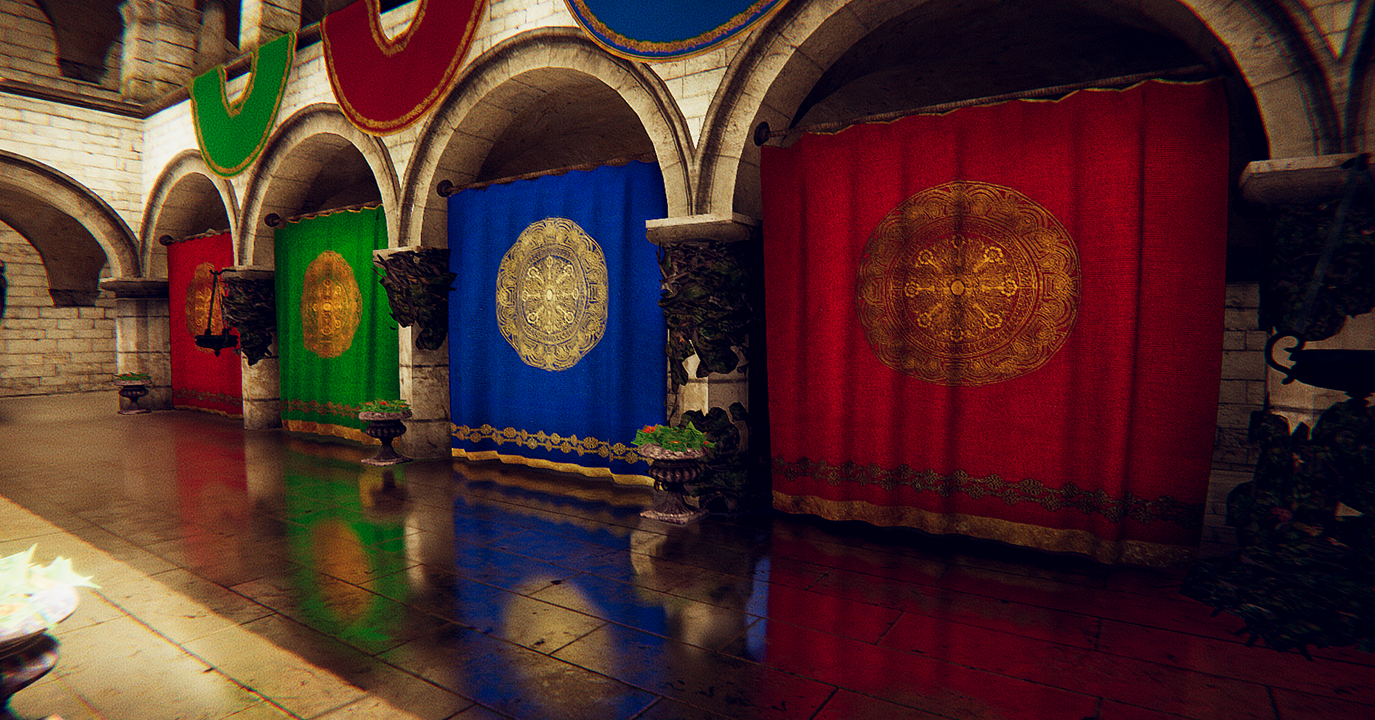
Before and After
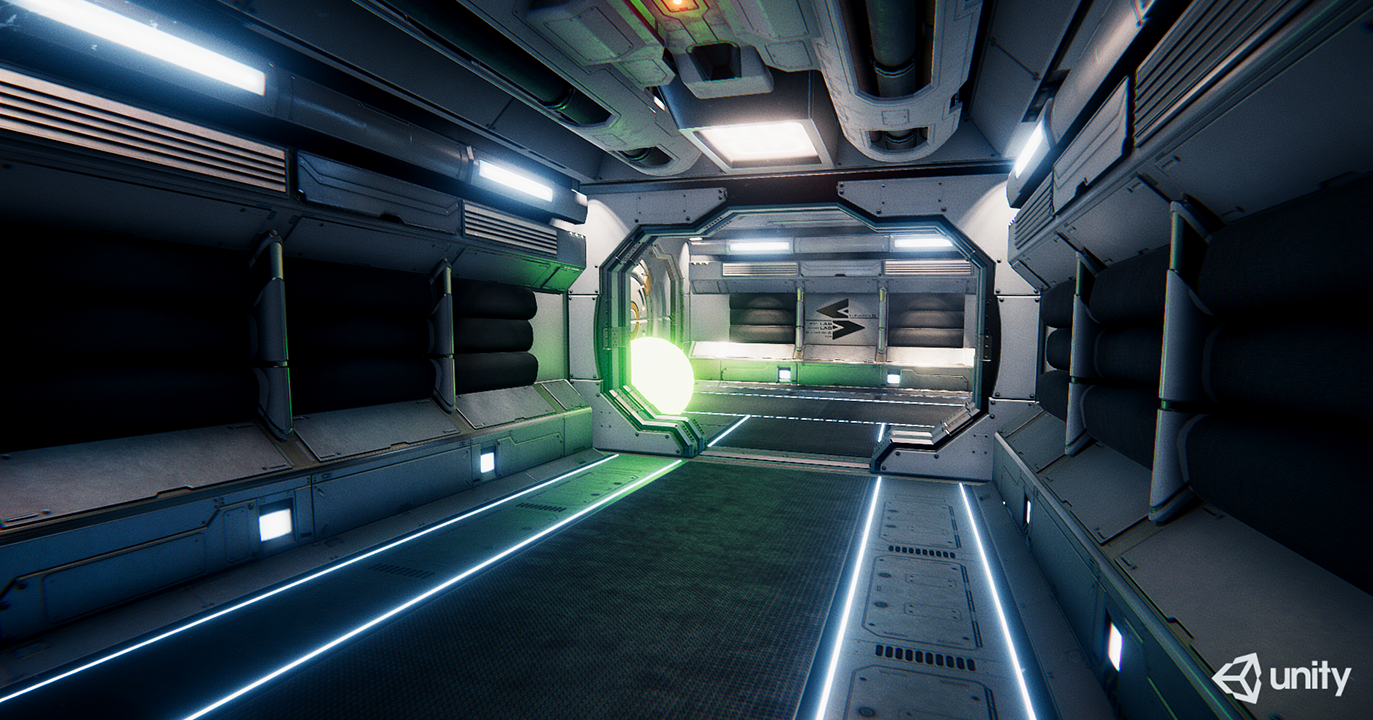
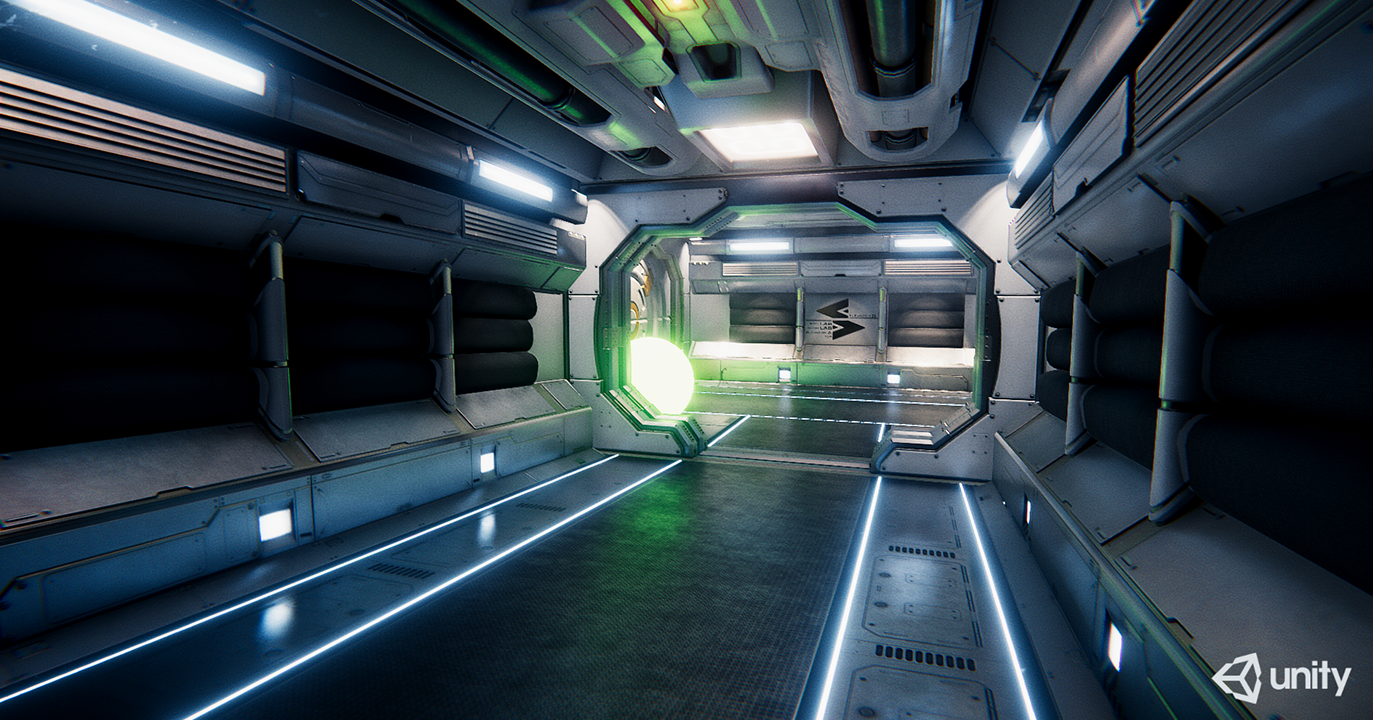
Performance
Tested on a GTX 1070 at 1080p
Highest Quality, High Quality Blur
- Raycasting: 1.4 ms
- Blur: 0.73 ms
- Temporal: 0.67 ms
- Resolve: 0.55 ms
- Total + Others: 4.15 ms
Raycast and Resolved downsampled, Low Quality Blur
- Raycasting: 0.5 ms
- Temporal: 0.19 ms
- Resolve: 0.19 ms
- Total + Others: 1.7 ms
No comments yet. Be the first!