Totem Core for Unity
Totem plugin that enables interaction with Totem services and assets
com.totem.totemcore 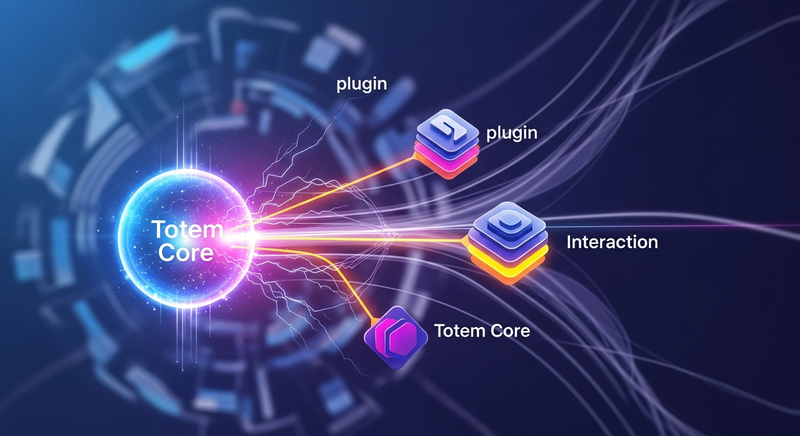
Install via UPM
Add to Unity Package Manager using this URL
https://www.pkglnk.dev/totemcore.git README Markdown
Copy this to your project's README.md

## Installation
Add **Totem Core for Unity** to your Unity project via Package Manager:
1. Open **Window > Package Manager**
2. Click **+** > **Add package from git URL**
3. Enter:
```
https://www.pkglnk.dev/totemcore.git
```
[](https://www.pkglnk.dev/pkg/totemcore)Dependencies (2)
README
Totem Core for Unity!
This Package enables interaction with Totem services and assets in Unity.
Requirements
- Unity Editor 2021.3.7f1 or greater
Instructions
You can install this package in three ways!
A) Package Manager (GIT Url)
The suggested way to install this package is through the "Unity's Package Manager", with our GIT url. This way, you will be notified once new versions get released, and you will be able to download them directly from the Unity Editor.
1/ The GIT url you need to add to the Package manager is the following (copy and paste it): https://github.com/Totem-gdn/TotemGeneratorUnity.git
2/ In the Unity editor, open Window -> Package Manager to open the Package Manager, then click + -> Add package from git URL... -> paste the link above.
Still having trouble this way?
You can always check Unity's docs for how to install from git: https://docs.unity3d.com/Manual/upm-ui-giturl.html
B) Manual Install
You can also install this package manually, by copying the source files directly into your project's assets folder. (You'd have to do this every time there is a new update.)
C) Using .unitypackage from our "Release" tab
1/ Head over to our releases tab: https://github.com/Totem-gdn/TotemGeneratorUnity/releases.
Download the requested version .unitypackage.
2/ In the Unity editor, open Assets -> Import Package -> Custom Package... -> navigate and select downloaded package and Voilà!
You can check the manual: https://docs.unity3d.com/Manual/upm-ui-giturl.html
Building for Android and IOS
Before building the application for Android/IOS you need to generate a deep link which can be easily done by going to Window > Totem Generator > Generate Deep Link and typing in your gameId
Samples
You can import samples through "Samples" menu in the Unity package details. Window -> Package Manager -> Totem Generator for Unity -> Samples
Totem Legacy Records Demo
A sample that demonstrates how to do a basic plugin setup, retrieve avatars and use Legacy records.
Examples
User login and avatars retrieval
using System.Collections;
using System.Collections.Generic;
using UnityEngine;
using TotemEntities;
using TotemEntities.DNA;
using TotemServices.DNA;

public class test : MonoBehaviour
{
    ///Id of your game
    ///Used for legacy records identification
    private string _gameId = "TotemDemo";

    // Start is called before the first frame update
    void Start()
    {
        //Initialize TotemCore
        TotemCore totemCore = new TotemCore(_gameId);


        //Authenticate user through social login in web browser and get user's assets
        totemCore.AuthenticateCurrentUser((user) =>
        {
            //Check if login was canceled
            if (user == null)
            {
                return;
            }

            //Using default filter with a default avatar model. You can implement your own filters and/or models
            totemCore.GetUserAvatars<TotemDNADefaultAvatar>(user, TotemDNAFilter.DefaultAvatarFilter, (avatars) =>
            {
                foreach (var avatar in avatars)
                {
                    Debug.Log(avatar.ToString());
                }
            });
        });

    }

    public void AddLegacyRecord(object asset, TotemAssetType assetType, int data)
    {
        totemCore.AddLegacyRecord(asset, assetType, data.ToString(), (record) =>
        {
            Debug.Log("Legacy record created");
        });
    }


    public void GetLegacyRecords(object asset, TotemAssetType assetType, UnityAction<List<TotemLegacyRecord>> onSuccess)
    {
        totemCore.GetLegacyRecords(asset, assetType, onSuccess, legacyGameIdInput.text);
    }

}
Comments
No comments yet. Be the first!
Sign in to join the conversation
Sign In