Shopping Demo

Explore a fully functional 3D shopping environment built with Unity and echo3D's cloud-based model management. This demo showcases interactive product browsing, cart simulation, and dynamic 3D asset loading via API. Perfect for learning integration patterns, AR-ready architecture, and best practices for e-commerce applications in Unity.
Unity Project
Built with Unity 2019.3.1f1 · download the source from GitHub
README
Unity-echo3D-demo-Shopping
A shopping demo created with Unity and echo3D.
Register
If you don't have an echo3D API key yet, make sure to register for FREE at echo3D.
Setup
- Clone this project and open in Unity
- Set your echo3D API key in the echo3D prefab
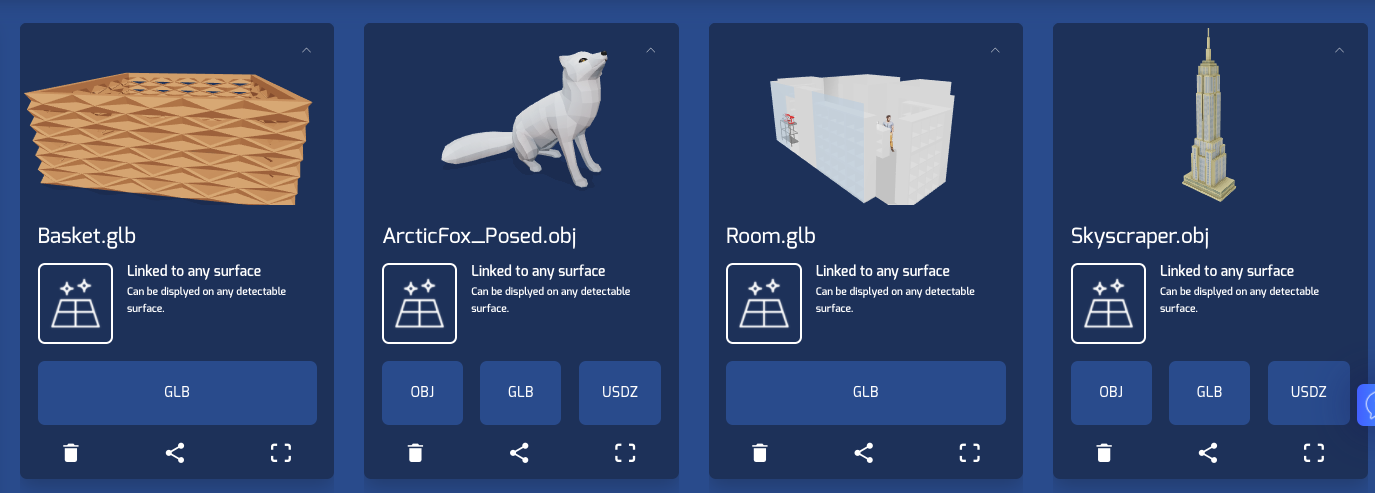
- Add the models from the models folder to the echo3D console
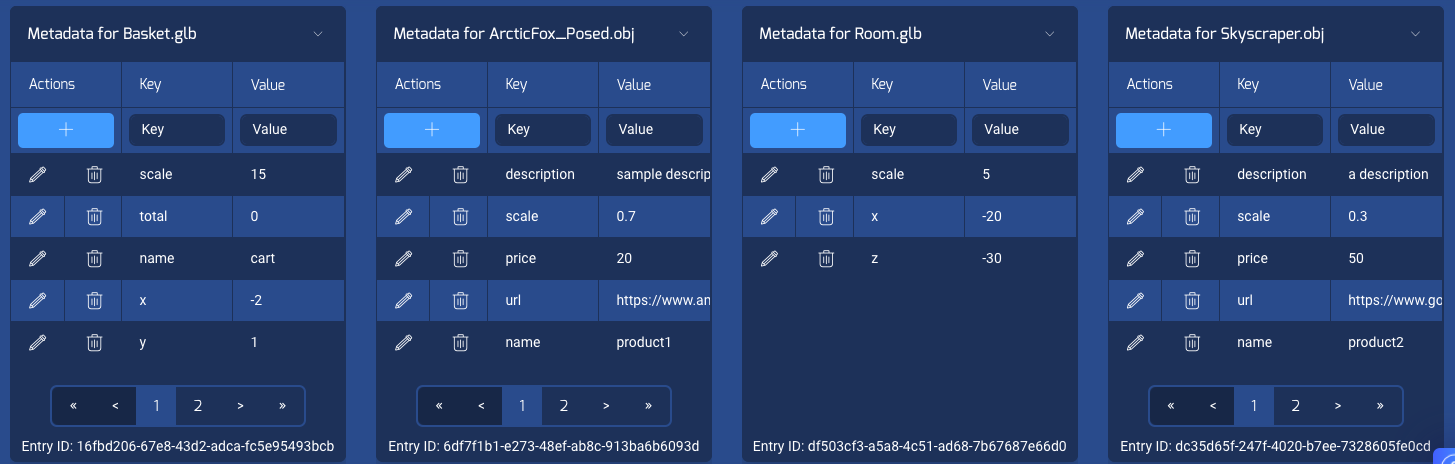
- For each model, add the corresponding metadata from the metadata folder on the echo3D console
Run
- Press the 'Play' button on Unity
Notes
- Navigate through the scene using your mouse and keyboard
- Clicking on a product or model will redirect you to the item page and simulate an add to cart action
Learn more
Refer to our documentation to learn more about how to use Unity, AR Foundation, and echo3D.
Support
Feel free to reach out at support@echo3D.co or join our support channel on Slack.
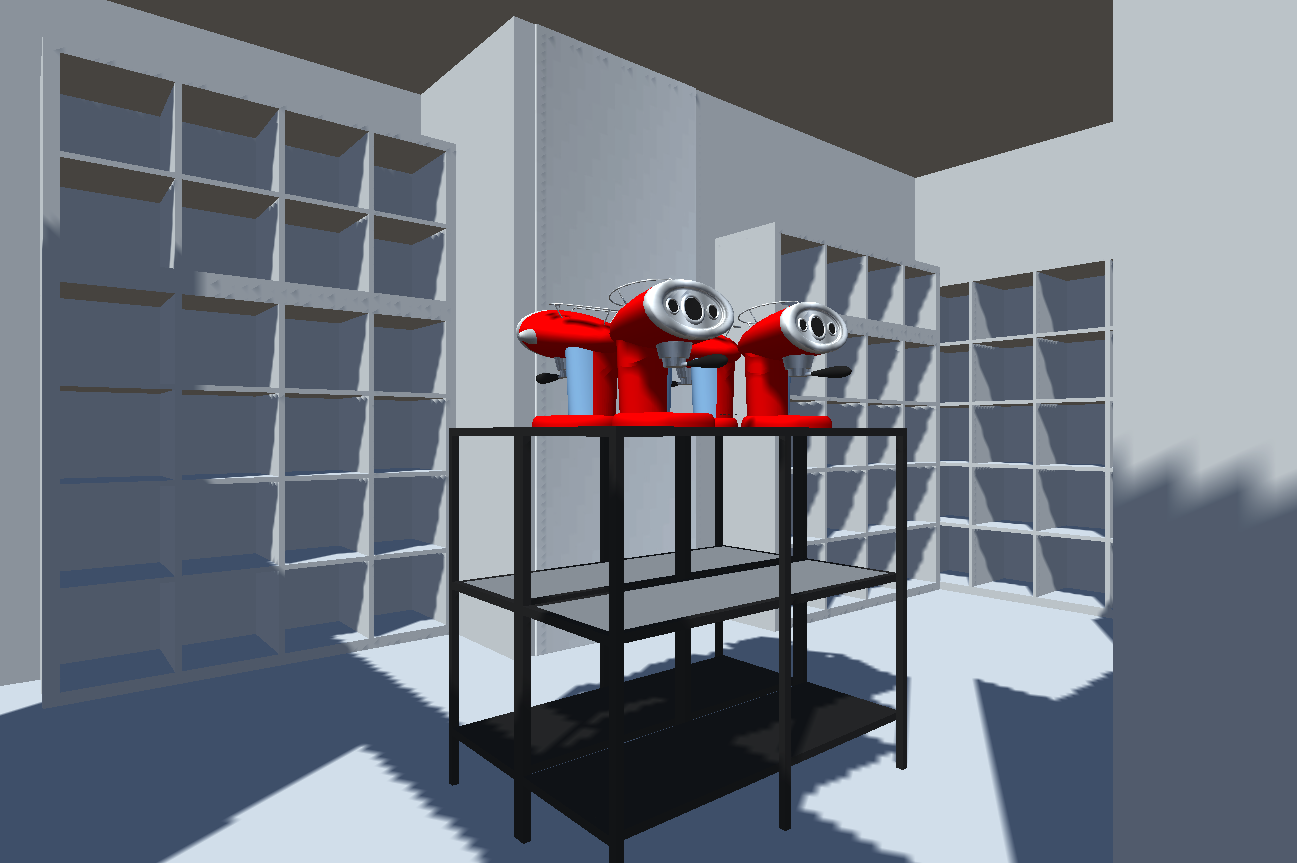
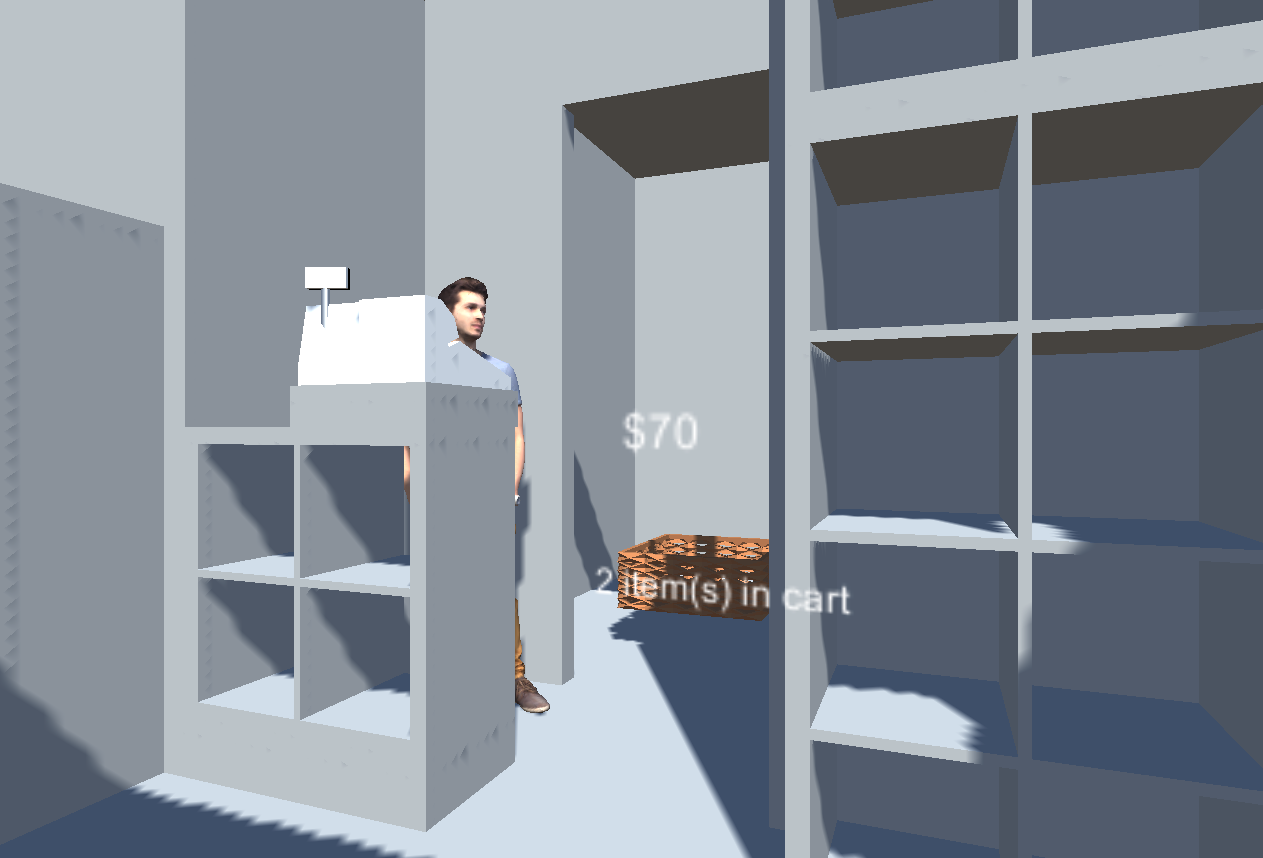
Screenshots
Comments
No comments yet. Be the first!
Sign in to join the conversation
Sign In