Unity Terminal Launcher
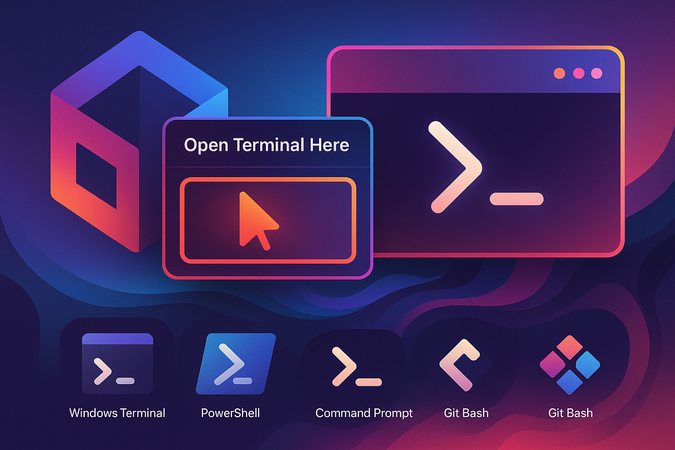
Open terminals directly from Unity's Project window with a right-click context menu. Supports Windows Terminal, PowerShell Core, PowerShell, Command Prompt, and Git Bash, allowing you to quickly access your file system at any folder location within your project hierarchy.
com.github.kurotu.unity-terminal-launcher Unity Compatibility
Install via UPM
Add to Unity Package Manager using this URL
https://www.pkglnk.dev/unity-terminal-launcher.git README Markdown
Copy this to your project's README.md

## Installation
Add **Unity Terminal Launcher** to your Unity project via Package Manager:
1. Open **Window > Package Manager**
2. Click **+** > **Add package from git URL**
3. Enter:
```
https://www.pkglnk.dev/unity-terminal-launcher.git
```
[](https://www.pkglnk.dev/pkg/unity-terminal-launcher)README
UnityTerminalLauncher
Add "Open Terminal Here" context menu for Unity.
A terminal starts in a folder which you selected.
Supported Terminals
- Windows Terminal
- PowerShell Core
- PowerShell
- Command Prompt
- Git Bash
Installation
Unitypackage
Download .unitypackage from the release page then import it.
OpenUPM
openupm add com.github.kurotu.unity-terminal-launcher
Usage
Open Terminal in the Project Folder
Select Window -> External Terminal in the menu bar.
Open Terminal in the Selected Folder
Right click a folder in Project window. Then select Open Terminal Here.
Preferences
Open Unity's preferences window (Menu bar -> Edit -> Preferences...).
Select Terminal Launcher, then select a terminal you want to use.
Comments
No comments yet. Be the first!
Sign in to join the conversation
Sign In