SSGI for Universal RP
The Screen Space Global Illumination uses the depth and color buffer of the screen to calculate diffuse light bounces.
com.jiaozi158.unityssgiurp 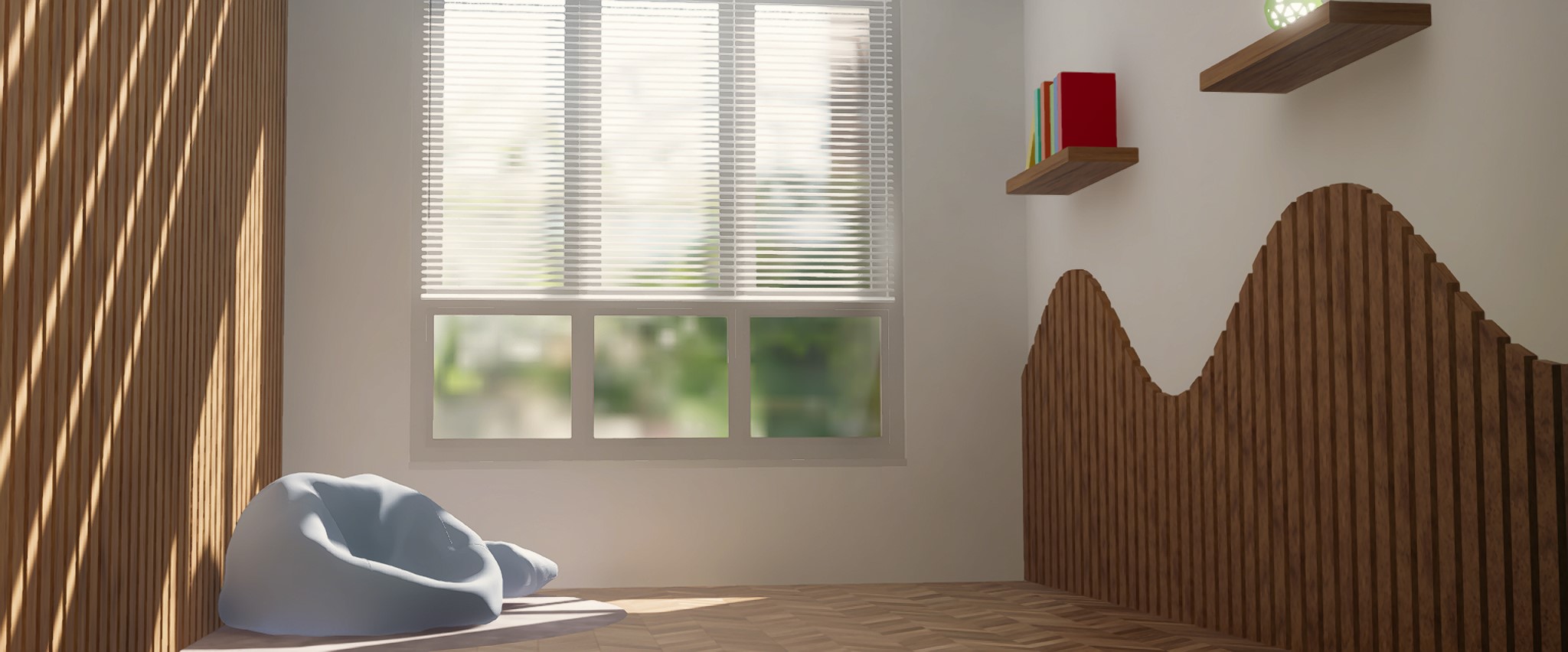
Install via UPM
Add to Unity Package Manager using this URL
https://www.pkglnk.dev/unityssgiurp.git README Markdown
Copy this to your project's README.md
Style
Preview 
## Installation
Add **SSGI for Universal RP** to your Unity project via Package Manager:
1. Open **Window > Package Manager**
2. Click **+** > **Add package from git URL**
3. Enter:
```
https://www.pkglnk.dev/unityssgiurp.git
```
[](https://www.pkglnk.dev/pkg/unityssgiurp)Dependencies (1)
README
UnitySSGIURP
Screen Space Global Illumination for Unity URP (Universal Render Pipeline).
Please read the Documentation and Requirements before using this repository.
Screenshots
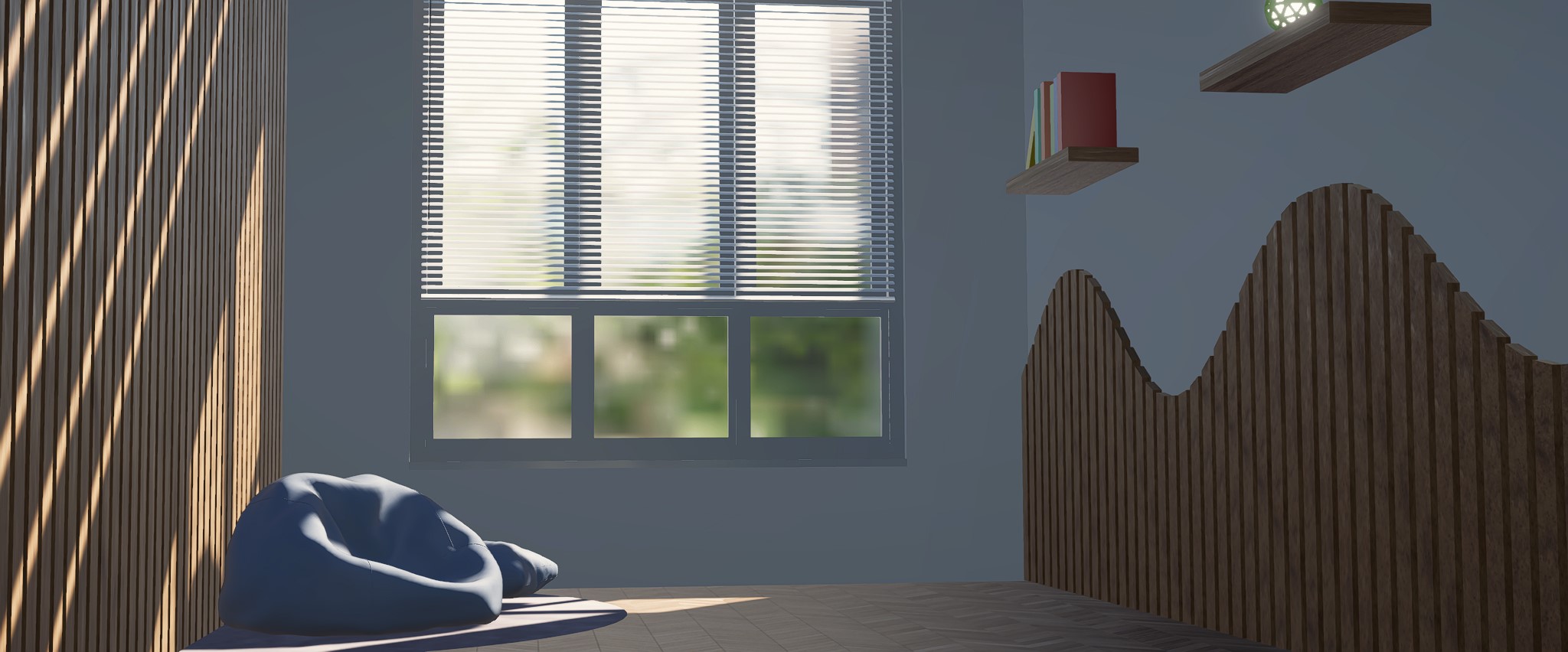
Relaxing Corner
Available in the samples page:
Installation
- Please refer to Unity's documentation page.
- Open the Package Manager and select Add package from git URL from the add menu.
- Enter https://github.com/jiaozi158/UnitySSGIURP.git to install this package.
- If Unity could not find git, consider installing it here.
- Add the Screen Space Global Illuminaton renderer feature into the active URP renderer.
- Add the Lighting/Screen Space Global Illuminaton (URP) override to the scene's Volume.
Documentation
Requirements
- Unity 2022.3.35f1 (URP 14) or above.
- Motion vectors in older URP versions (ex. Unity 2022.3.0f1) may cause severe ghosting. Please upgrade to the latest patch version (ex. "37f1").
- Shader model 3.5 or above (at leaset OpenGL ES 3.0 or equivalent)
- Extra steps are needed for OpenGL APIs.
Reminders
- This is an initial release and some unresolved issues are expected due to lack of time for testing.
- Please open an issue if anything went wrong.
- VR support will be added in the future release.
License
MIT

No comments yet. Be the first!