UniVGO
UniVGO is a package that can handle VGO files in Unity.
com.izayoi.univgo 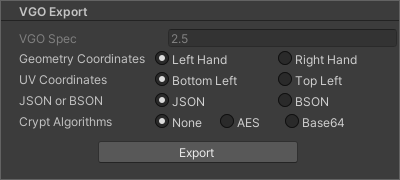
Install via UPM
Add to Unity Package Manager using this URL
https://www.pkglnk.dev/univgo.git README Markdown
Copy this to your project's README.md
Style
Preview 
## Installation
Add **UniVGO** to your Unity project via Package Manager:
1. Open **Window > Package Manager**
2. Click **+** > **Add package from git URL**
3. Enter:
```
https://www.pkglnk.dev/univgo.git
```
[](https://www.pkglnk.dev/pkg/univgo)Dependencies (8)
README
VGO
VGO is a new type of 3D data format.


Features
- You can save basic information of 3D model such as
Node,Transform,Rigidbody,Collider,Mesh,Blend Shape,Material,Texture. - You can also save the information of
Human Avatar,Spring Bone,Animation,Cloth,Light,Particle System,Skyboxfor use in Unity. - You can also save the information of
Blend Shape Presetfor use in the application. - The file format uses IFF chunk as the base.
- Use
JSON,BSON,Binaryas internal data. - The geometry coordinate system can have both right-handed and left-handed data.
- It is a specification that allows its own definition extension (chunk, schema).
- It is designed to support partial encryption.
- Resources are basically included in a file, but they can be cut out in another file.
- Resources can compress data with sparse, and have their own definition of the more powerful sparse.
- There is no direct compatibility with glTF.
- It is possible to convert to other formats including glTF by expanding the data in Unity Editor.
Experiments
- Supports
WebPformat in addition to normalPNG,JPEGfor image type (media type / MIME type) in textures.
Translation
File extension
| extension | description | required |
|---|---|---|
| .vgo | This is a VGO file. | true |
| .vgk | It is a key file to decrypt the encrypted VGO file. | false |
| (.bin) | Resource file. | false |
Tools
UniVGO



A tool for creating/exporting/importing/loading VGO file.
You can easily export a VGO file with the click of a button.
You can easily import and restore VGO files by just placing them in Assets.
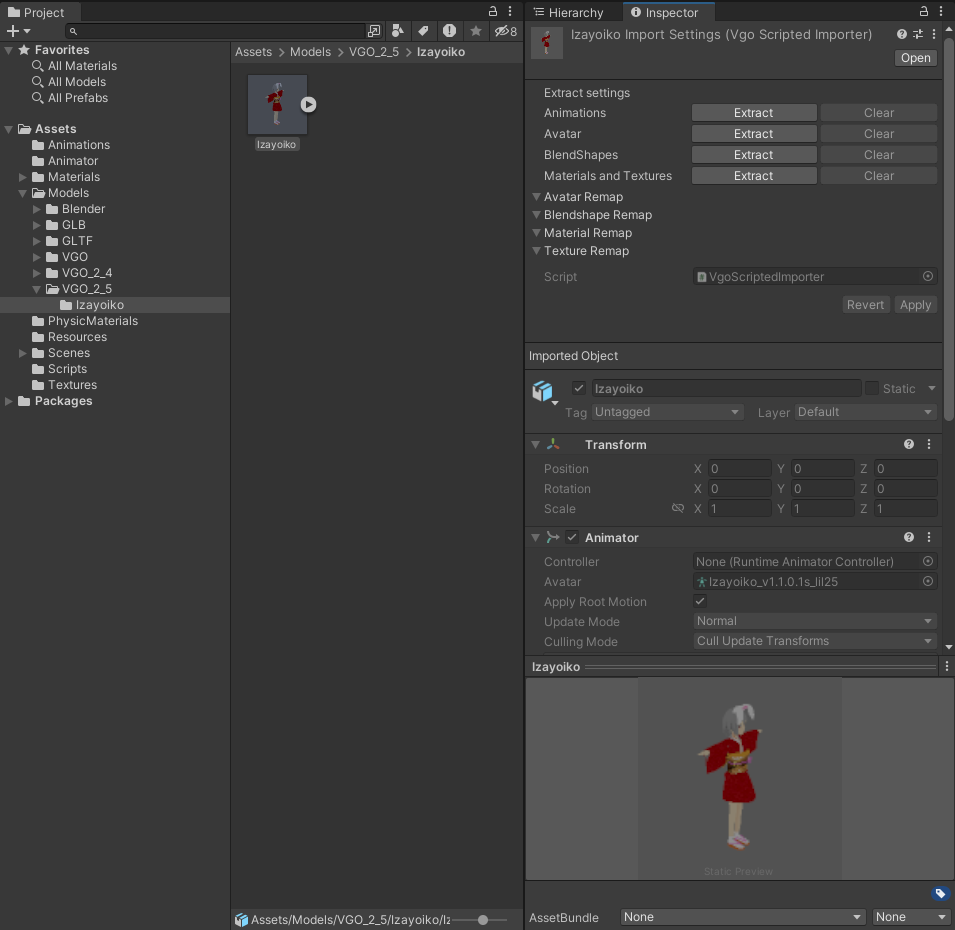
You can easily run-time load a VGO file by writing a few scripts.
    using System;
    using UnityEngine;
    using UniVgo2;

    public class VgoRuntimeLoader : MonoBehaviour
    {
        [SerializeField]
        private string _FilePath = string.Empty;

        private readonly VgoImporter _VgoImporter = new();

        private VgoModelAsset? _VgoModelAsset;

        private void Start()
        {
            _VgoModelAsset = _VgoImporter.Load(_FilePath);
        }

        private void OnDestroy()
        {
            _VgoModelAsset?.Dispose();
        }
    }
Last updated: 4 November, 2024
Editor: Izayoi Jiichan
Copyright (C) 2020 Izayoi Jiichan. All Rights Reserved.
No comments yet. Be the first!