Install via UPM
Add to Unity Package Manager using this URL
https://www.pkglnk.dev/uwindowcapture.git#upm README Markdown
Copy this to your project's README.md
Style
Preview 
## Installation
Add **uWindowCapture** to your Unity project via Package Manager:
1. Open **Window > Package Manager**
2. Click **+** > **Add package from git URL**
3. Enter:
```
https://www.pkglnk.dev/uwindowcapture.git#upm
```
[](https://www.pkglnk.dev/pkg/uwindowcapture)README
uWindowCapture
uWindowCapture is an Unity asset to capture windows and make them available in Unity as Texture2D.
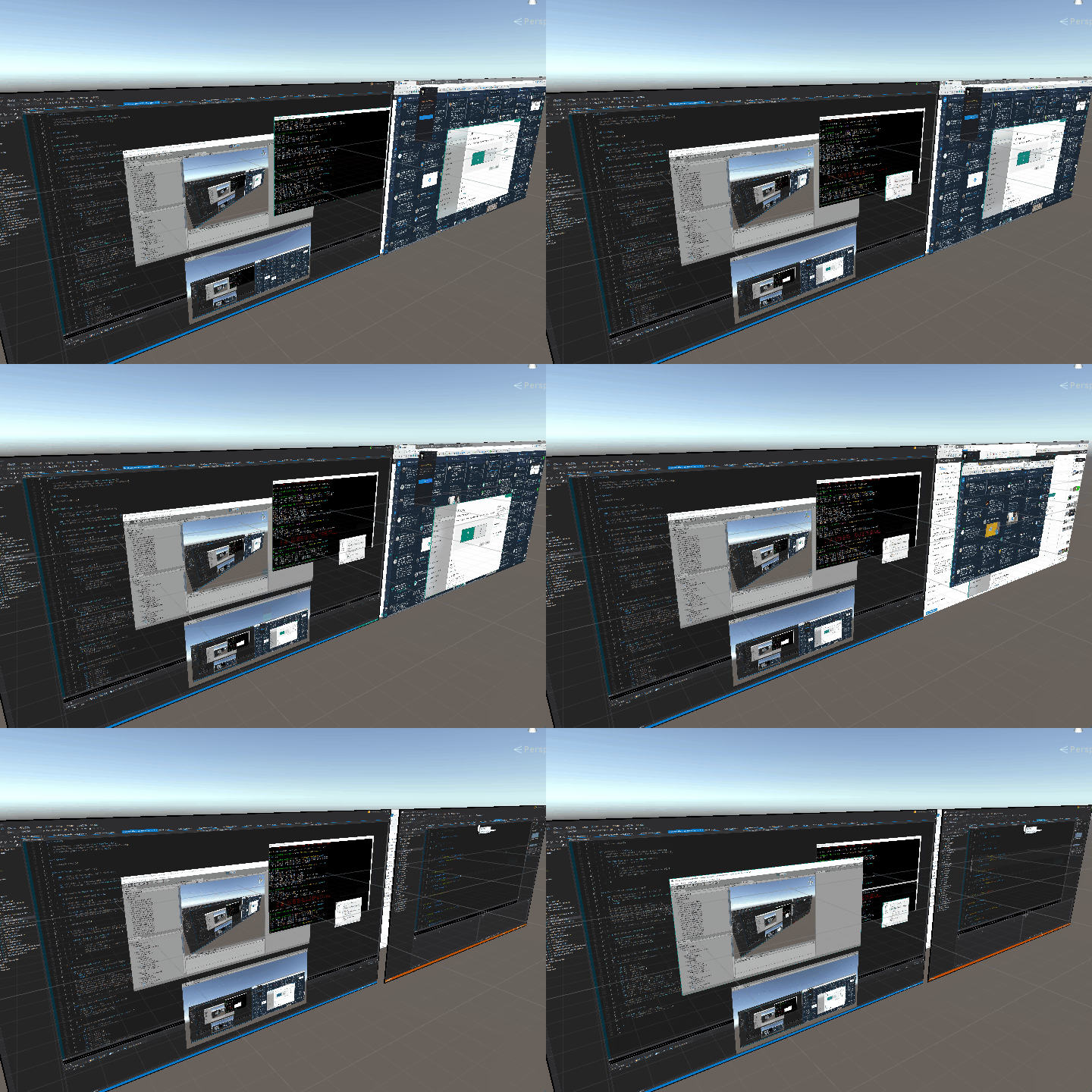
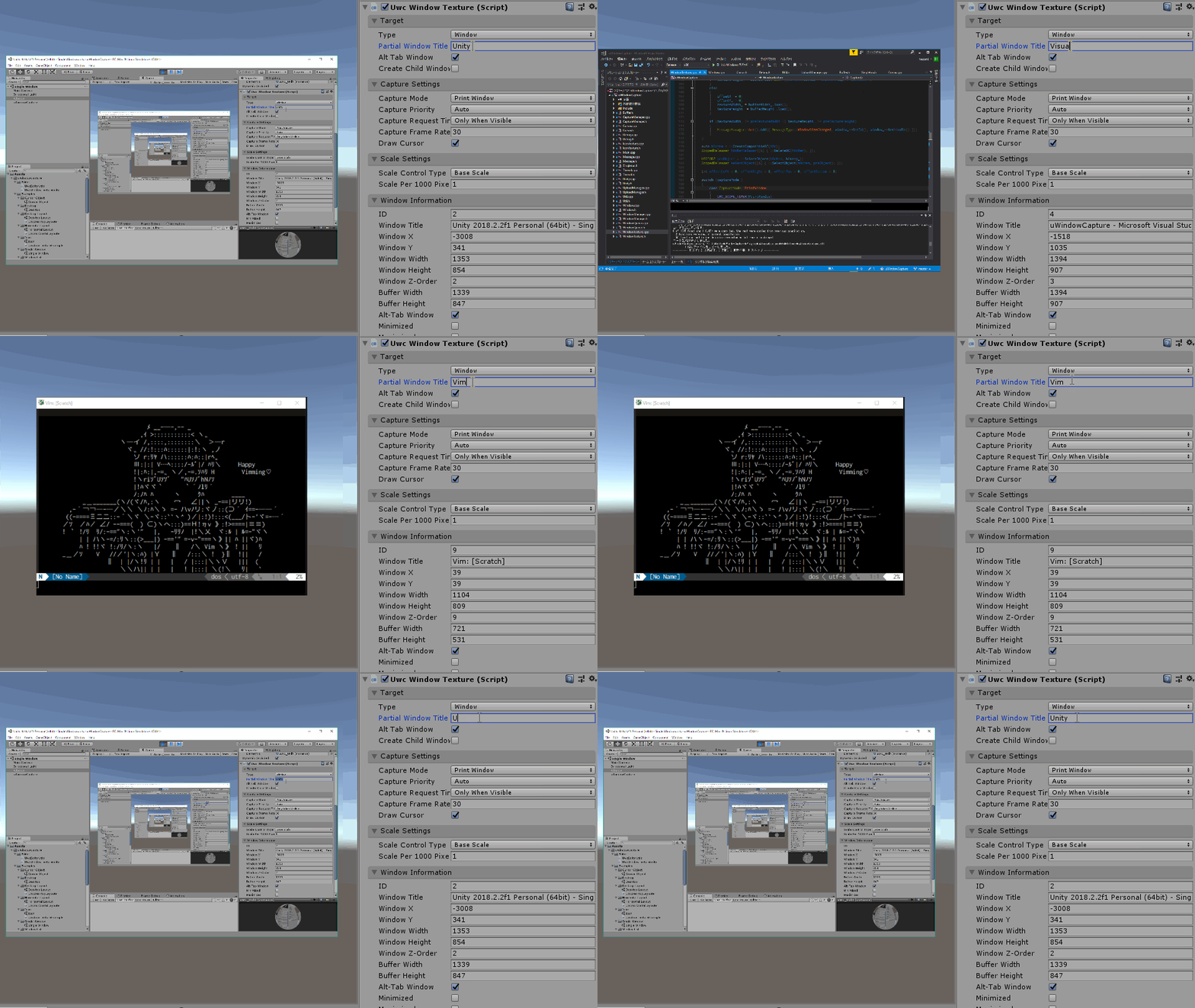
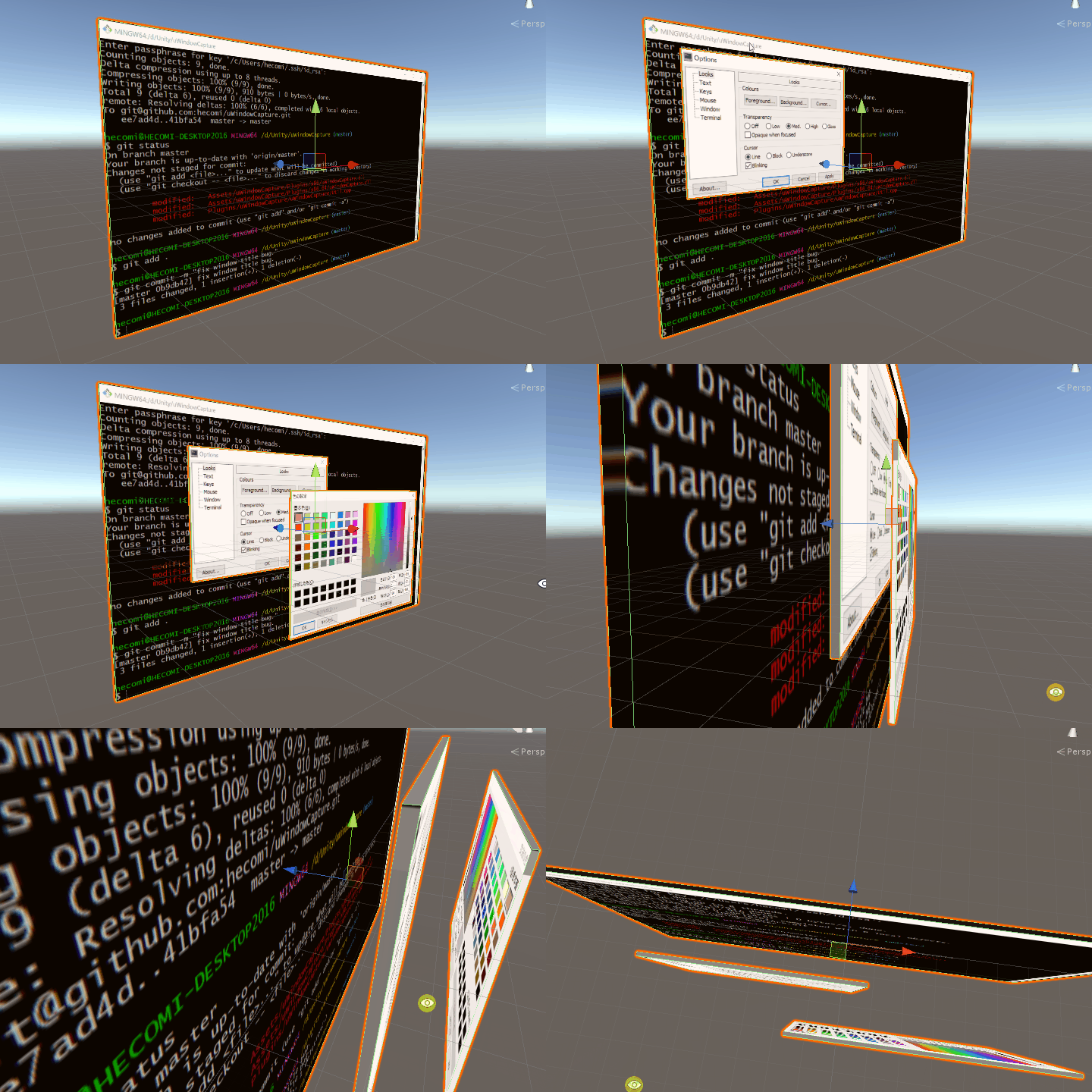
Screenshots
Install
- Unity Package
- Download the latest .unitypackage from Release page.
- Git URL (UPM)
- Add
https://github.com/hecomi/uWindowCapture.git#upmto Package Manager.
- Add
- Scoped Registry (UPM)
- Add a scoped registry to your project.
- URL:
https://registry.npmjs.com - Scope:
com.hecomi
- URL:
- Install uWindowCapture in Package Manager.
- Add a scoped registry to your project.
How to use
Check out the following article (written in Japanese, so please use a translation service).
No comments yet. Be the first!