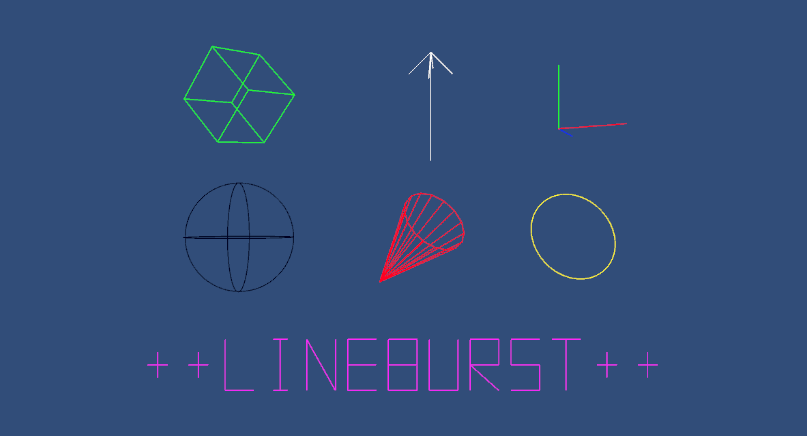

Plot functions and draw large amounts of debug lines, shapes and text to the Unity game and scene view
Unity Project
Built with Unity 2022.3.6f1 · download the source from GitHub
README
Rendered from GitHubLineBurst
Introduction
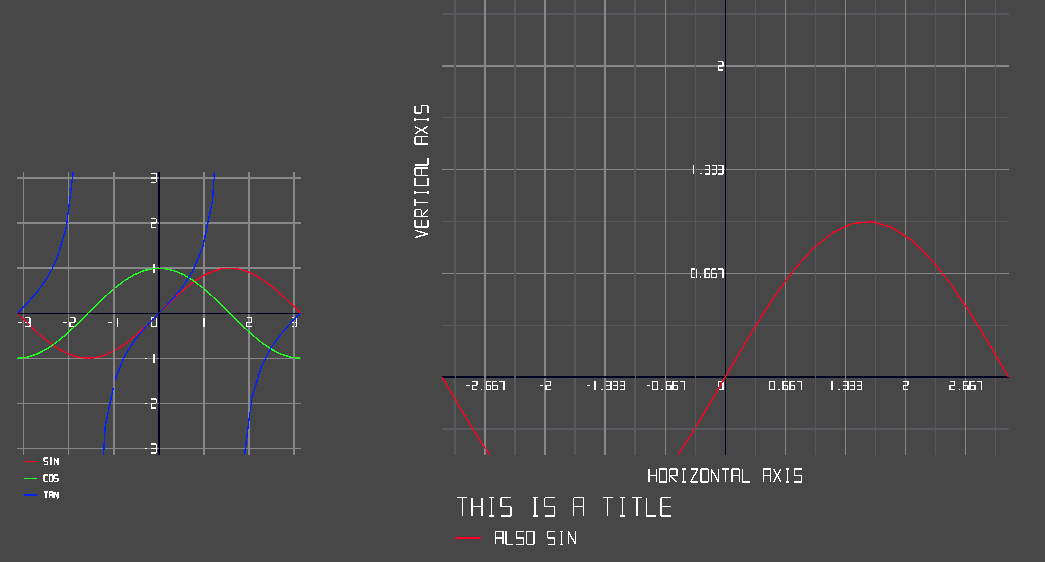
Plot functions and draw large amounts of debug lines, shapes and text to the Unity Game and Scene View, from BURST compiled jobs or MonoBehaviours.
Installation
If OpenUpm is not installed, ensure node.js is installed so you have access to npm and run:
npm install -g openupm-cli
To add LineBurst to a Unity project, open a prompt in the project root and run:
openupm add com.bassmit.lineburst
Getting Started
Create a LineBurstRenderer behaviour, then use the thread safe static APIs like:
Draw.Line(a, b, Color.red);
When the amount of elements to be drawn is known allocate the required buffer in one operation:
var spheres = new Draw.Spheres(amount);
for (int i = 0; i < amount; i++)
    spheres.Draw(points[i], radii[i], colors[i]);
For additional examples install the Samples through the package manager.
Notes
The default font is missing lower case letters and many signs, a basic editor is provided in the scene view when a font is selected, pull requests are welcome ; ) The Unity Physics package forms the basis of this package.
Versions 0
No versions tracked yet.
Dependencies 40
Changelog 0 releases
No changelog entries yet. Run the admin Changelog & Version Scanner to pull from the repository's CHANGELOG.md.
Comments
No comments yet. Be the first!
Sign in to join the conversation
Sign In