HGS Call Limiter
Control method execution frequency with Throttle and Debounce patterns. Throttle limits function calls to once per interval, ideal for smoothing frequent input actions like weapon fire. Debounce executes only the final call after a delay, useful for reducing API calls or batching operations. Both patterns help optimize performance by preventing excessive method invocations in response to rapid events.
com.hgs.call-limiter 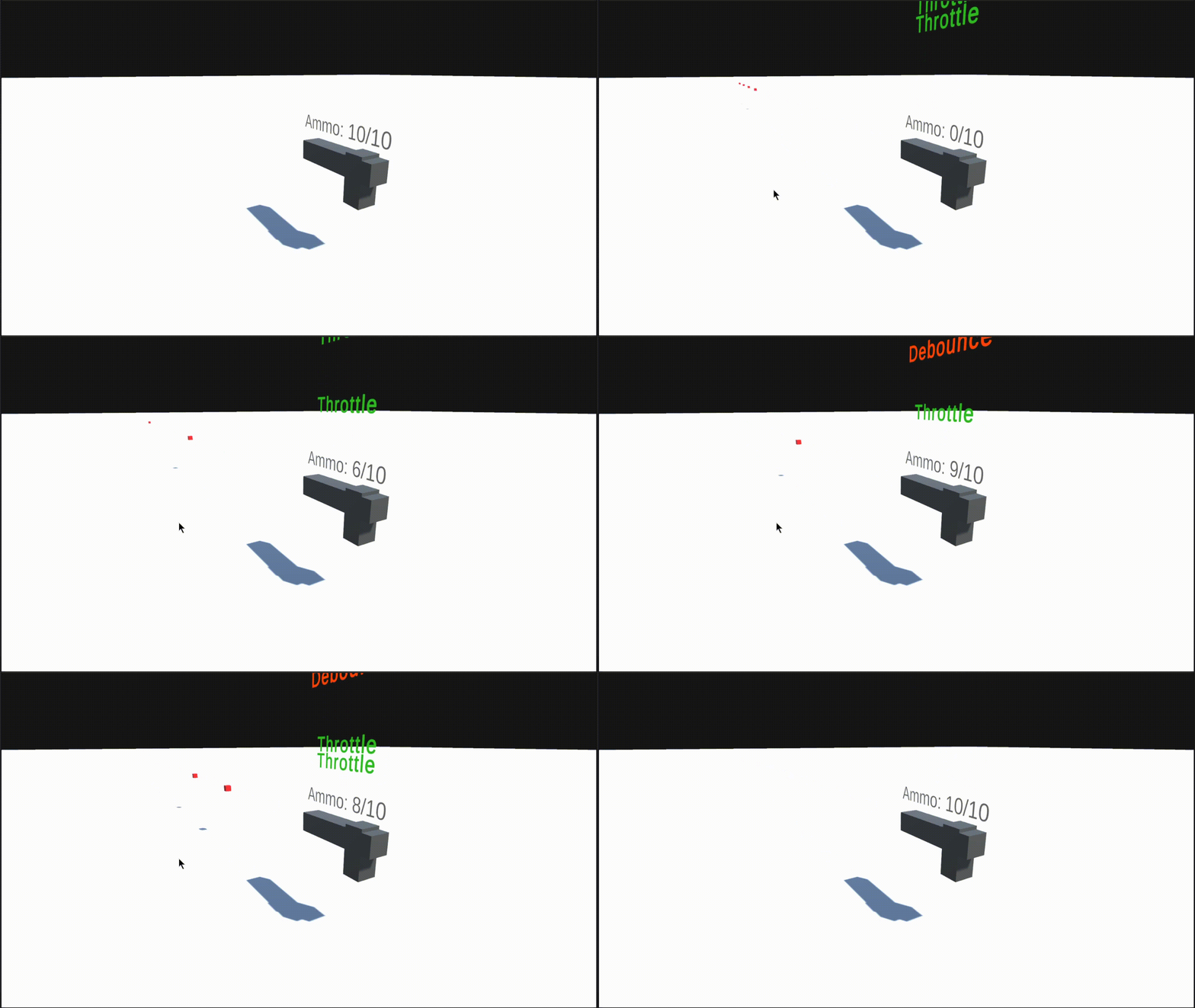
Install via UPM
Add to Unity Package Manager using this URL
https://www.pkglnk.dev/call-limiter.git#upm README Markdown
Copy this to your project's README.md

## Installation
Add **HGS Call Limiter** to your Unity project via Package Manager:
1. Open **Window > Package Manager**
2. Click **+** > **Add package from git URL**
3. Enter:
```
https://www.pkglnk.dev/call-limiter.git#upm
```
[](https://www.pkglnk.dev/pkg/call-limiter)README


Introduction
HGS Call Limiter implements the concept of Throttle and Debounce using C#. Use both to prevent massive method calls.
Throttle
Dont't allows function to execute more than once every x seconds. Is commonly used to smooth user input actions.
Sample
using HGS.CallLimiter

public class WeaponFire: MonoBehaviour
{
  [SerializeField] float fireRatio = 1;

  Throttle _fireThrottle = new Throttle();

  void Fire()
  {
   Debug.Log("fire");
  }

  void Update()
  {
    if(Input.GetMouseButton(0)){
      _fireThrottle.Run(Fire, fireRatio);
    }
  }
}
Debounce
The debounce pattern allows only last function call. Whenever function is called, the internal call timer is reset, when call timer reach end, the method it will be called.
Is commonly used to reduce API calls.
Sample
using HGS.CallLimiter

public class WeaponAutoReload: MonoBehaviour
{
  [SerializeField] float debounceInterval = 1;

  Debounce _reloadDebounce = new Debounce();

  void Reload()
  {
   Debug.Log("Reload");
  }

  void Update()
  {
    if(Input.GetMouseButton(0))
    {
      _reloadDebounce.Run(Reload, debounceInterval, this);
    }
  }
}
Installation
OpenUPM:
openupm add com.hgs.call-limiter
Package Manager:
https://github.com/homy-game-studio/hgs-unity-call-limiter.git#upm
Or specify version:
https://github.com/homy-game-studio/hgs-unity-call-limiter.git#2.0.0
Samples
You can see all samples directly in Package Manager window.

Contrib
If you found any bugs, have any suggestions or questions, please create an issue on github. If you want to contribute code, fork the project and follow the best practices below, and make a pull request.
Namespace Convention
To avoid script collisions, all scripts of this package is covered by HGS.CallLimiter namespace.
Branchs
master-> Keeps the unity project to development purposes.upm-> Copy of folder contentAssets/Packageto release after pull request inmaster.
Whenever a change is detected on the master branch, CI gets the contents of Assets/Package, and pushes in upm branch.
Commit Convention
This package uses semantic-release to facilitate the release and versioning system. Please use angular commit convention:
<type>(<scope>): <short summary>
  │       │             │
  │       │             └─⫸ Summary in present tense. Not capitalized. No period at the end.
  │       │
  │       └─⫸ Commit Scope: Namespace, script name, etc..
  │
  └─⫸ Commit Type: build|ci|docs|feat|fix|perf|refactor|test
Type.:
- build: Changes that affect the build system or external dependencies (example scopes: package system)
- ci: Changes to our CI configuration files and scripts (example scopes: Circle, - BrowserStack, SauceLabs)
- docs: Documentation only changes
- feat: A new feature
- fix: A bug fix
- perf: A code change that improves performance
- refactor: A code change that neither fixes a bug nor adds a feature
- test: Adding missing tests or correcting existing tests
No comments yet. Be the first!