Urp Toon Shader
Fork
🌔 Toon shader for Unity's Universal Render Pipeline.
Unity Project
Built with Unity 2021.3.0f1 · download the source from GitHub
Dependencies (42)
README
Toon Shader for Unity URP
A toon shader compatible with the Universal Render Pipeline.
⚠️ The repository is no longer actively maintained.
🆕 The techniques from this project are the foundation of Toon RP, a custom Scripable Render Pipeline designed for stylized rendering.
Unity Version
Developed and verified with Unity 2021.3.0f1 LTS and URP package v12.1.6.

Table of Contents
- Toon Shader Capabilities
- Toon Shader (Lite) Capabilities
- Inverted Hull Outline
- Installation
- Getting Started
- Documentation
- Examples
- Performance Benchmark
- Used Assets
Toon Shader Capabilities
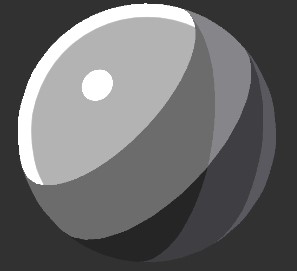
Surface
- Opaque/Transparent with blending modes:
- Alpha/Premultiply/Additive/Multiply
- Alpha Clipping
- Culling
- Back/Front/Off
Color
- 2 or 3-step ramp with configurable thresholds and smoothness
- Ramp textures
- Normal Maps
- Main light
- Additional lights
- per-vertex or per-pixel, depending on URP settings
- optional specular highlights
- shadows
- Casting and receiving shadows
- Configurable shadow color (both in multiplicative and "pure" modes)
- Emission
- Rim lighting (Fresnel effect) and specular highlights with HDR color support (e.g. for bloom)
- Anisotropic specular (e.g. for hair)
- Environment reflections and Reflection Probes
- Fog
- SSAO
- Environment Lighting
- Baked lights and shadows
- Dynamically receive via light probes
- Contribute to bake process ("meta" pass)
- Vertex Color
- Screen-Space Shadows
Performance
- SRP Batcher compatibility
- GPU Instancing
Only Forward rendering path is supported.
Toon Shader (Lite) Capabilities
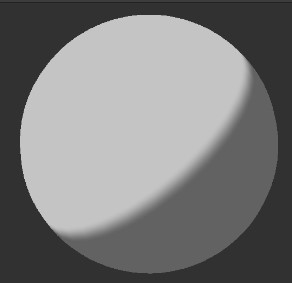
Color
- 2-step ramp with configurable threshold and smoothness
- Main light (per-vertex or per-pixel)
- Casting shadows
- Configurable shadow color
- Fog
- Vertex Color
Performance
- SRP Batcher compatibility
- GPU Instancing
Only Forward rendering path is supported.
Inverted Hull Outline
A simple and performant outline shader. Renders outlines of objects on certain layers via a Renderer Feature.
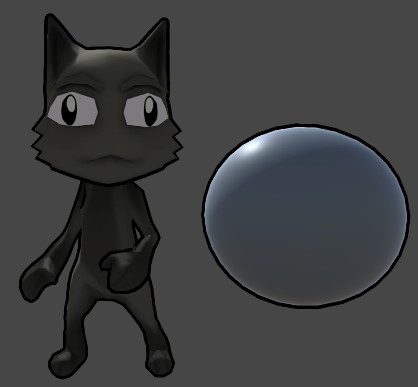
See the Outline Wiki page for details.
Installation
For the latest version (Unity compatibility is specified here):
Option 1
- Open Package Manager through Window/Package Manager
- Click "+" and choose "Add package from git URL..."
- Insert the URL:
https://github.com/Delt06/urp-toon-shader.git?path=Packages/com.deltation.toon-shader
Option 2
Add the following line to Packages/manifest.json:
"com.deltation.toon-shader": "https://github.com/Delt06/urp-toon-shader.git?path=Packages/com.deltation.toon-shader",
Specific Unity Version
If you want to explicitly specify a Unity version, you should use a URL of the following form:
https://github.com/Delt06/urp-toon-shader.git?path=Packages/com.deltation.toon-shader#<UNITY-VERSION>
where <UNITY-VERSION> may be either of the following:
2021.32020.3
By default, the shader is updated only for LTS versions of Unity.
Getting Started
- Ensure URP is installed (see the official instructions).
- Create a new material, select
DELTation/Toon Shaderin the shader menu. - For more details on the shader parameters, see the Forest Demo Breakdown Wiki page.
Documentation
Examples
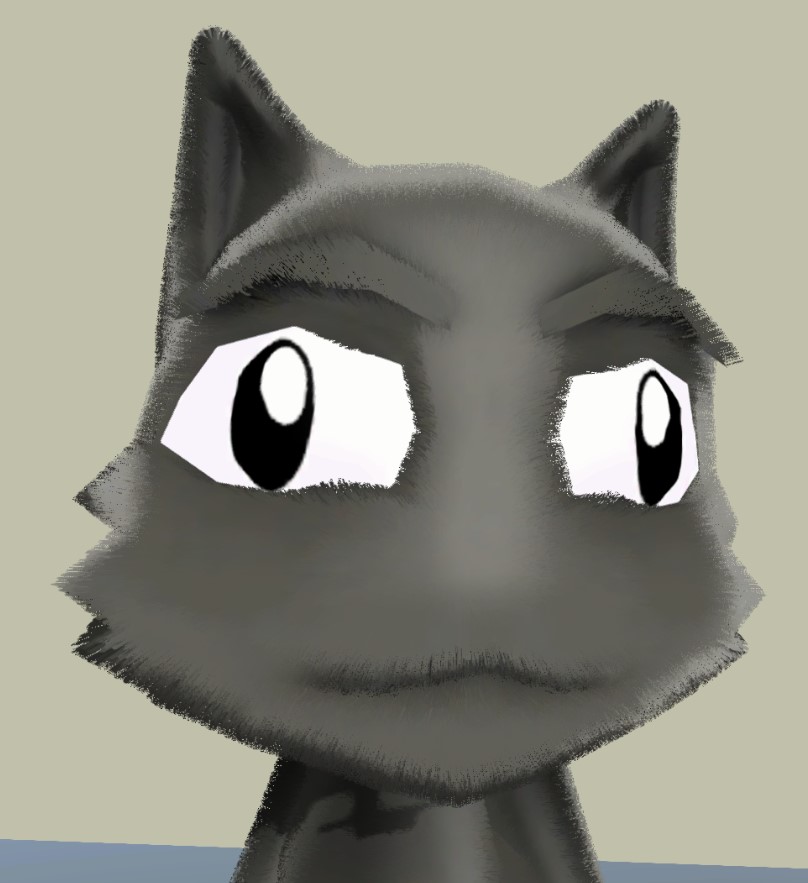
Bundled
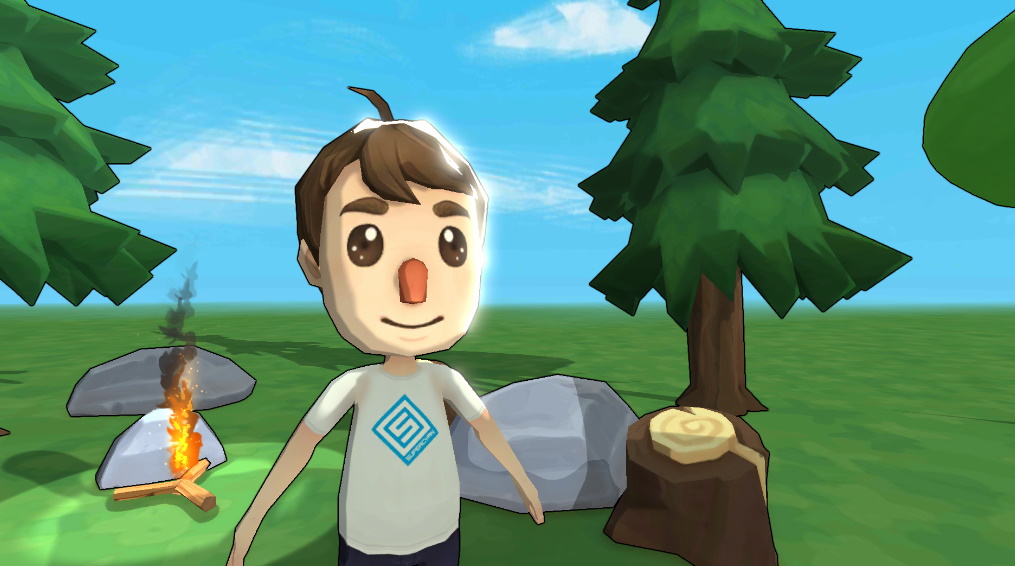
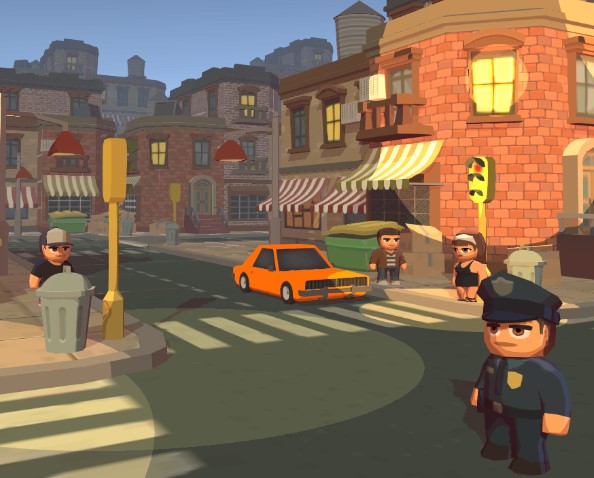
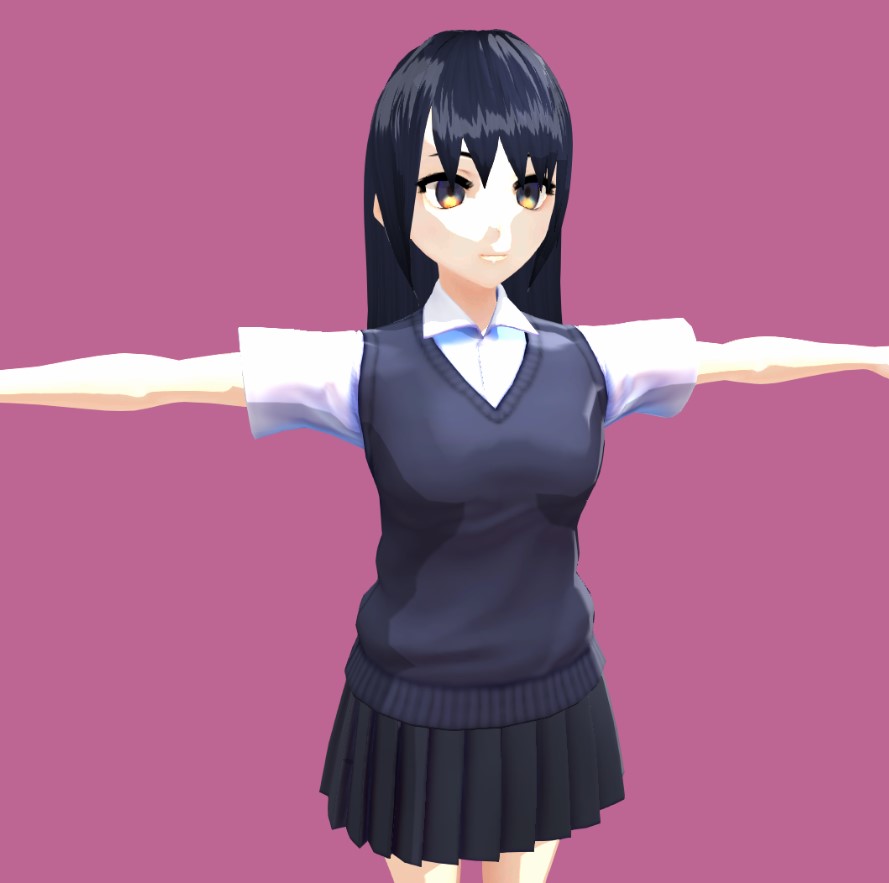
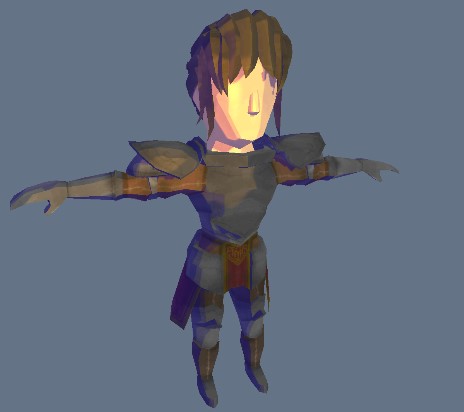
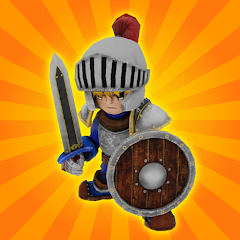
Released Games






Used Assets
- UnityFx.Outline
- Animated Mech Pack by Quaternius
- RPG Character Pack by Quaternius
- Environment Pack: Free Forest Sample by Supercyan
- Character Pack: Free Sample by Supercyan
- The Free Medieval and War Props by Inguz Media
- Stone by Vsify
- Hair Shader 1.0 by RRFreelance / PiXelBurner
- Toony Tiny City Demo by Marcelo Barrio
- Anime Character : Arisa by 戴永翔 Dai Yong Xiang
Comments
No comments yet. Be the first!
Sign in to join the conversation
Sign In