

Nested Scroll Rect is a utility that allows you to easily nest multiple ScrollRect components within each other (e.g., a vertical scroll containing horizontal scrolls) and correctly forward drag events either to the child or to the parent ScrollRect, depending on the drag direction.
Unity Project
Built with Unity 6000.0.35f1 · download the source from GitHub
README
Rendered from GitHubNested Scroll Rect (AdvancedScrollRect)
Overview
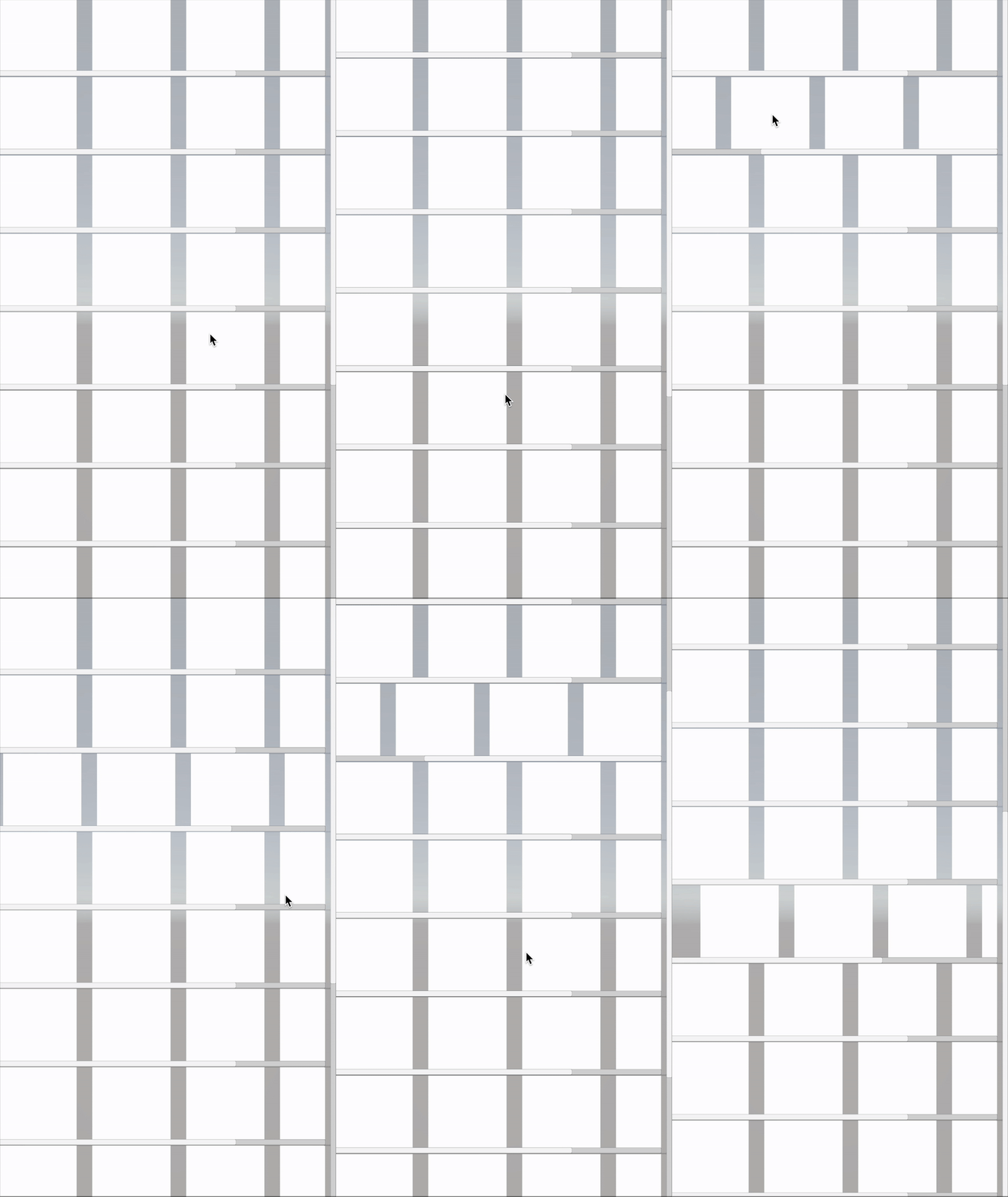
Nested Scroll Rect is a utility that allows you to easily nest multiple ScrollRect components within each other (e.g., a vertical scroll containing horizontal scrolls) and correctly forward drag events either to the child or to the parent ScrollRect, depending on the drag direction.
When a parent ScrollRect and a child ScrollRect are both present, a typical issue is that the child intercepts all drag events, preventing the parent from scrolling if the user drags in the parent’s scroll direction. Nested Scroll Rect solves this by forwarding drag events to the parent when appropriate.
Installation
1. Git or Package Manager
- Clone or download this repository.
- In your Unity project, open Package Manager.
- Click the
+button in the upper-left corner, select Add package from disk..., and browse to thePackages/AdvancedScrollRectfolder in the cloned repository. - Click Add to install.
Alternatively, you can add this repository as a Git URL:
- Open Package Manager.
- Click the
+button, select Add package from git URL.... - Paste the repository URL:
https://github.com/kwan3854/Nested-Scroll-Rect.git?path=/Packages/AdvancedScrollRect - Click Add.
2. OpenUPM
This package is also available on OpenUPM under the name com.kwanjoong.nestedscrollrect.
To install via OpenUPM, simply run:
openupm add com.kwanjoong.nestedscrollrect
Repository & Sample
This repository contains a sample project. To try it out:
- Clone this repository.
- Open the Unity project in the folder.
- Look for the sample scenes to see how nested scrolls work.
Usage
1. Setting up in the Editor
- Create a parent
ScrollRect(for example, a vertical scroll) in your scene. - Under that parent, create a child
ScrollRectand add theNestedScrollRectcomponent (for example, a horizontal scroll). - In the Inspector of your
NestedScrollRect, assign the parentScrollRectto the Parent Scroll Rect field.- Alternatively, click the button to automatically find the nearest parent
ScrollRect.
- Alternatively, click the button to automatically find the nearest parent
2. Dynamic / Runtime Instantiation
If you instantiate the child NestedScrollRect at runtime under a parent ScrollRect, it will automatically find and assign the closest parent scroll rect.
- This saves you from having to manually specify the parent.
- However, note that searching for the parent does have a small performance overhead.
License
This project is licensed under the MIT License.
Versions 0
No versions tracked yet.
Dependencies 43
Changelog 0 releases
No changelog entries yet. Run the admin Changelog & Version Scanner to pull from the repository's CHANGELOG.md.
Comments
No comments yet. Be the first!
Sign in to join the conversation
Sign In