Pixel Graphics
PixelGraphics provides interactive foliage shaders for Unity, enabling dynamic visual effects that respond to in-game movement and emitters. The package includes pre-built shaders, velocity texture setup, and emitter tools, while supporting custom shader creation for advanced use cases. Tested on Unity 2020.2+ for PC and WebGL platforms.
com.aarthificial.pixelgraphics 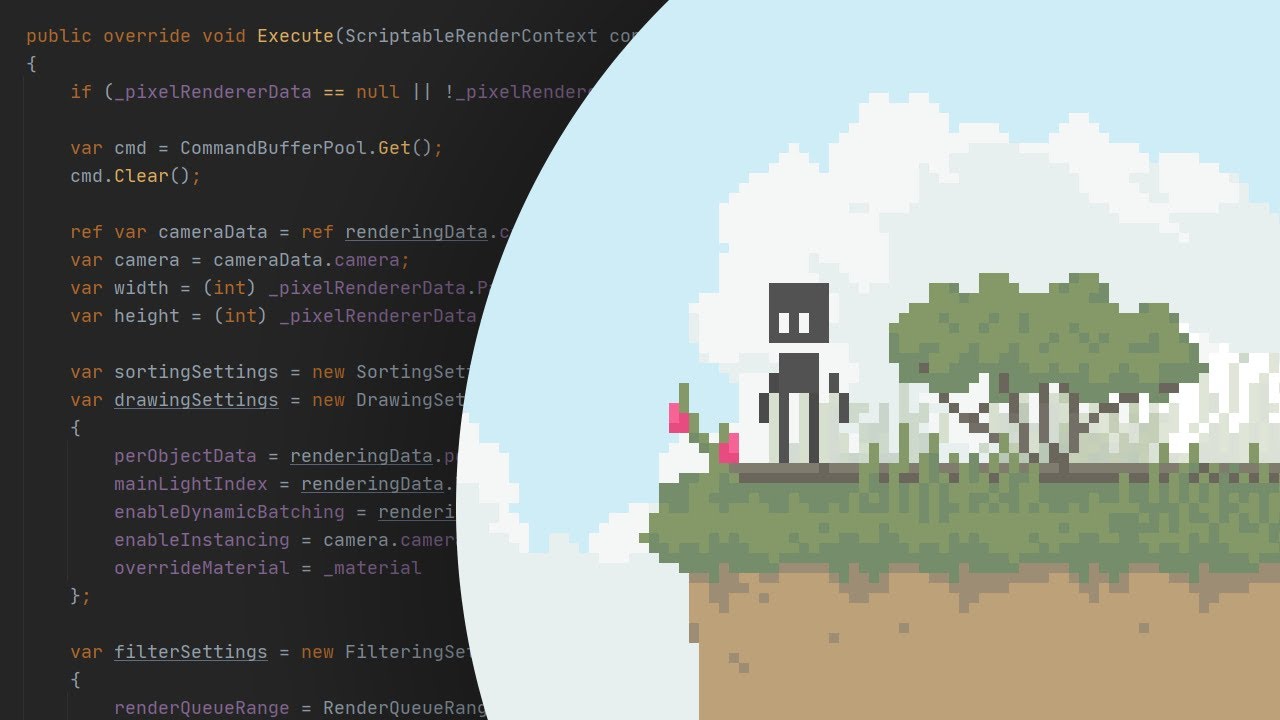
Install via UPM
Add to Unity Package Manager using this URL
https://www.pkglnk.dev/pixelgraphics.git README Markdown
Copy this to your project's README.md
Style
Preview 
## Installation
Add **Pixel Graphics** to your Unity project via Package Manager:
1. Open **Window > Package Manager**
2. Click **+** > **Add package from git URL**
3. Enter:
```
https://www.pkglnk.dev/pixelgraphics.git
```
[](https://www.pkglnk.dev/pkg/pixelgraphics)Dependencies (1)
README
PixelGraphics



PixelGraphics is a collection of interactive foliage shaders for Unity
Tested on Unity 2020.2 - PC & WebGL
Installation
Pixel Graphics can be installed as a Unity package using this url:
https://github.com/aarthificial/pixelgraphics.git
Usage
- Set up a velocity texture
- Place some emitters in your scene
- Create materials using the available shaders
- Or create your own shaders
Release video:
Comments
No comments yet. Be the first!
Sign in to join the conversation
Sign In