kPooling
kPooling is a flexible object pooling system for Unity that optimizes performance by reusing GameObjects and other C# types instead of creating and destroying them repeatedly. Features a generic typed API with built-in GameObject support and an extensible Processor API for adding pooling to custom types in both runtime and Editor environments. Requires Unity 2019.3.0f3 or higher.
com.kink3d.pooling 
Install via UPM
Add to Unity Package Manager using this URL
https://www.pkglnk.dev/kink3d-pooling.git README Markdown
Copy this to your project's README.md

## Installation
Add **kPooling** to your Unity project via Package Manager:
1. Open **Window > Package Manager**
2. Click **+** > **Add package from git URL**
3. Enter:
```
https://www.pkglnk.dev/kink3d-pooling.git
```
[](https://www.pkglnk.dev/pkg/kink3d-pooling)Used By (1)
README
kPooling

Customizable Object Pooling for Unity.
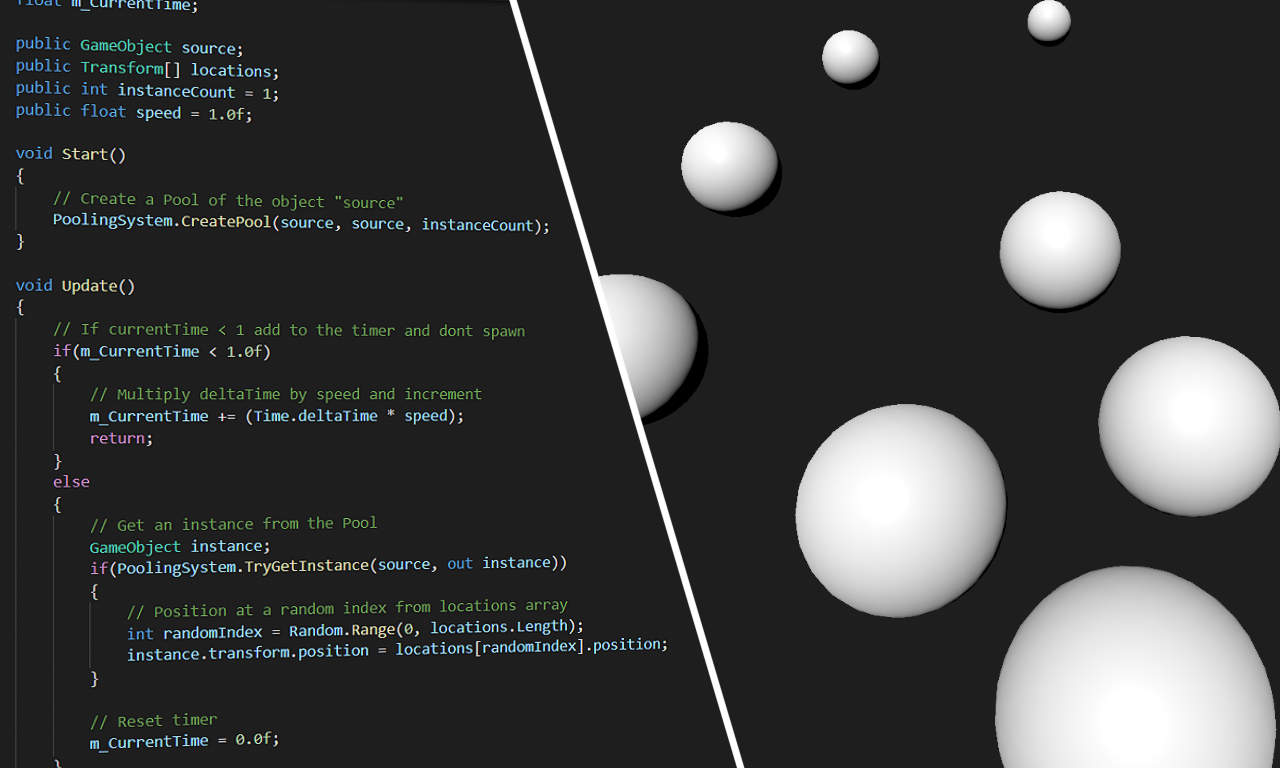 GameObject pooling example
kPooling is an object pooling system for Unity. It is based on a flexible generic typed API and supports creation and management of GameObject type pools by default. kPooling also comes with a simple but powerful Processor API for adding pooling support for any C# type in both runtime and Editor.
Refer to the Wiki for more information.
Instructions
Install via OpenUPM
The package is available on the openupm registry. It's recommended to install it via openupm-cli.
openupm add com.kink3d.pooling
Install via Git URL
- Open your project manifest file (
MyProject/Packages/manifest.json). - Add
"com.kink3d.pooling": "https://github.com/Kink3d/kPooling.git"to thedependencieslist. - Open or focus on Unity Editor to resolve packages.
Requirements
- Unity 2019.3.0f3 or higher.
No comments yet. Be the first!